DOBOT CR5 User Guide 5 Function Description of Software
Issue V3.5.3.1 (2020-05-09) User Guide Copyright © Yuejiang Technology Co., Ltd
61
Figure 5.25 Setting controller IP
Hand-Hold Teach
You can drag robot to teach by APP or function keys on the end of robot. For function key
details, please refer to 2.6 Key Description on Robot.
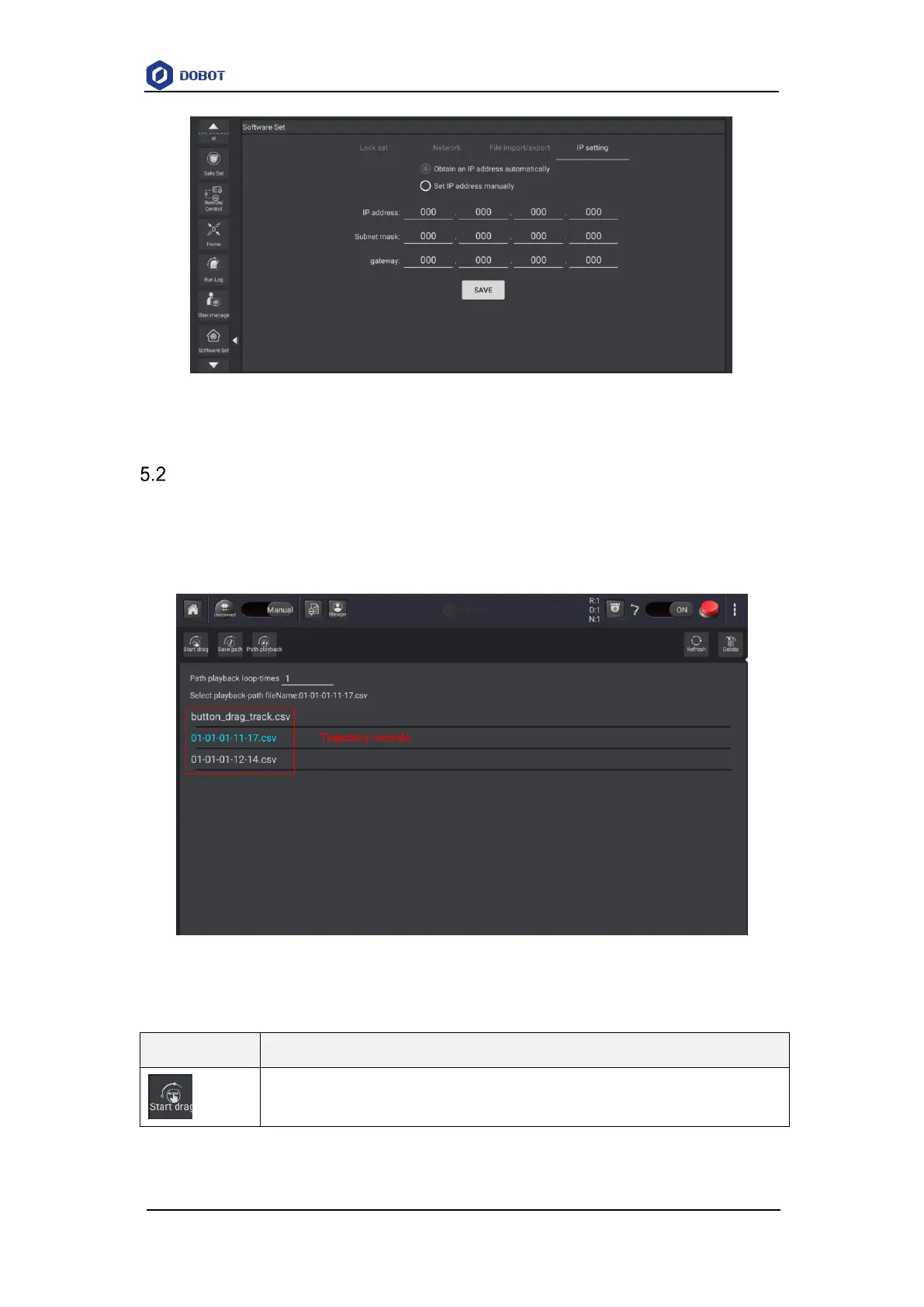
Click Craft>Drag teach, the dragging page is displayed, as shown in Figure 5.26.
Figure 5.26 Hand-hold teach page
Table 5.4 Button description
Click this button to open or close drag mode



 To Next Page