DOBOT CR5 User Guide 5 Function Description of Software
Issue V3.5.3.1 (2020-05-09) User Guide Copyright © Yuejiang Technology Co., Ltd
60
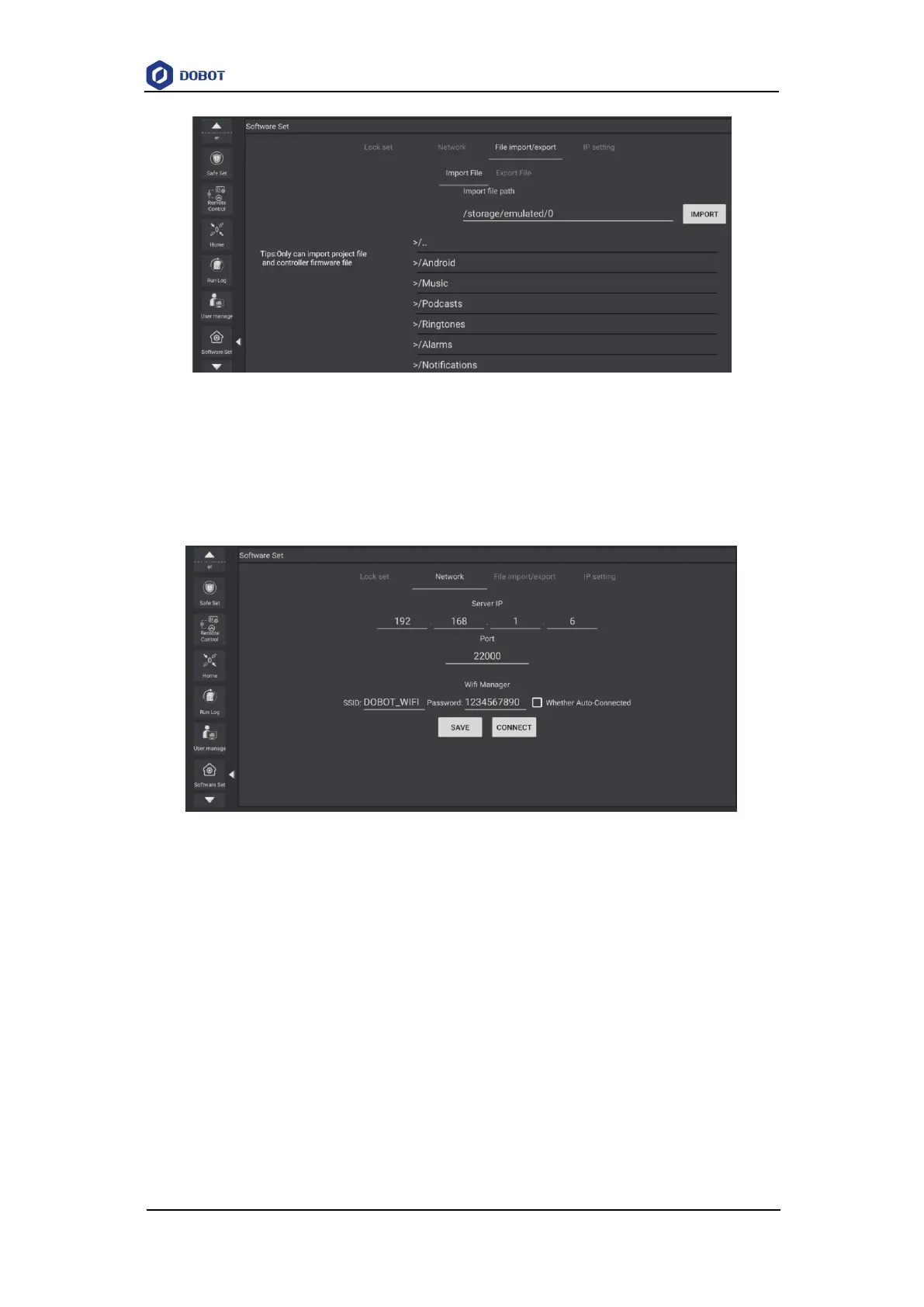
Figure 5.23 Import/export file
5.1.6.3 Setting Network
You can set the IP, port and password of the server (WiFi) according to actual needs. The default
IP is 192.168.1.6 and the port is 22000.
Figure 5.24 Set network
5.1.6.4 Setting Controller IP
You can set the controller IP as required. The default controller IP is 192.168.5.1.



 To Next Page