DOBOT CR5 User Guide 5 Function Description of Software
Issue V3.5.3.1 (2020-05-09) User Guide Copyright © Yuejiang Technology Co., Ltd
59
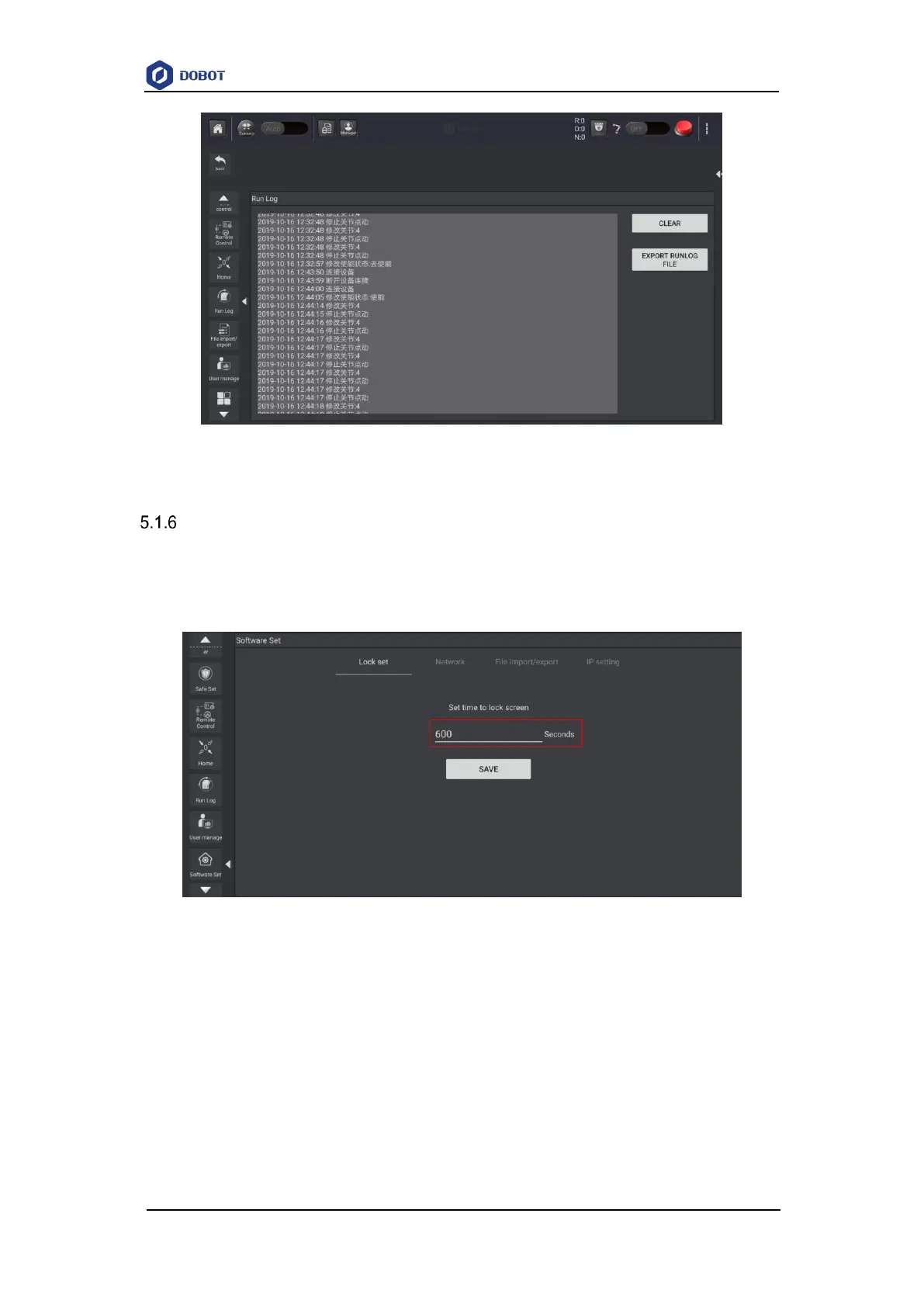
Figure 5.21 Running log
Setting Software
5.1.6.1 Setting APP lock
You can set APP lock screen time as needed. If the software is not operated within this time
period, the system will automatically lock the screen. The unlock password defaults to: 000000.
Figure 5.22 Setting lock time
5.1.6.2 Importing/exporting Files
This function is used to import or export file from controller which can improve reusability.



 To Next Page