DOBOT CR5 User Guide 5 Function Description of Software
Issue V3.5.3.1 (2020-05-09) User Guide Copyright © Yuejiang Technology Co., Ltd
68
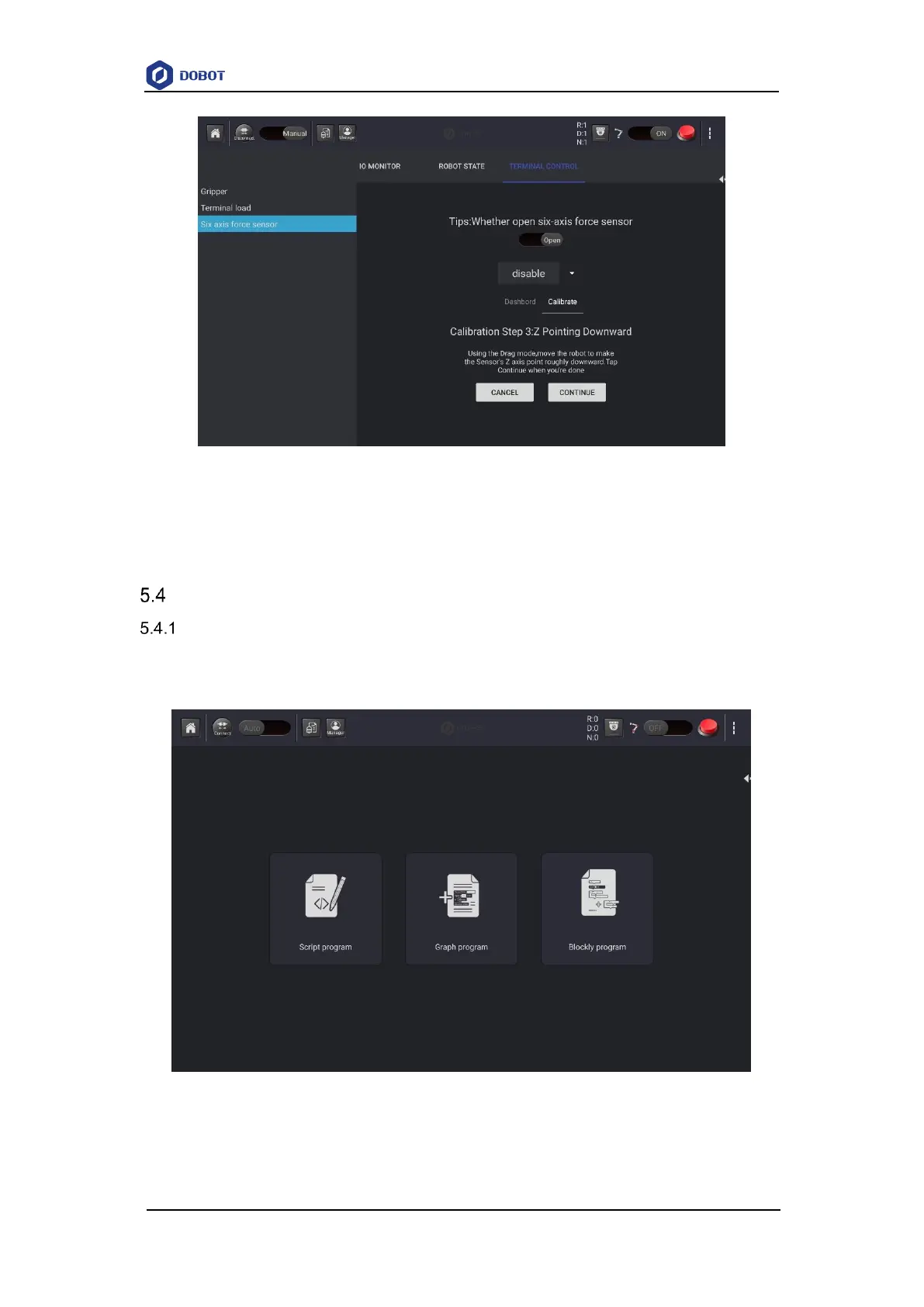
Figure 5.37 Calibrate Z-axis
After the calibration is completed, the programming instruction can be called in the
programming module to control the six-dimensional force sensor. For details, please refer to
6.10Six-axis Force Sensor .
Programming
Program Description
CR5 robot supports script programming, graphics programming, and Blockly programming
which use the Lua language as the programming language.
Figure 5.38 Program Description



 To Next Page