DOBOT CR5 User Guide 5 Function Description of Software
Issue V3.5.3.1 (2020-05-09) User Guide Copyright © Yuejiang Technology Co., Ltd
62
Click this button to save trajectory
Click this button to start or stop playback.
Select the recorded trajectory, and click Path playback to start trajectory playback
You can set Path playback loop-time on the hand-hold teach page, the default value is 1
Click this button to refresh trajectory records
Select a trajectory and click this button to delete it
NOTE
There are two kinds of trajectory names. For example, 01-01-00-20-07.csv is a trajectory which
records by APP. You can record multiple trajectories in this type. Button_drag_track.csv is a
trajectory which records by clicking function keys on the end of robot. In this type, you can only
record one trajectory.
Monitor
I/O Monitor
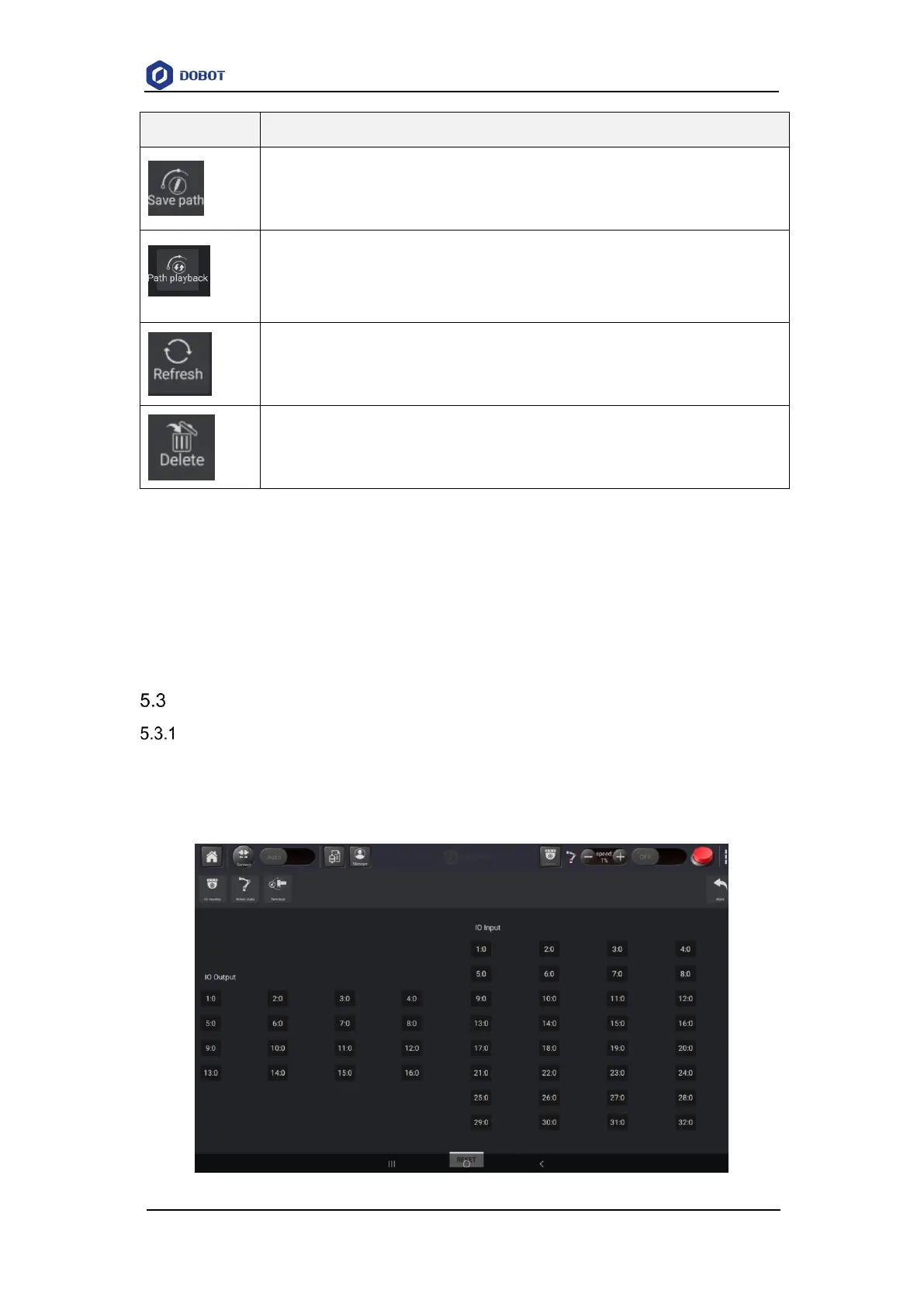
You can monitor the status of I/O, as shown in Figure 5.27, you can select checkbox to change
the X:0 from output into input. Click X:0 to set High(1) or Low(0) level (X indicates the number of
I/O).



 To Next Page