DOBOT CR5 User Guide 4 Installation and Commissioning
Issue V3.5.3.1 (2020-05-09) User Guide Copyright © Yuejiang Technology Co., Ltd
37
Figure 4.4 Connecting WiFi module
Connecting to Power Supply
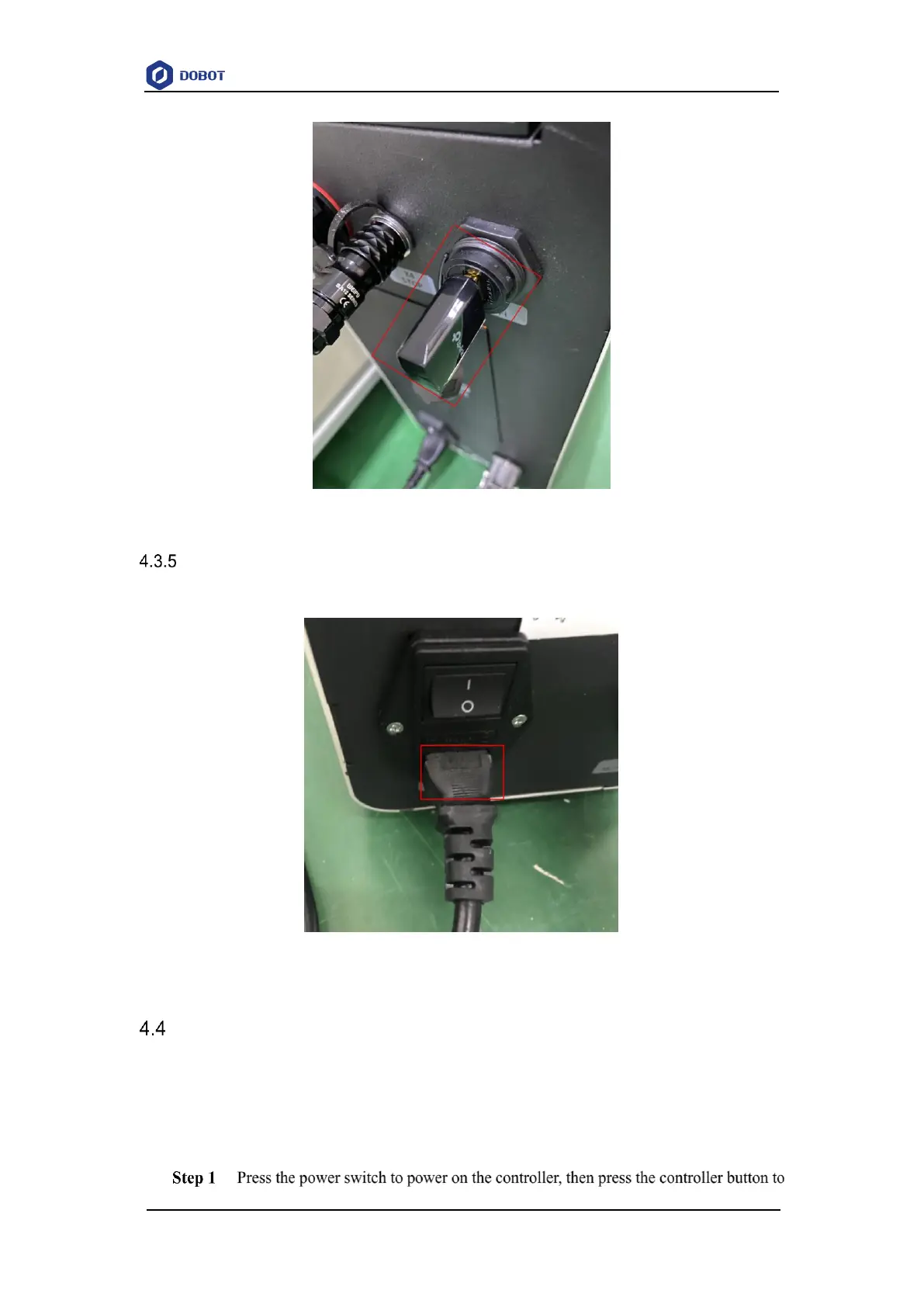
Plug power cable into controller. As shown in Figure 4.5.
Figure 4.5 Connecting to Power Supply
Debugging Power On and Off
Preparations
Controller have been connected to robot
Emergency stop switch has been turned on.
Procedure



 To Next Page