DOBOT CR5 User Guide 5 Function Description of Software
Issue V3.5.3.1 (2020-05-09) User Guide Copyright © Yuejiang Technology Co., Ltd
54
mode the robot system is in.
Please DO NOT switch the remote mode when the robot is running in the current
remote mode. You need to exit the current mode and then switch to the other remote
mode. Namely, please stop the robot running and then switch the mode.
If the robot motor is in the enabled status, the remote control cannot be used.
Otherwise, an alarm will be triggered. Please activate the remote control in the
disabled status.
5.1.3.1 Remote I/O
When the remote mode is I/O mode, external equipment can control a robot in this mode. The
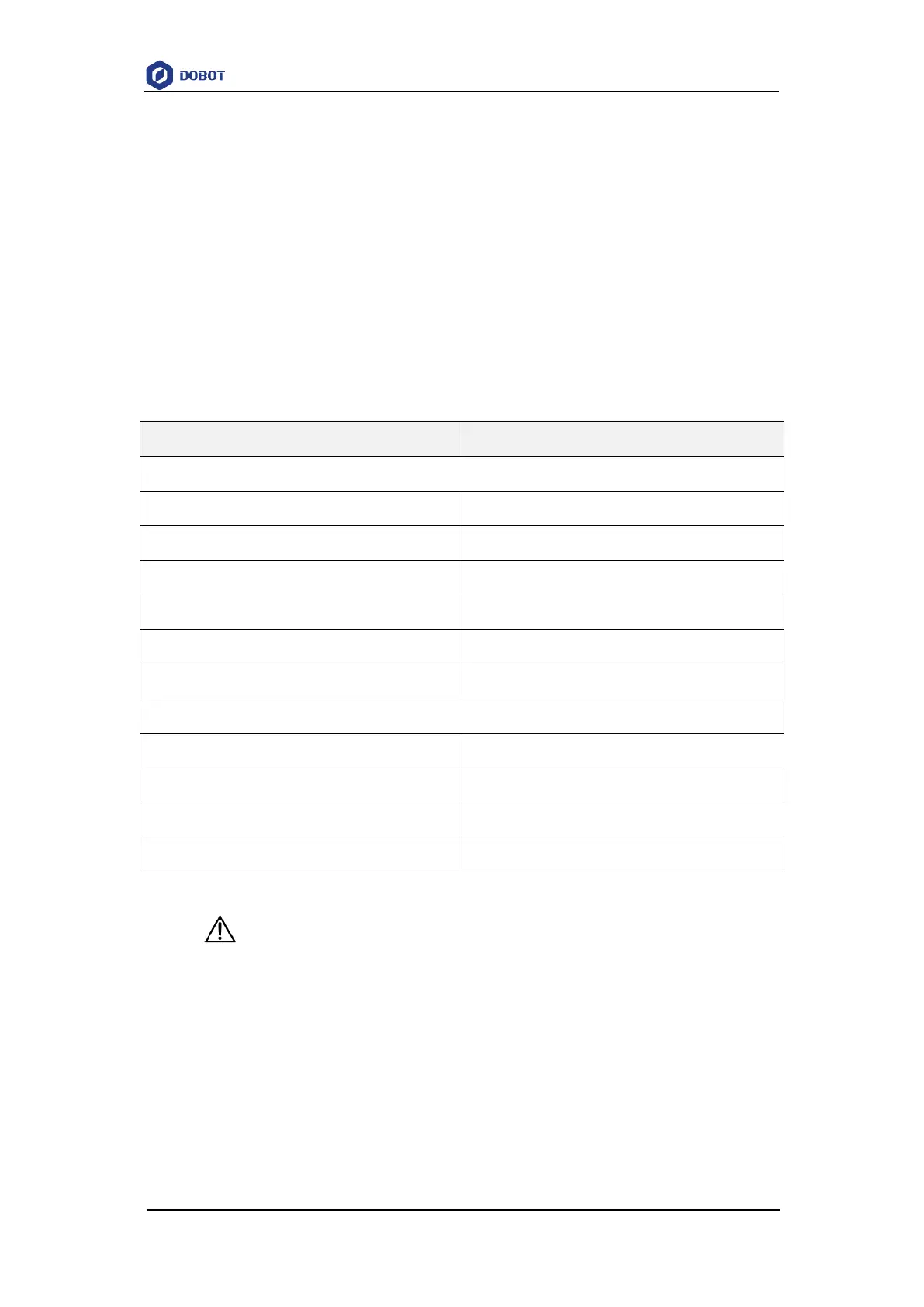
specific I/O interface descriptions are shown in Table 5.2.
Table 5.2 Specific I/O interface description
Input (For external control)
Pause running in the I/O mode
Stop running and exit the I/O mode
Start to run in the I/O mode
Emergency stop and exit the I/O mode
Output (For displaying the status)
NOTICE
All input signals are low to high.
Prerequisites
The project to be running in the remote mode has been prepared.
The external equipment has been connected to the robot system by the I/O interface. The
specific I/O interface description is shown in Table 5.2. The IP address of the Dobot robot
control system and the external device must be on the same network segment. The default IP
address of the Dobot robot control system is 192.168.5.1 and the port is 8080.



 To Next Page