DOBOT CR5 User Guide 4 Installation and Commissioning
Issue V3.5.3.1 (2020-05-09) User Guide Copyright © Yuejiang Technology Co., Ltd
39
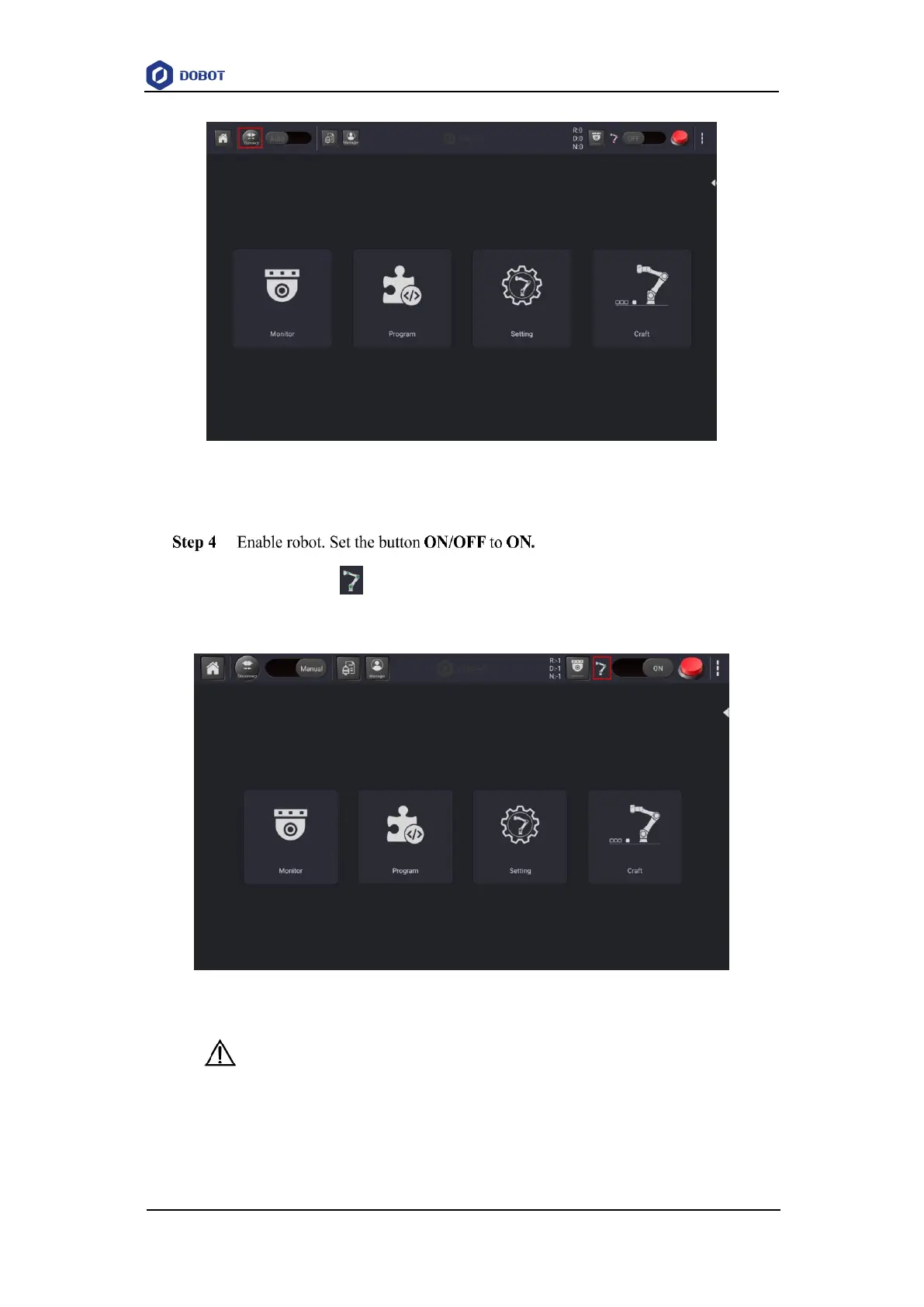
Figure 4.8 Connecting controller and APP
The robot icon turns green, indicating that robot enables successfully. Now you
can jog robot.
Figure 4.9 Enable robot
NOTICE
The robot arm will move a certain distance during the enabling process. Please ensure
that there are no obstacles around the robot.



 To Next Page