MimioStudio
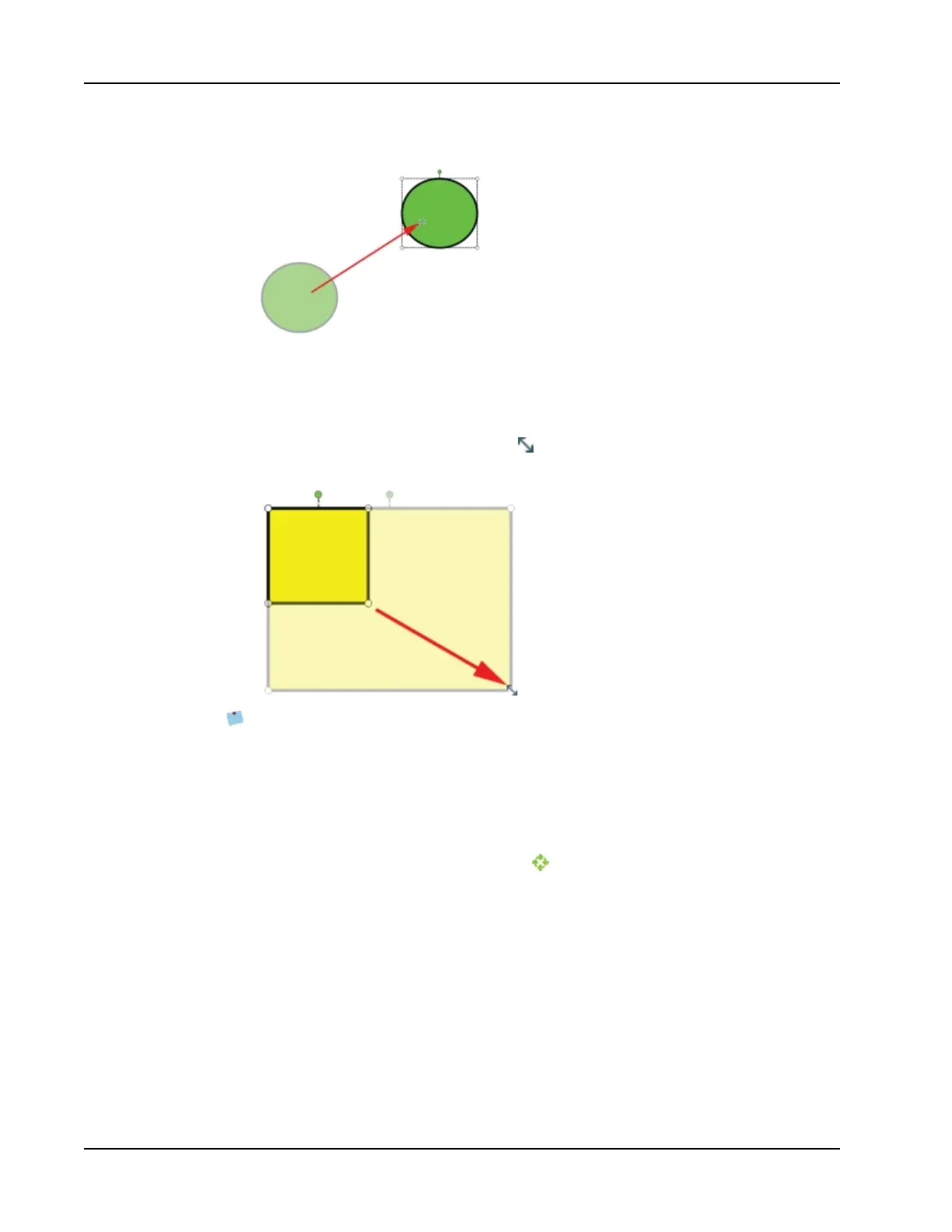
3. Drag the object to the desired location.
To resize an object
1. Select the object to resize.
A frame is displayed around the object.
2. Position the cursor over one of the white sizing handles.
The cursor changes to the resize cursor, .
3. Drag the cursor to resize the object.
To constrain object proportions during resizing, right-click the object and choose Fixed
Aspect Ratio.
To rotate an object
1. Select the object to rotate.
A frame is displayed around the object.
2. Position the cursor over the green rotation handle.
The cursor changes to the rotation cursor, .
3. Drag the cursor to rotate the object.
18



 To Next Page