Contextual help of the web interface – 120
•
•
•
•
•
•
•
•
•
•
•
•
•
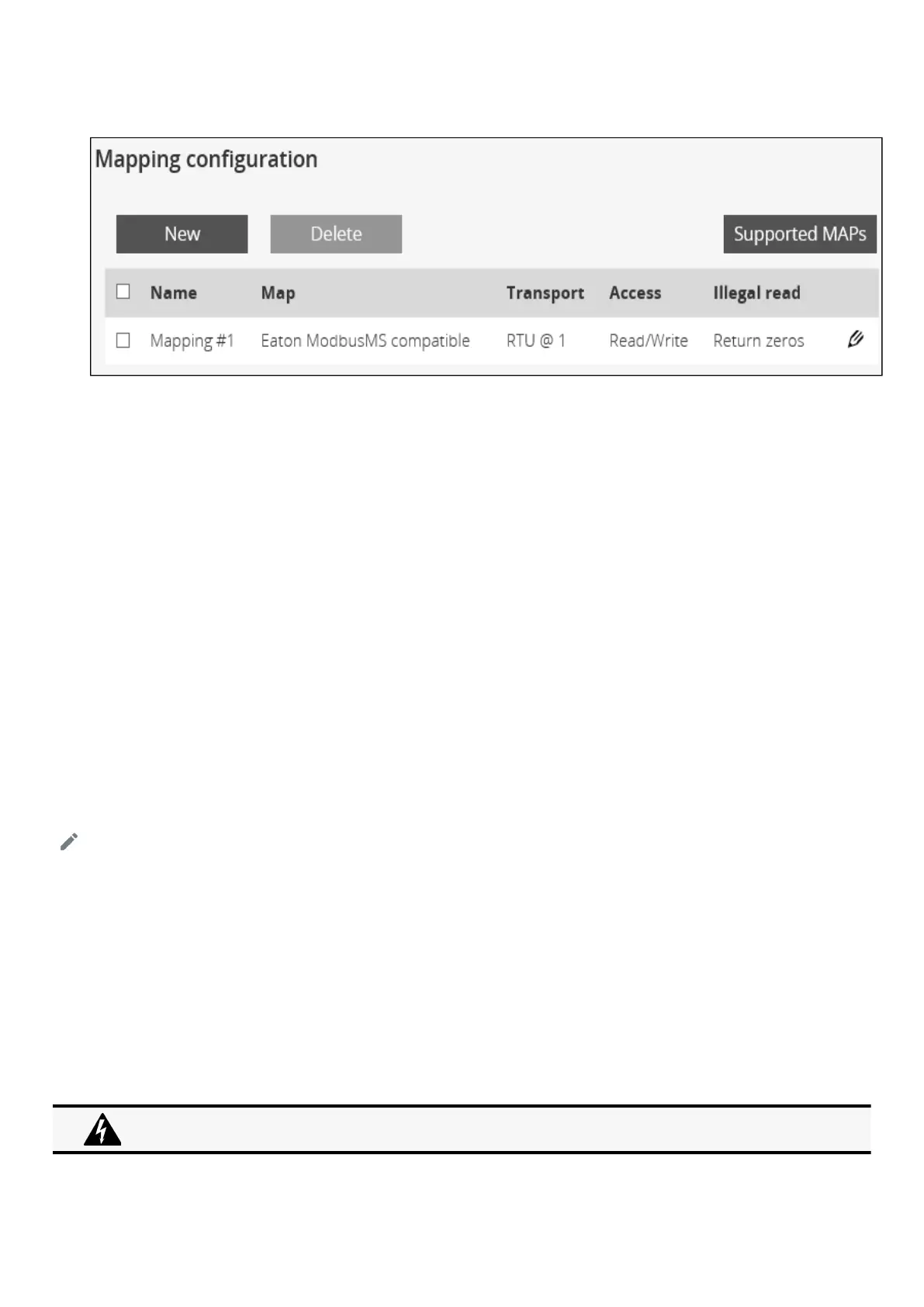
3.7.6.3 Mapping configuration
3.7.6.3.1 Mapping configuration table
The table shows all the mapping configuration and includes the following details:
Name
Map
Transport
Access
Illegal read behaviour
Coil/register base address shift
3.7.6.3.2 Actions
a Add
Press theNewbutton to create new mapping configuration.
b Remove
Select a mapping configuration and press theDeletebutton to remove it.
c Edit
Press the pen logoto edit mapping configuration:
You will get access to the following settings:
Name
Map
Transport
Device ID
Access
Illegal read behaviour
Coil/register base address shift
d Supported MAPs
Press theSupported MAPsbutton to download the MAPs.
The Coil/register base address shift is not reflected in the generated file when it is set to "Shift by 1 (JBUS)".



 To Next Page