Contextual help of the web interface – 100
•
•
•
•
•
•
•
•
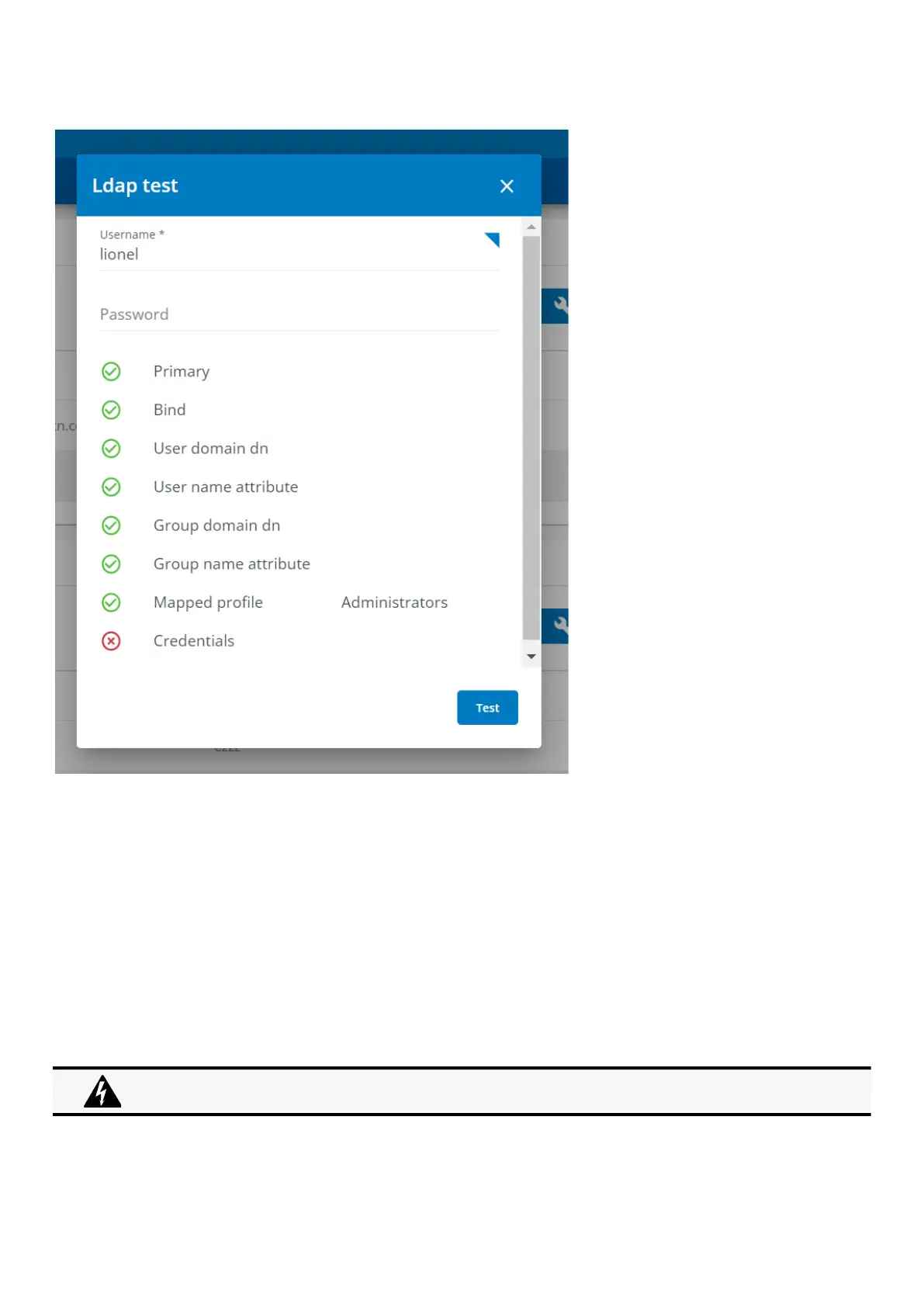
d LDAP Test
1. At the end of each LDAP primary or secondary configuration row you'll be able to launch a LDAP test by clicking on the button.
2. The LDAP test will give you a status ( ok / ko ) on below parameters to make it easier to troubleshoot
Primary
Bind
User domain dn
User name attribute
Group domain dn
Group name attribute
Mapped profile
Credentials
3. Click Test to check your configuration.
3.7.3.2 RADIUS
Radius is not a secured protocol, for a maximum security, it is recomended to use LDAP over TLS.



 To Next Page