Contextual help of the web interface – 45
•
•
•
•
•
3.4 Controls
3.4.1 Entire UPS
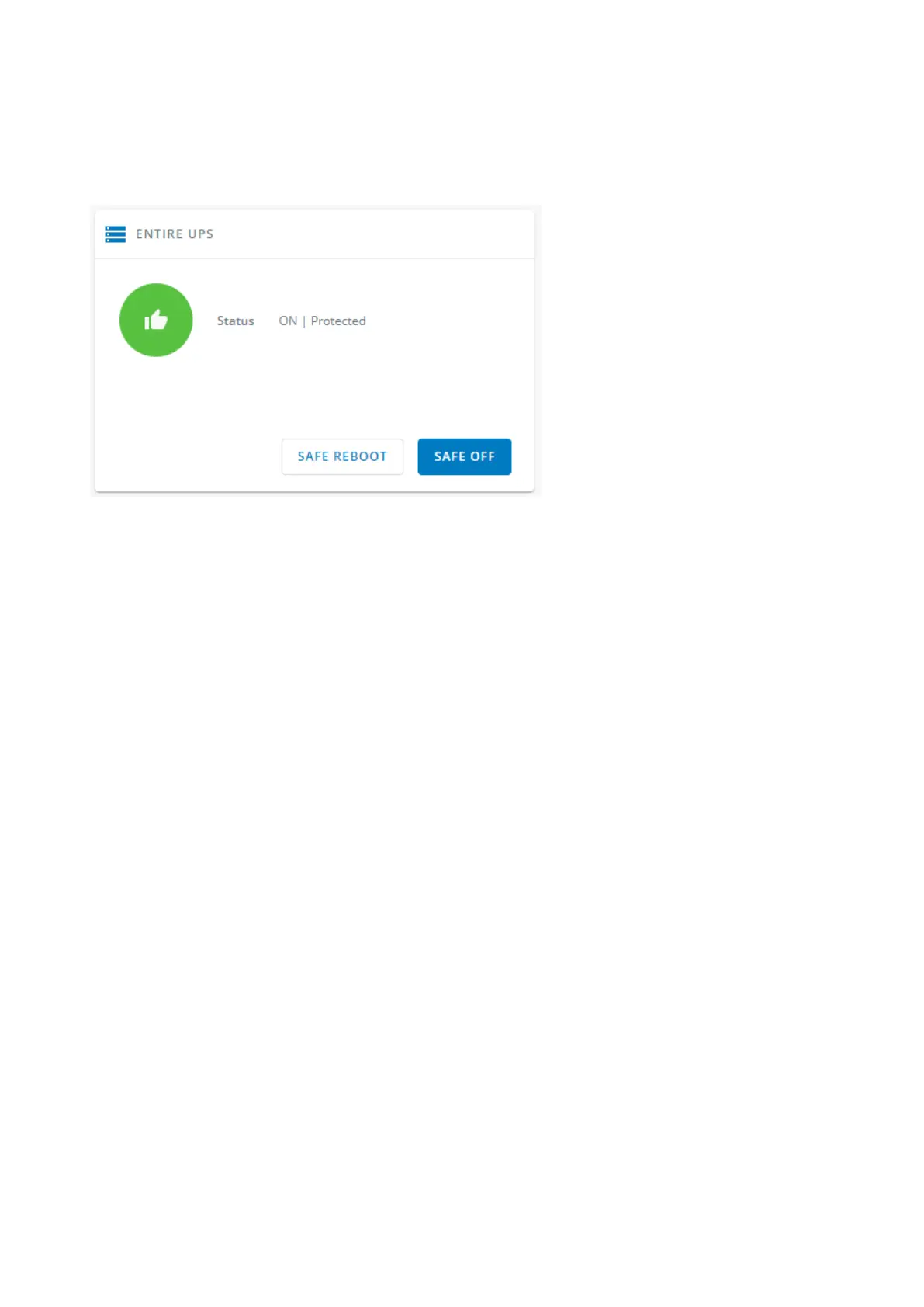
Controls are displayed for the entire UPS, and not for specific outlet options.
The table in this section displays UPS status, the associated commands (on/off), and the pending action.
3.4.1.1 Status
Reflects the current mode of the UPS.The following is a list of potential table values that are displayed based on the UPS topology.
On— Protected/Not protected
Off— Not powered/Not protected
3.4.1.2 Commands
A setof commands are available and activated when one of the followingbuttons is pressed.A confirmation window appears.
Safe OFF
This will shut off the load. Protected applications will be safely powered down.
This control is available only if the status is not OFF and if there are no active commands running.
Safe reboot
This will shut off and then switch ON the load. Protected applications will be safely powered down.
This control is available only if the status is not OFF and if there are no active commands running.
Switch ON
This will switch ON the load or turn ON the online UPS.
This control is available when the status is OFF, if there are no active commands running and if the Online UPS is on bypass.
3.4.1.3 Pending action
Displays the delay before shutdown and delays before startup.



 To Next Page