•
•
•
•
•
•
save_configuration: print the card configuration in JSON format to standard output.
restore_configuration -h
restore_configuration: restore the card configuration from a JSON-formatted standard input.
7.7.14.3 Examples of usage
7.7.14.3.1 From a linux host:
Save over SSH:sshpass -p $PASSWORD ssh $USER@$CARD_ADDRESS save_configuration -p $PASSPHRASE> $FILE
Restore over SSH:cat $FILE | sshpass -p $PASSWORD ssh $USER@$CARD_ADDRESS restore_configuration -p $PASSPHRASE
7.7.14.3.2 From a Windows host:
Save over SSH:plink $USER@$CARD_ADDRESS -pw$PASSWORD -batch save_configuration -p $PASSPHRASE > $FILE
Restore over SSH:type $FILE | plink $USER@$CARD_ADDRESS -pw $PASSWORD -batch restore_configuration -p $PASSPHRASE
(Require plink tools from putty)
Where:
$USER is user name (the user shall have administrator profile)
$PASSWORD is the user password
$PASSPHRASE is any passphrase to encrypt/decrypt sensible data.
$CARD_ADDRESS is IP or hostname of the card
$FILE is a path to the JSON file (on your host computer) where the configuration is saved or restored.
7.7.14.4 Specifics
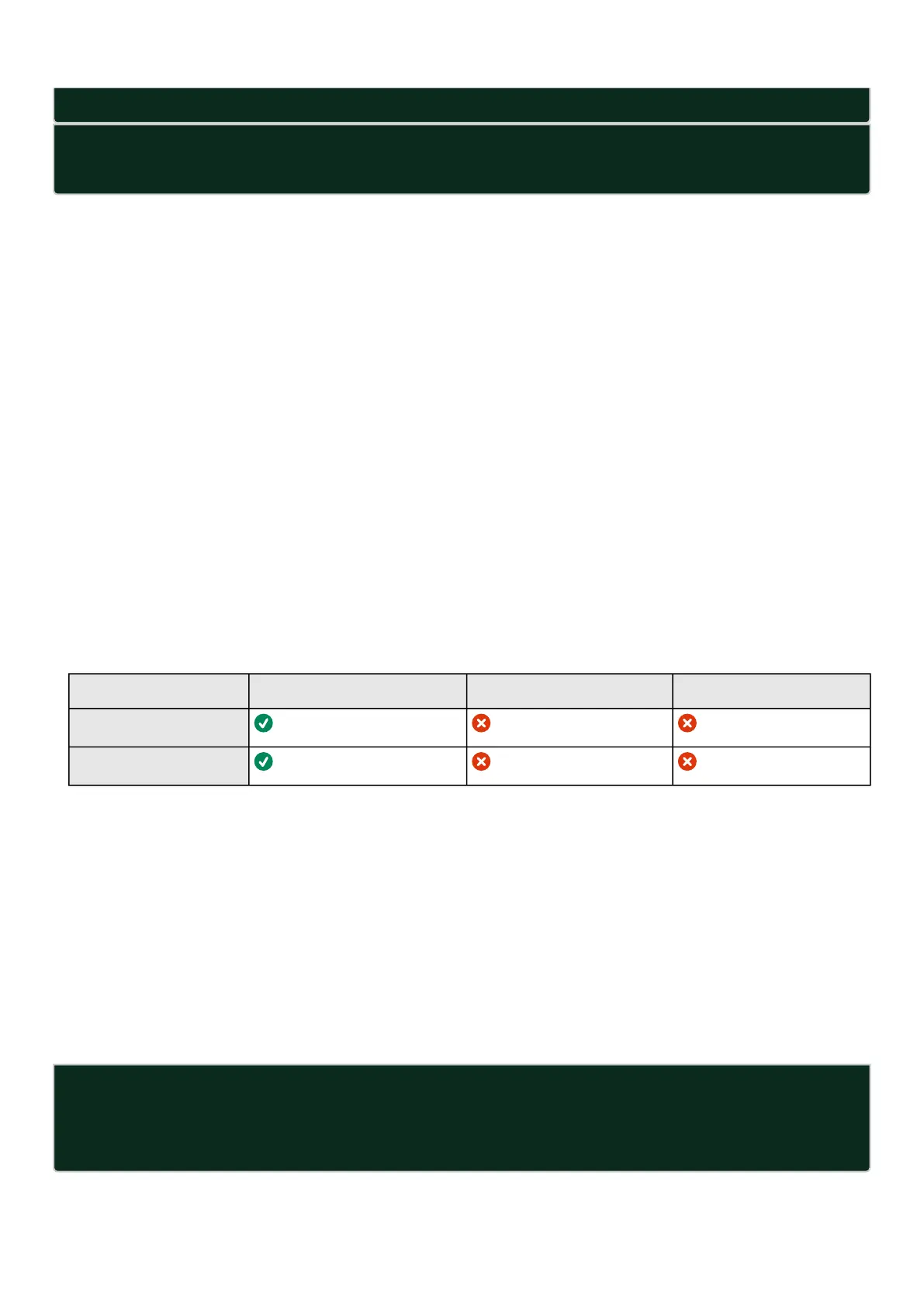
7.7.14.5 Access rights per profiles
Administrator Operator Viewer
save_configuration
restore_configuration
7.7.15 sanitize
7.7.15.1 Description
Sanitize command to return card to factory reset configuration.
7.7.15.2 Access
Administrator
7.7.15.3 Help
sanitize
-h, --help Display help page
--withoutconfirmation Do factory reset of the card without confirmation
<cr> Do factory reset of the card



 To Next Page