Contextual help of the web interface – 156
•
•
Refer to Installing the Network Management Module>>>Accessing the Network Module>>>Finding and setting the IP
address section.
Web user interface is not up to date after a FW upgrade
Symptom
After an upgrade:
The Web interface is not up to date
New features of the new FW are not displayed
An infinite spinner is displayed on a tile
Possible causes
The browser is displaying the Web interface through the cache that contains previous FW data.
Action
Empty the cache of your browser using F5 or CTRL+F5.
3.9.1.5.1 For other issues
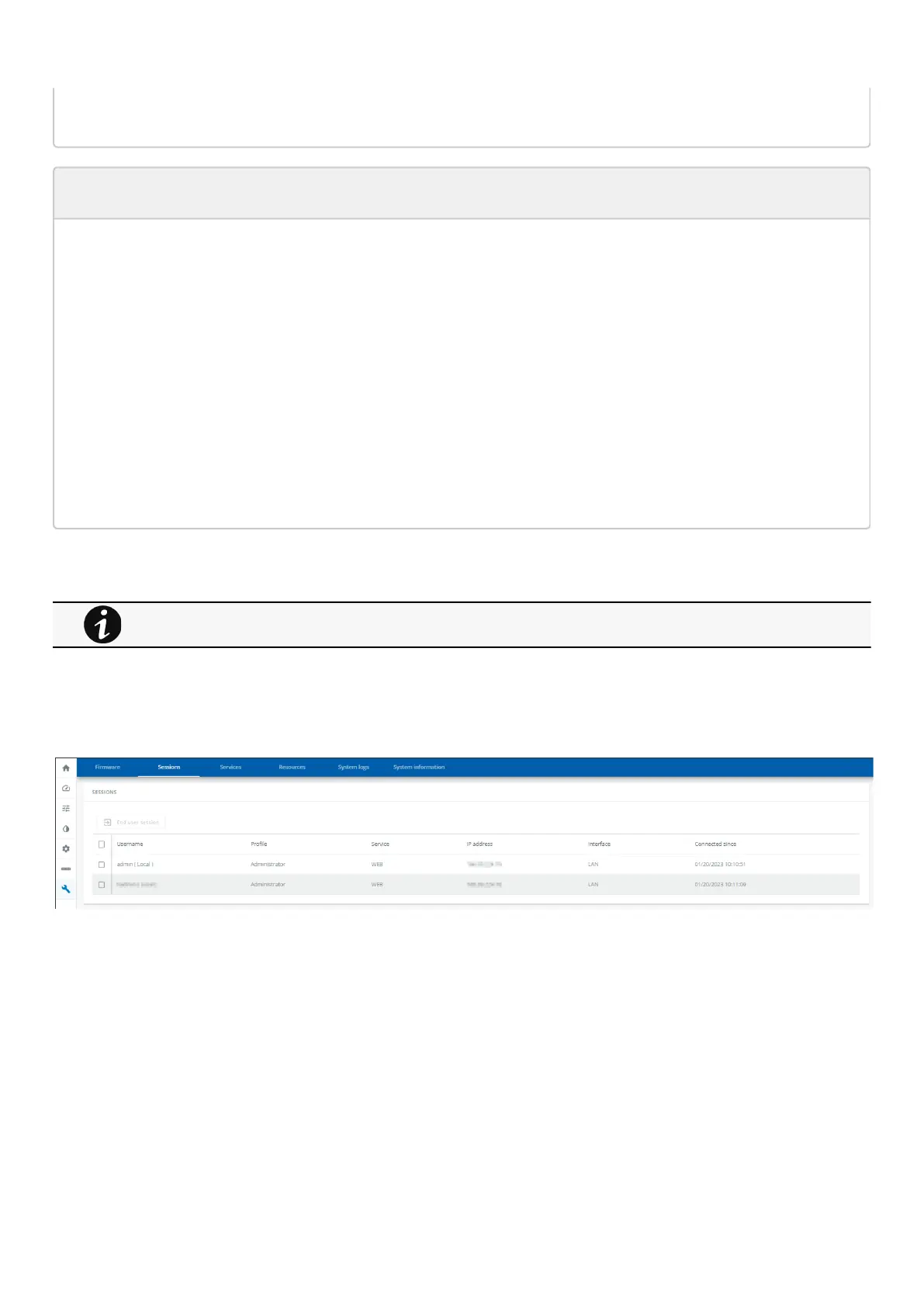
3.9.2 Sessions
3.9.2.1 Sessions
Monitors the information for the connected sessions
End any session as an admin with a re-authentication
3.9.2.1.1 Session information
a Username
This can be either a default profile name or a custom name
b Profile
Displays if the session belongs to an administrator, operator or viewer profile
For details on other issues, see the Troubleshooting section.



 To Next Page