Contextual help of the web interface – 112
•
•
•
•
•
•
3.7.5 TCP/IP
3.7.5.1 Hostname
Text field to Enter the Network Module Hostname.
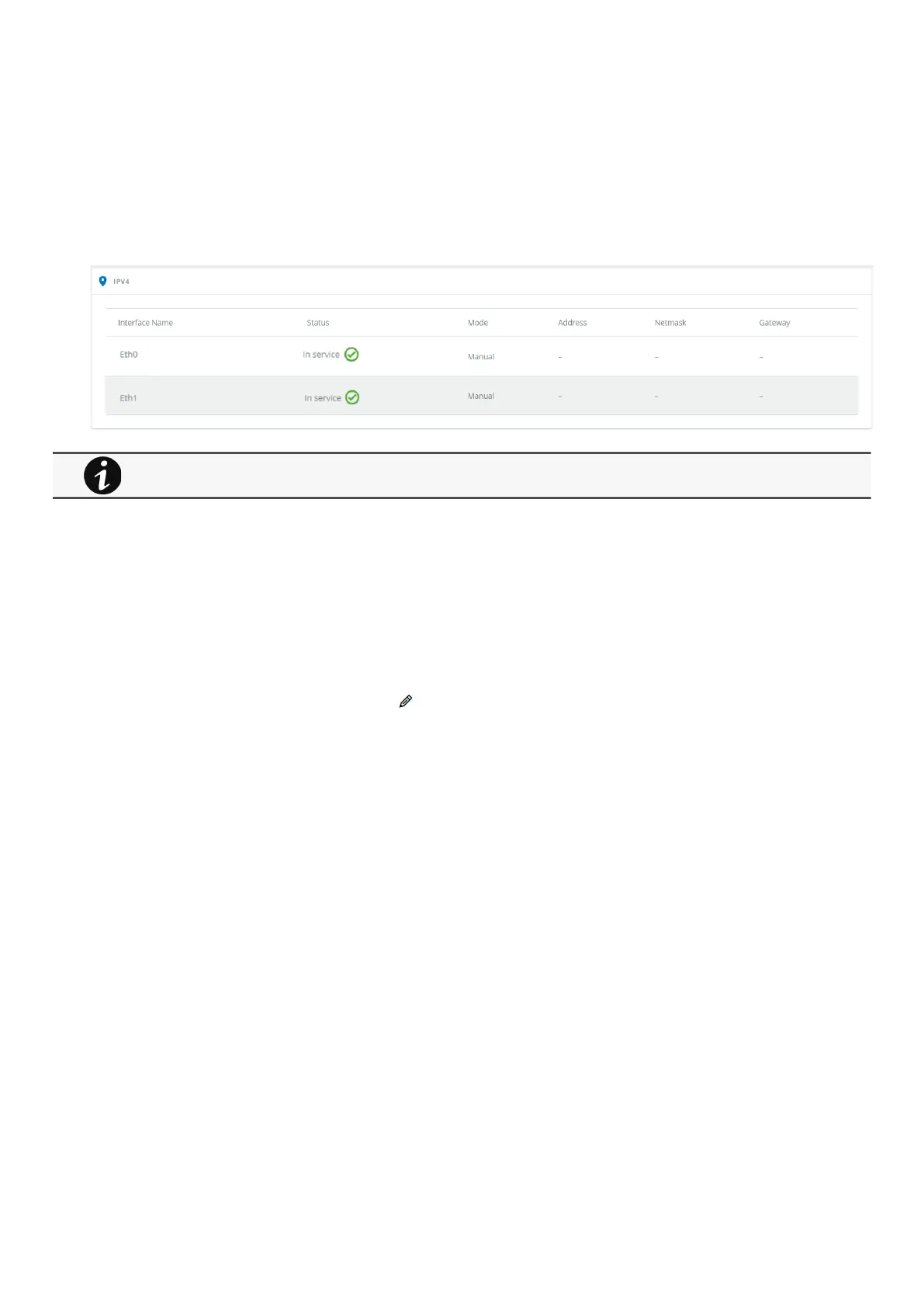
3.7.5.2 IPV4
The table shows includes the following details:
Interface name
Status
Mode
Address
Netmask
Gateway
3.7.5.2.1 IPV4 configuration
After a mouse over on the table, click the edit icon to access settings and configure the network settings for a dedicated
interface.
Any modifications are applied after the Network Module reboots.



 To Next Page