Configuring the Network Module settings
Installing the Network Management Module – 19
•
•
•
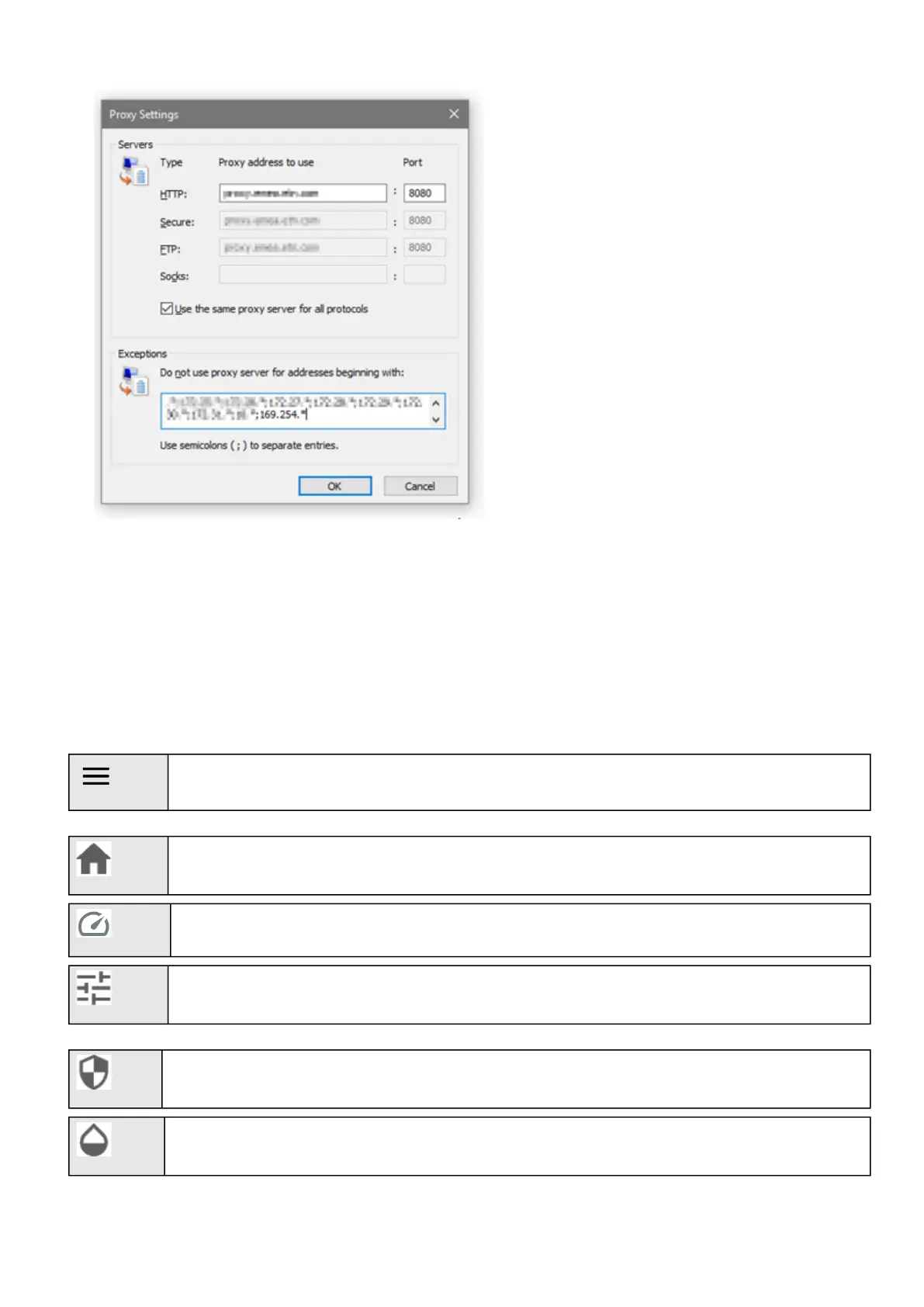
Press OK.
Close Internet Explorer and re-open it.
Now you can access the address 169.254.0.1 with Internet Explorer and any other browser.
2.6 Configuring the Network Module settings
Use the web interface to configure the Network Module. The main web interface menus are described below:
2.6.1 Menu structure
Extend menu display.
Home:Overview and status oftheDevice(Active alarms, Outlet status, ...).
Meters:Power quality meters and logs.
Controls:Device and outlets control.
Protection:Agents list, Agents shutdown sequencing, Shutdown on power outage.
Environment: Commissioning/Status, Alarm configuration, Information.



 To Next Page