Using the EMP for temperature compensated battery charging
Servicing the EMP – 226
•
6.5.1 Addressing the EMP
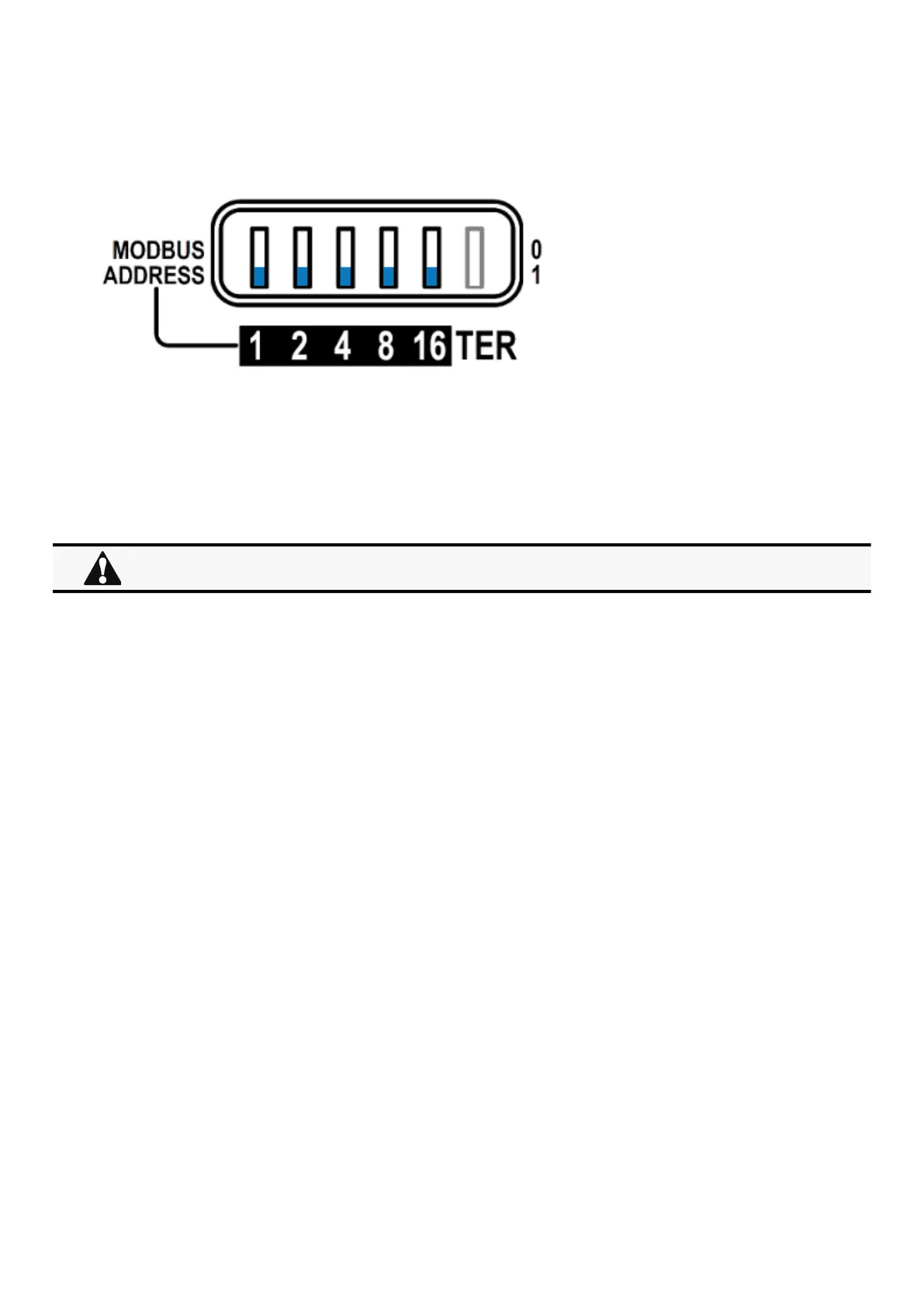
Set the address 31 to the sensor dedicated to the battery room temperature:
Set all the Modbus address switches to 1 to set the EMP to the address 31 as indicated on the picture below:
6.5.2 Commissioning the EMP
Refer to thesectionContextual help>>>Environment>>>Commissioning/Status.
6.5.3 Enabling temperature compensated battery charging in the UPS
To enablethe temperature compensated battery charging, refer to the UPS user manual.
The temperature compensated battery charging feature needs to be enabled in the UPS.



 To Next Page