Contextual help of the web interface – 24
•
•
•
•
•
•
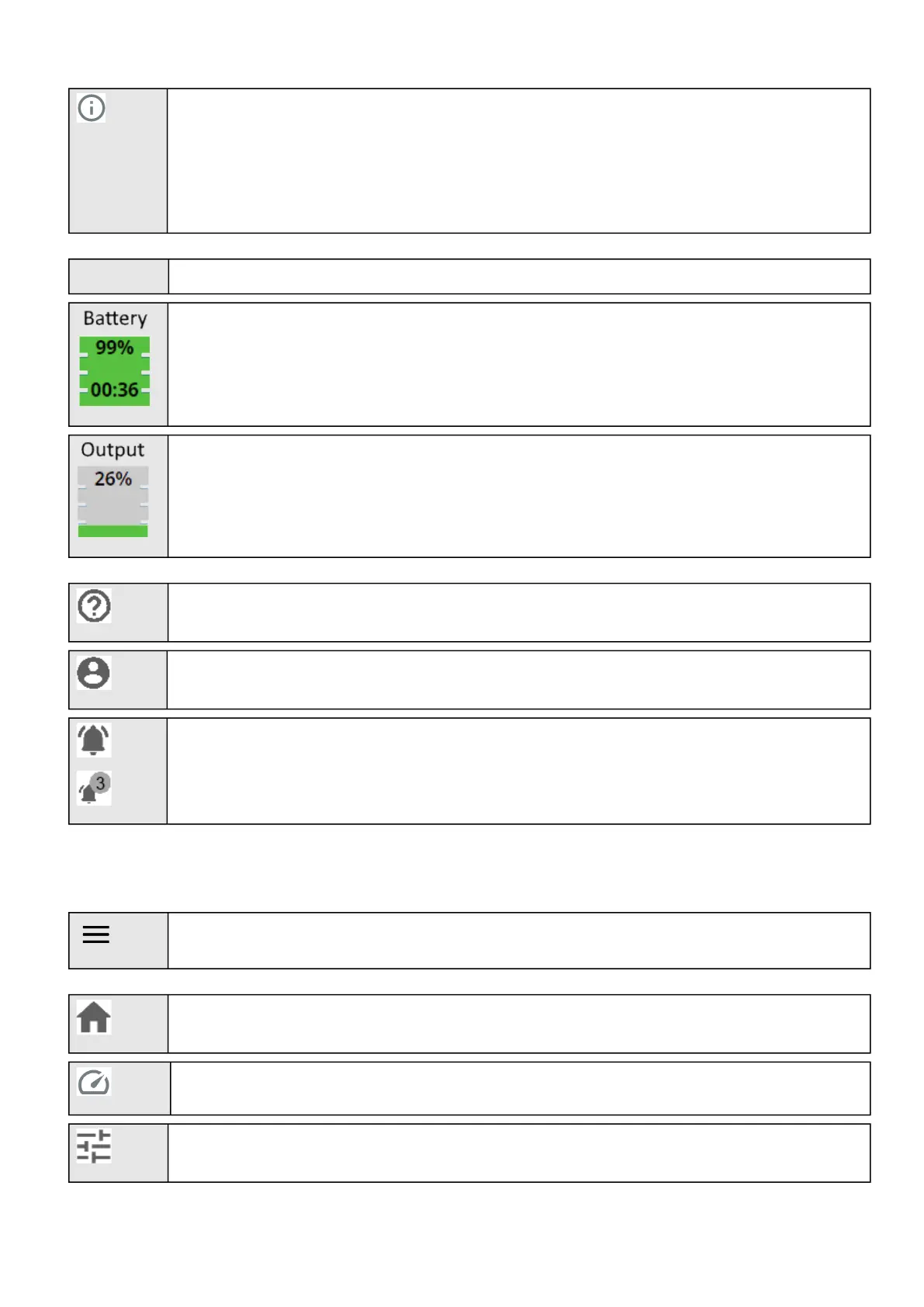
Shortcut to the Device details:
Name
Location
Model
P/N
S/N
FW version
Device status Displays if the Device is Online, On bypass, On battery...
Displays the battery level (in %) and the remaining backup time.
Output load level
Help:Opens full documentation in a separate browser page.
Profile:Displays user profile, password change, account information, logout and legal information.
Alarms:Open alarm page and displays the number of active alarms.
3.2.2 Menu structure
Extend menu display.
Home:Overview and status oftheDevice(Active alarms, Outlet status, ...).
Meters:Power quality meters and logs.
Controls:Device and outlets control.



 To Next Page