Contextual help of the web interface – 131
•
•
•
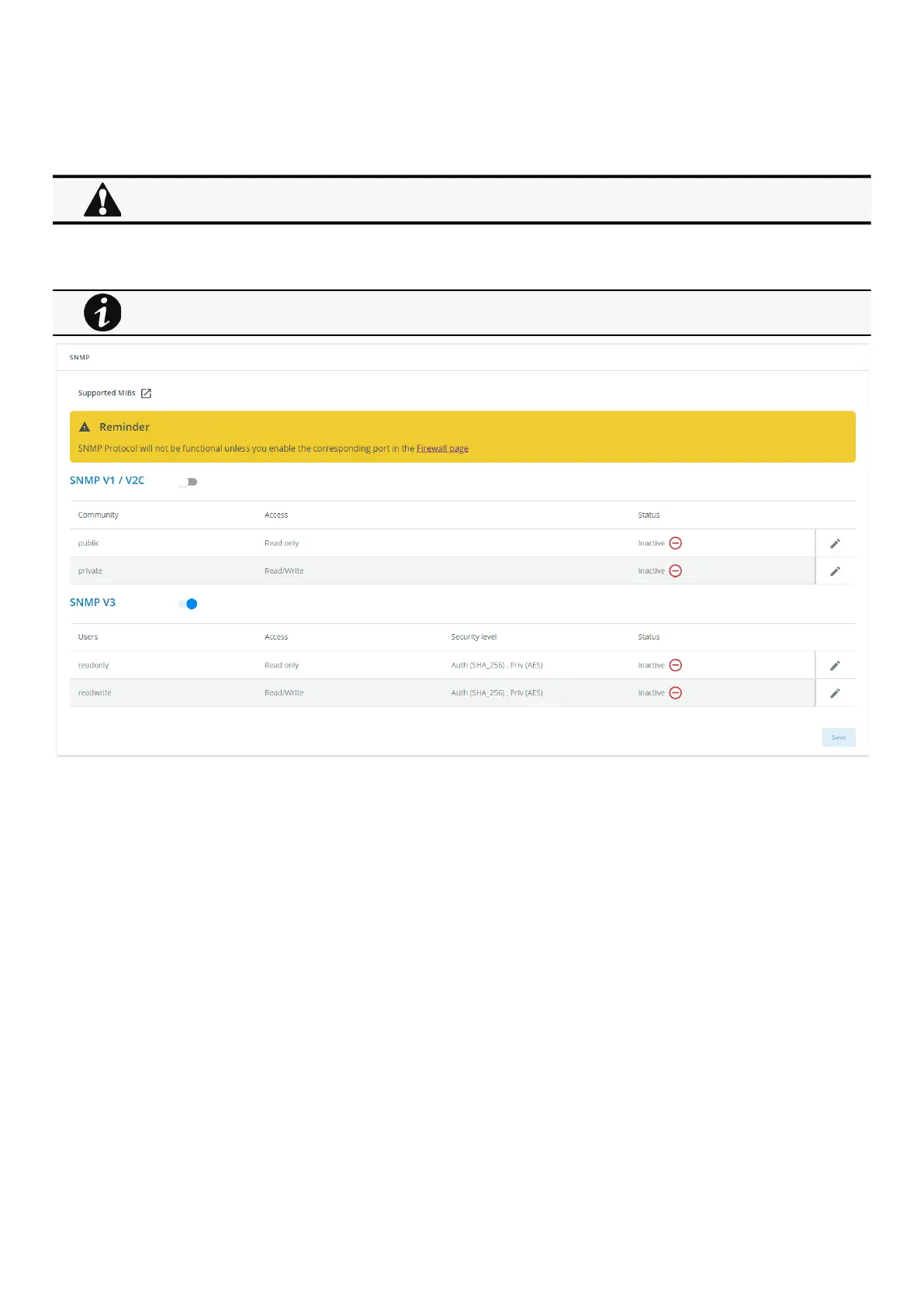
3.7.8 SNMP
This tab contains settings for SNMP protocols used for network management systems.
3.7.8.1 SNMP tables
SNMP monitoring Battery status, power status, events, and traps are monitored using third-party SNMP managers.
To query SNMP data, you do not need to add SNMP Managers to the Notified Application page.
To set-up SNMP managers:
Configure the IP address.
Select SNMP v1/v2 or v3.
Compile the MIB you selected to be monitored by the SNMP manager.
List of supported MIBs:
xUPS MIB | ATS2 MIB | Standard IETF UPS MIB (RFC 1628) | Sensor MIB
Press theSupported MIBsbutton to download the MIBs.
3.7.8.1.1 Settings
This screen allows an administrator to configure SNMP settings for computers that use the MIB to request information from the
Network Module.
Default ports for SNMP are 161 (SNMP v1 and v3, set/get) and 162 (traps). These ports can be changed on the settings screenfor
additional security.
To configure the SNMP settings:
Changes to authentication settings need to be confirmed by entering a valid password for the active user account.
The default port for SNMP is 161 and normally this should not be changed. Some organizations prefer to use non-
standard ports due to cybersecurity, and this field allows that.



 To Next Page