-s Get current release sha1
-t Get current release time
-v Get current release version number
7.7.3.3 Specifics
7.7.3.4 Access rights per profiles
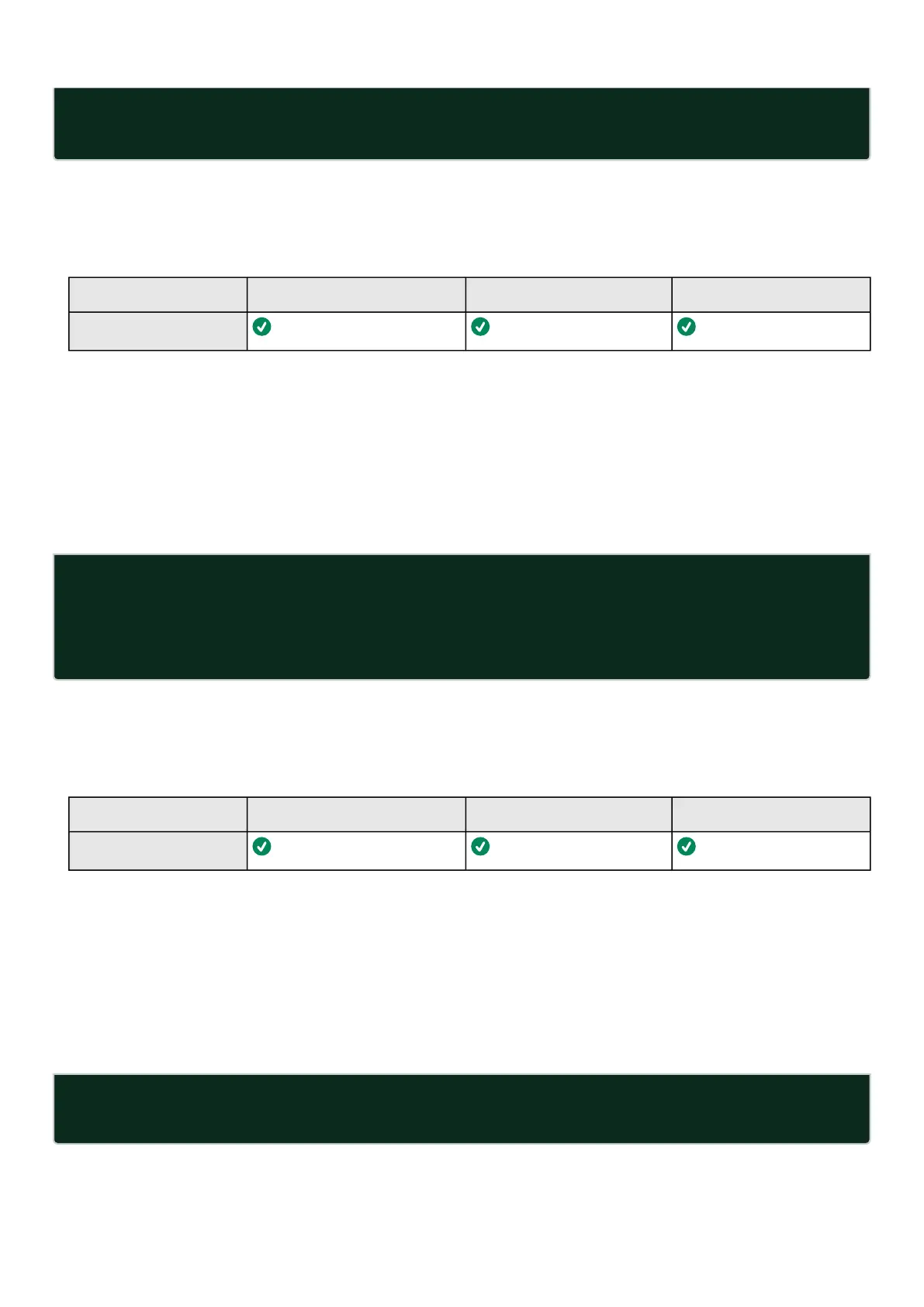
Administrator Operator Viewer
get release info
7.7.4 history
7.7.4.1 Description
Displaysrecentcommands executed on the card.
7.7.4.2 Help
history
<cr> Display the current session's command line history(by default display
last 10 commands)
<Unsigned integer> Set the size of history list (zero means unbounded). Example 'history
6' display the 6 last command
7.7.4.3 Specifics
7.7.4.4 Access rights per profiles
Administrator Operator Viewer
history
7.7.5 logout
7.7.5.1 Description
Logout the current user.
7.7.5.2 Help
logout
<cr> logout the user



 To Next Page