Contextual help of the web interface – 157
c Service
Displays on which service the session is going on (Web, SSH, Serial , etc...)
d IP Address
Displays the IP address of the active session.
e Interface
Displays the type of connection (Web, LAN, etc...)
f Connected since
Displays the last opened session time
3.9.2.2 Access rights per profiles
Missing access rights for Sessions
3.9.3 Services
3.9.3.1 Service options
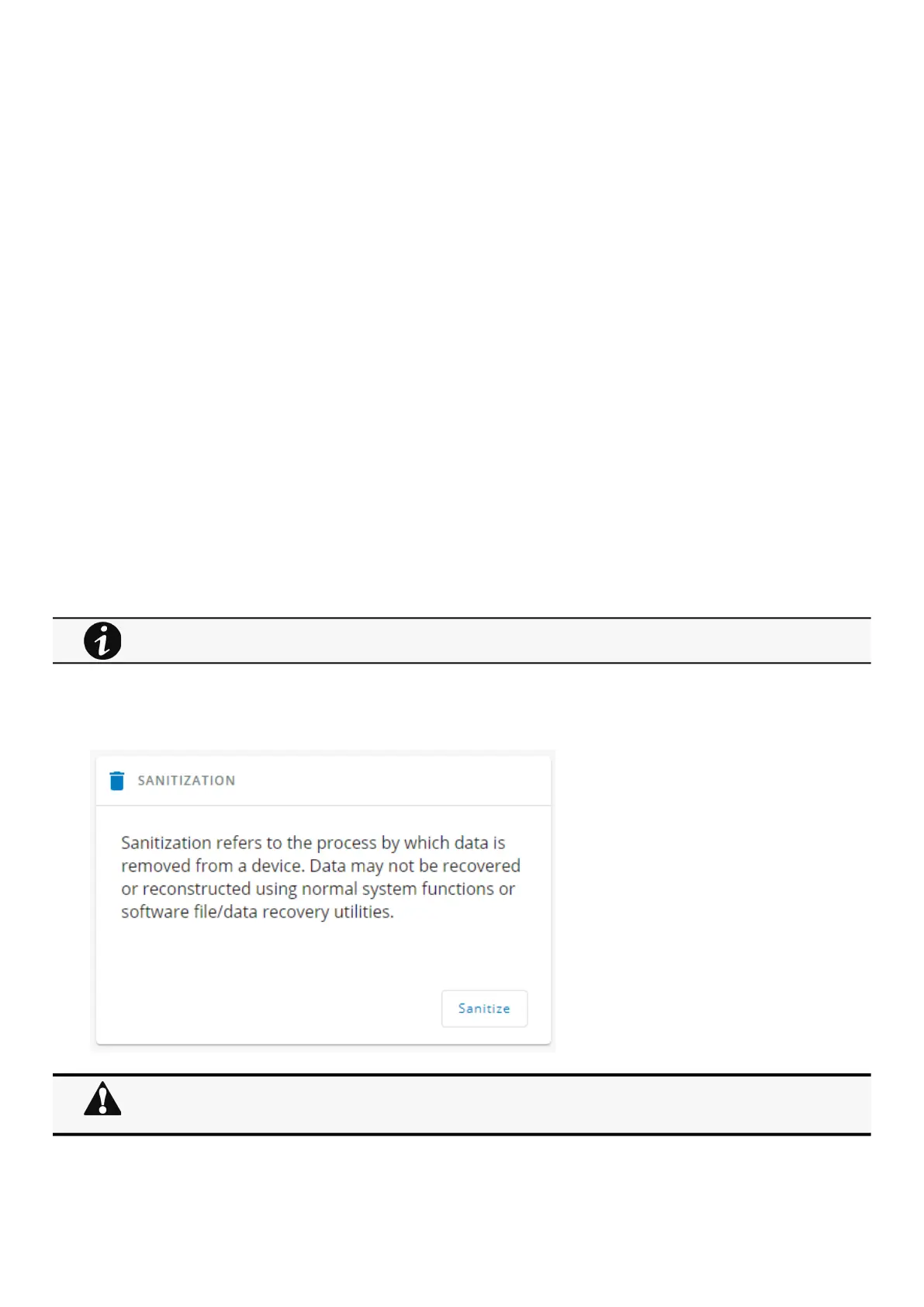
3.9.3.1.1 Sanitization
Sanitization removes all the data; the Network Module will come back to factory default settings.
To sanitize the Network Module:
1. ClickSanitize.
A confirmation message displays, click Sanitize to confirm.
For details on default settings, see theInformation>>>Default settings parameterssection.
Depending on your network configuration, the Network Module may restart with a different IP address.
Only main administrator user will remain with default login and password.
Refresh the browser after the Network module reboot time to get access to the login page.



 To Next Page