Contextual help of the web interface – 113
•
•
•
•
•
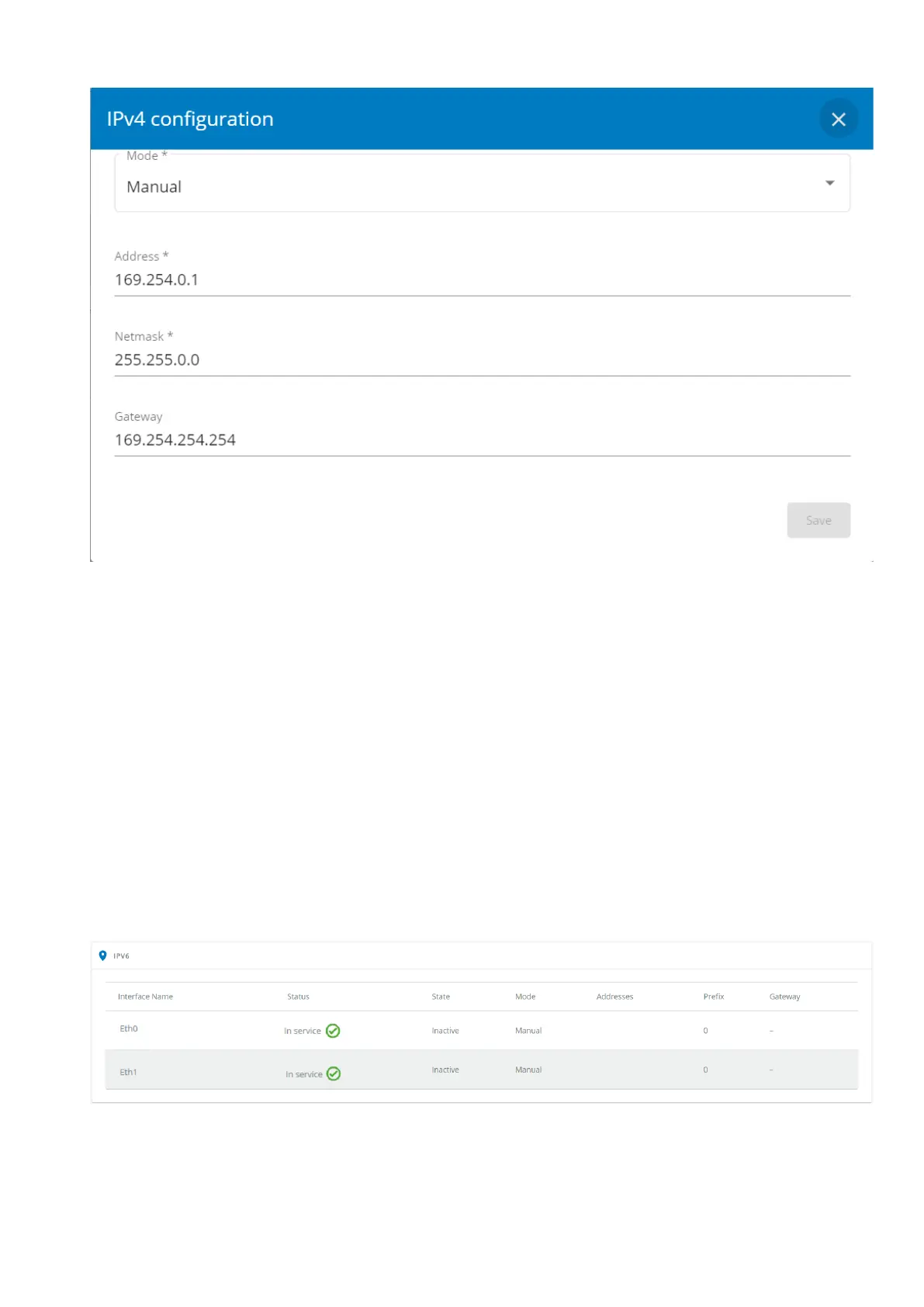
Select either the Manual or DHCP settings option.
a Manual
Select Manual, and then enter the network settings if the network is not configured with a BootP or DHCP server.
Enter the IP Address.
The Network Modulemust have a unique IP address for use on a TCP/IP network.
Enter the netmask.
The netmask identifies the class of the sub-network the Network Module is connected to.
Enter the gateway address.
The gateway address allows connections to devices or hosts attached to different network segments.
b DHCP
Select dynamic DHCP to configure network parameters by a BootP or DHCP server.
If a response is not received from the server, the Network Module boots with the last saved parameters from the most recent
power up. After each power up, the Network Module makes five attempts to recover the network parameters.
3.7.5.3 IPV6
The table shows includes the following details:
Interface name
Status



 To Next Page