Contextual help of the web interface – 114
•
•
•
•
•
•
•
Mode
Addresses
Prefix
Gateway
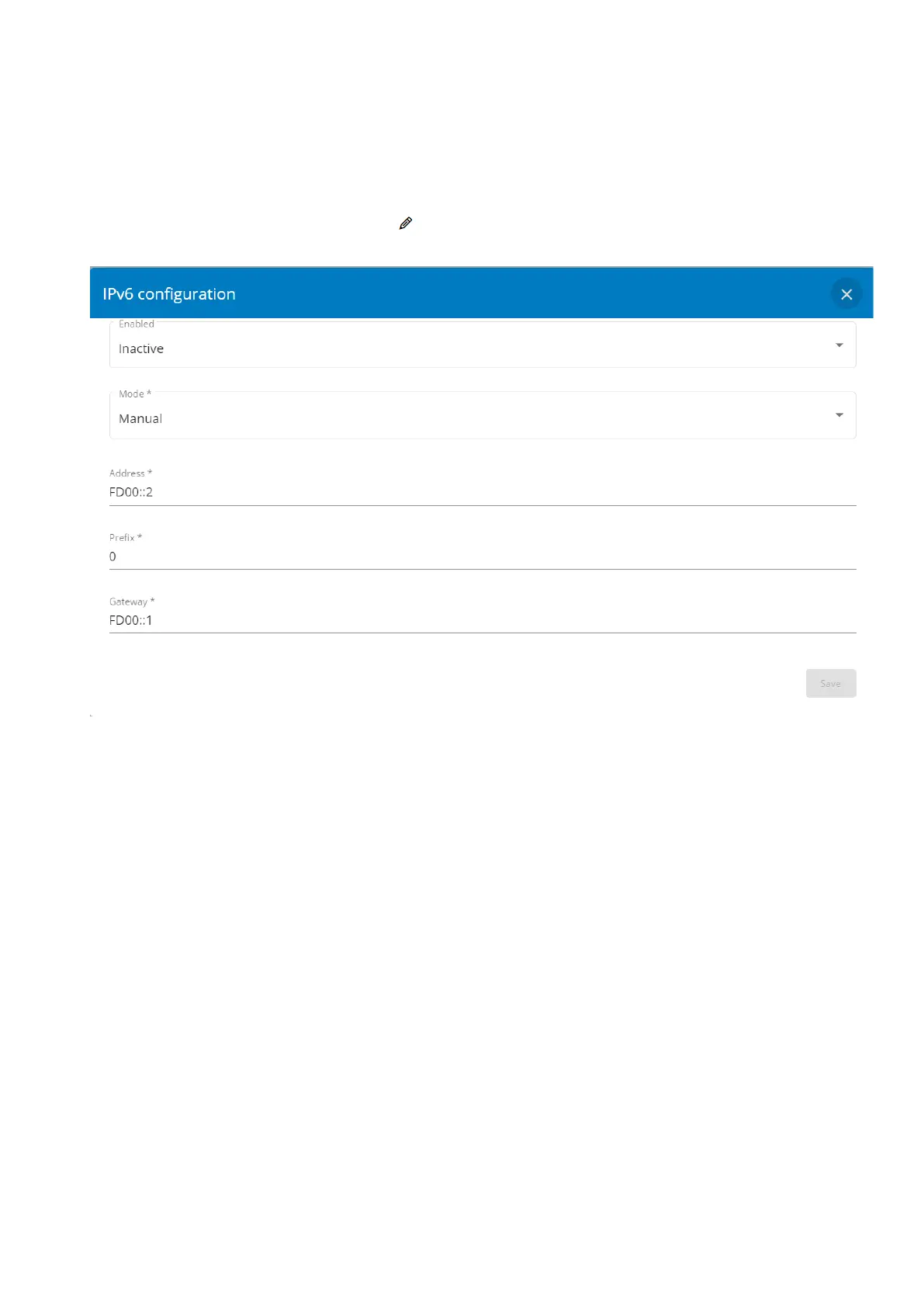
3.7.5.3.1 IPV6 configuration
After a mouse over on the table, click the edit icon to access settings and configure the network settings for a dedicated
interface.
Select either the Manual or Router settings option.
a Manual
Select Manual and enter below settings:
Address
Prefix
Gateway
Enable the configuration and Save it.
b Router
Select Router, Enable the configuration and Save it.



 To Next Page