Contextual help of the web interface – 124
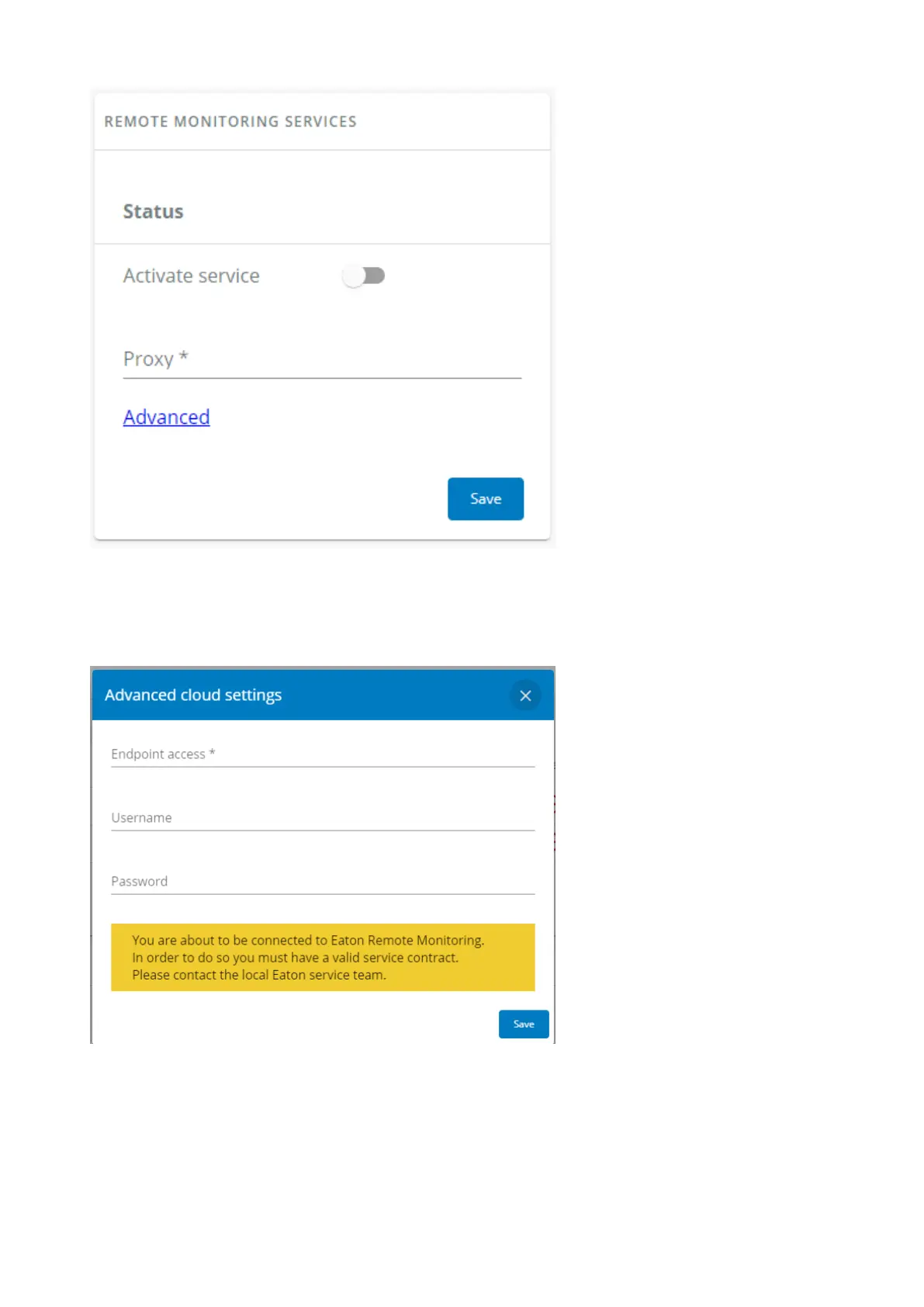
To configure the remote monitoring connection settings:
1- Enable the Remote monitoring services
2- Configure the Proxy if needed.
3- Configure Advanced settings if so advised by the service support and Save after modifications.
4- Save after modifications, a disclaimer will appear.



 To Next Page