Contextual help of the web interface – 137
Trap receivers No trap Enabled — No/Yes
Application name — 128 characters maximum
Hostname or IP address — 128 characters maximum
Port — x-xxx
Protocol — V1/V2C/V3
Trap community — 128 characters maximum
3.7.8.4.1 For other settings
3.7.8.5 Access rights per profiles
Administrator Operator Viewer
SNMP
3.7.8.5.1 For other access rights
3.7.8.6 Troubleshooting
3.7.8.6.1 For other issues
3.7.8.7 Save and Restore
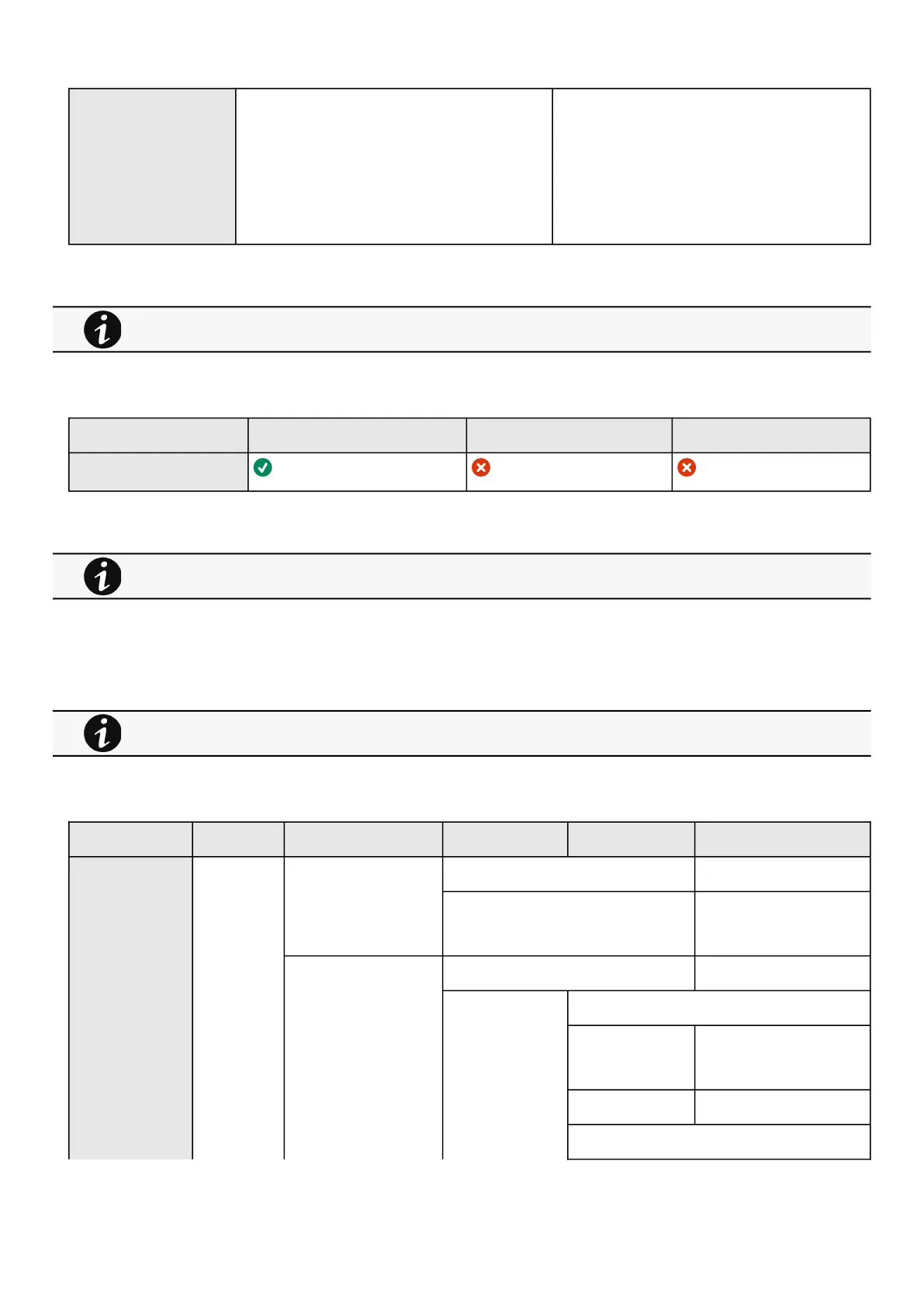
SRR section SRR sub section Settings Sub settings Example
SNMP snmp enabled true
port Number: refer to default
settings an possible
parameters for constraints.
v1 enabled true
communities readOnly
Name String: refer to default
settings an possible
parameters for constraints.
Enabled
readWrite
For other settings, see the Information>>>Default settings parameters section.
For other access rights, see the Information>>>Access rights per profiles section.
For details on other issues, see the Troubleshooting section.



 To Next Page