Powering down/up applications (examples)
Servicing the Network Management Module – 183
4. Set the OS shutdown duration to the time needed for your server to shutdown gracefully.
This will make sureIPPshutdowns your servers before the load segment is powered down.
As a result, it will define the overall shutdown sequence duration for each load segments.
4.3.1.4 Step 3: Power outage policy settings
4.3.1.4.1 Objective
Use load segment policies to define shutdown sequencing.
4.3.1.4.2 Resulting setup
1. Navigate toContextual help>>>Protection>>>Shutdown on power outagepage of the Network Module
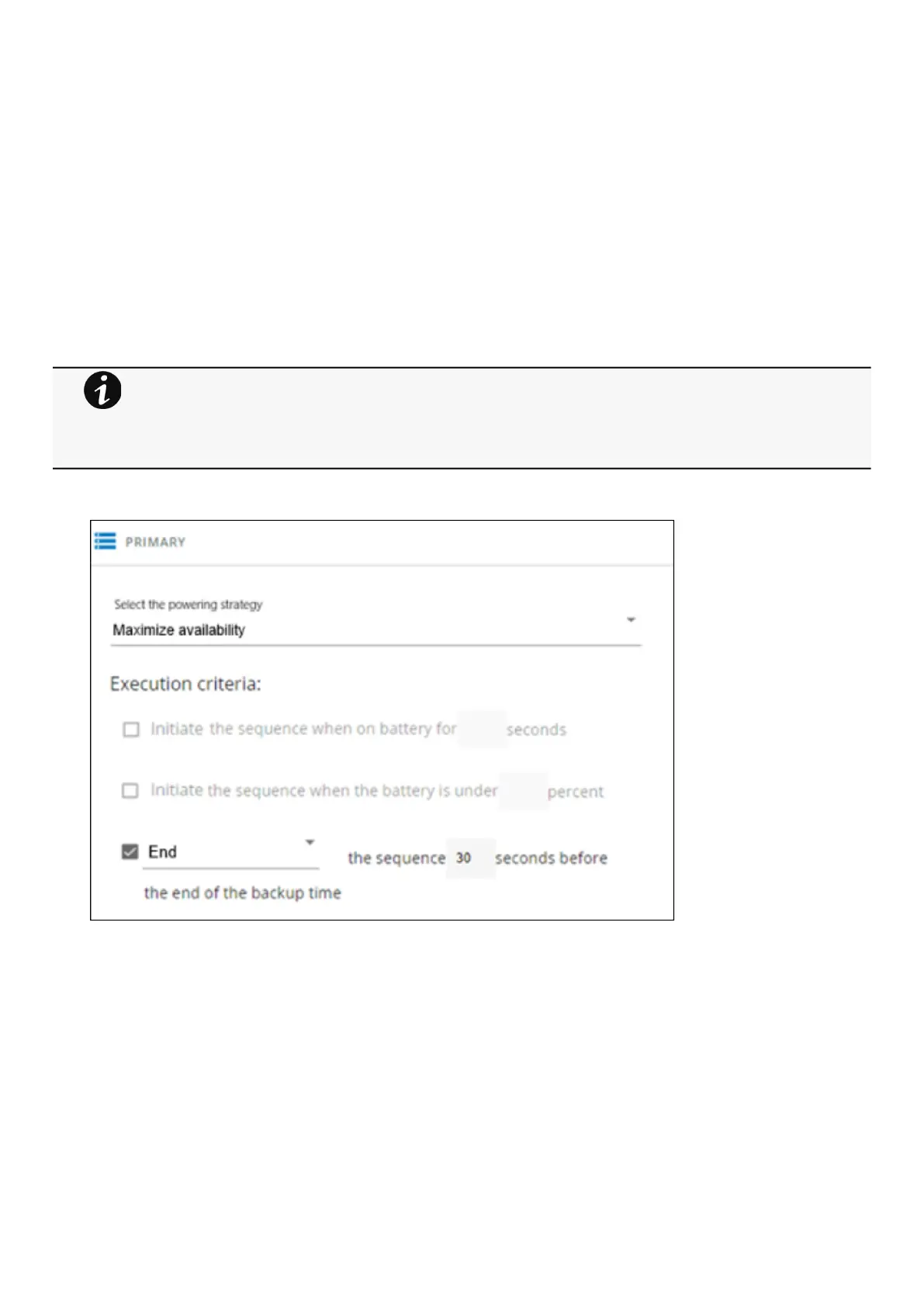
2. Make sure Primary is set to: Maximize availability.
Storage is the last one to power down, its availability is maximized, and its shutdown will end 30s before the end of backup
time.
3. Set Group 1 and Group 2 to: Custom.
Applications must shutdown first so Group 1 has been set to start shutdown when on battery for 30s.
Servers must shutdown second, so Group 2has been set to start shutdown when on battery for 210s, so 3min after the
applications.
•
•
•
•
For examples of Power outage policy, see the following sections:
Maximize availability policy example
Immediate graceful shutdown policy example
Load shedding policy examples
Custom policy examples



 To Next Page