Contextual help of the web interface – 48
•
•
•
•
•
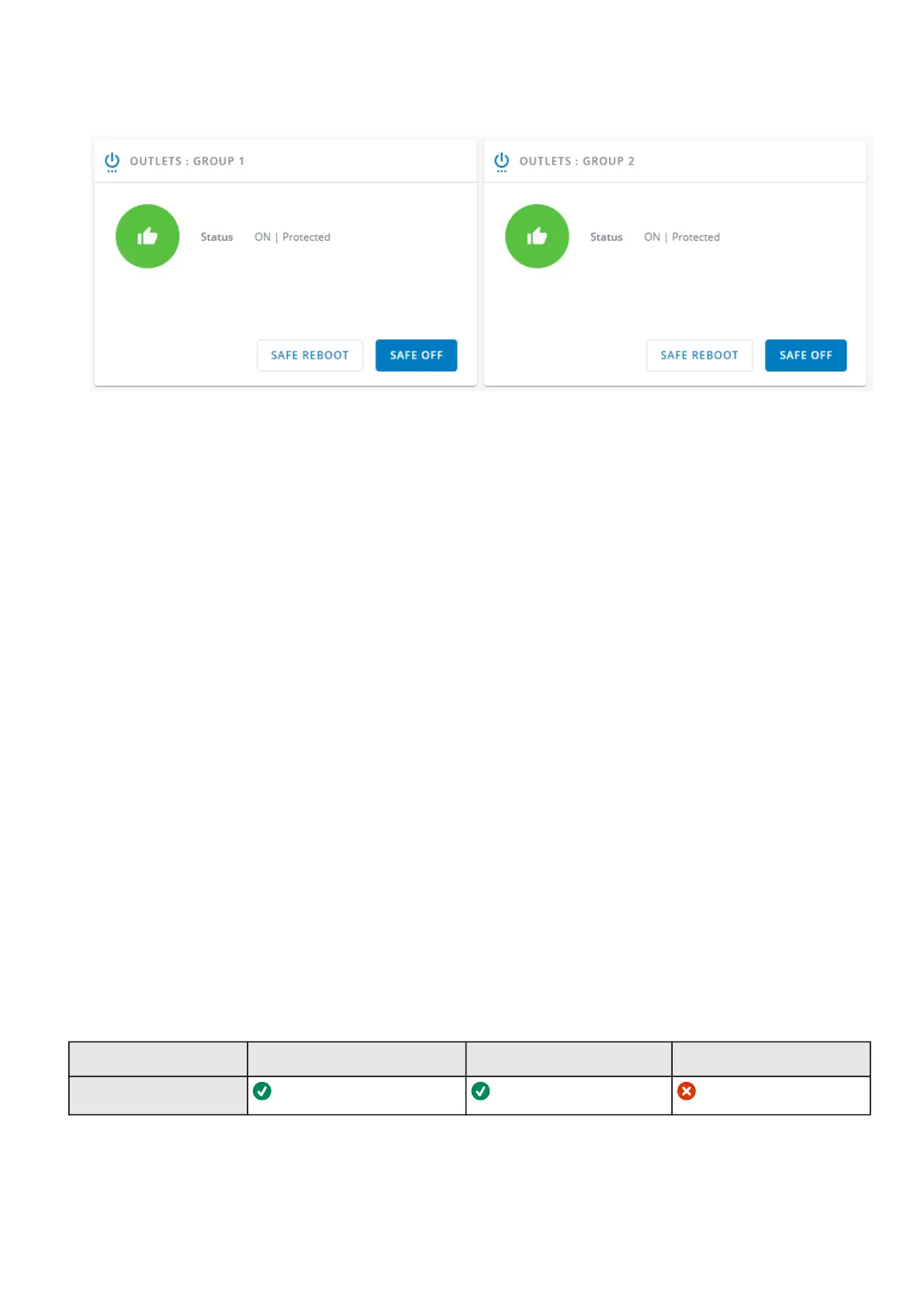
3.4.3.2 Outlets - Group 1/ Group 2
Load segmentations allow, battery runtime to remain on essential equipment and automatically power down non-priority equipment
during an extended power outage.
This feature is also used for remote reboot and the sequential start of servers to restrict inrush currents.
3.4.3.2.1 Status
It reflects the current outlet status.
On — Protected/Not protected
Off — Not powered
3.4.3.2.2 Commands
A setof commands are available and activated when one of the following buttons is pressed.A confirmation window appears.
Safe OFF
This will shut off the load connected to the associated load segment. Protected applications are safely powered down.
This control is available only if the status is not OFF and if there are no active commands running.
Safe reboot
This will power down and then switch ON the load connected to the associatedload segment. Protected applications are
safely powered down.
This control is available only if the status is not OFF and if there are no active commands running.
Switch ON
This will switch ON the load connected to the associatedload segment.
This control is available when status is OFFand if there are no active commands running.
3.4.3.2.3 Pending action
Displays the delay before shutdown and delay before startup.
3.4.3.3 Access rights per profiles
Administrator Operator Viewer
Control



 To Next Page