Contextual help of the web interface – 71
PressSaveafter modifications.
3.6.1.3 Note:
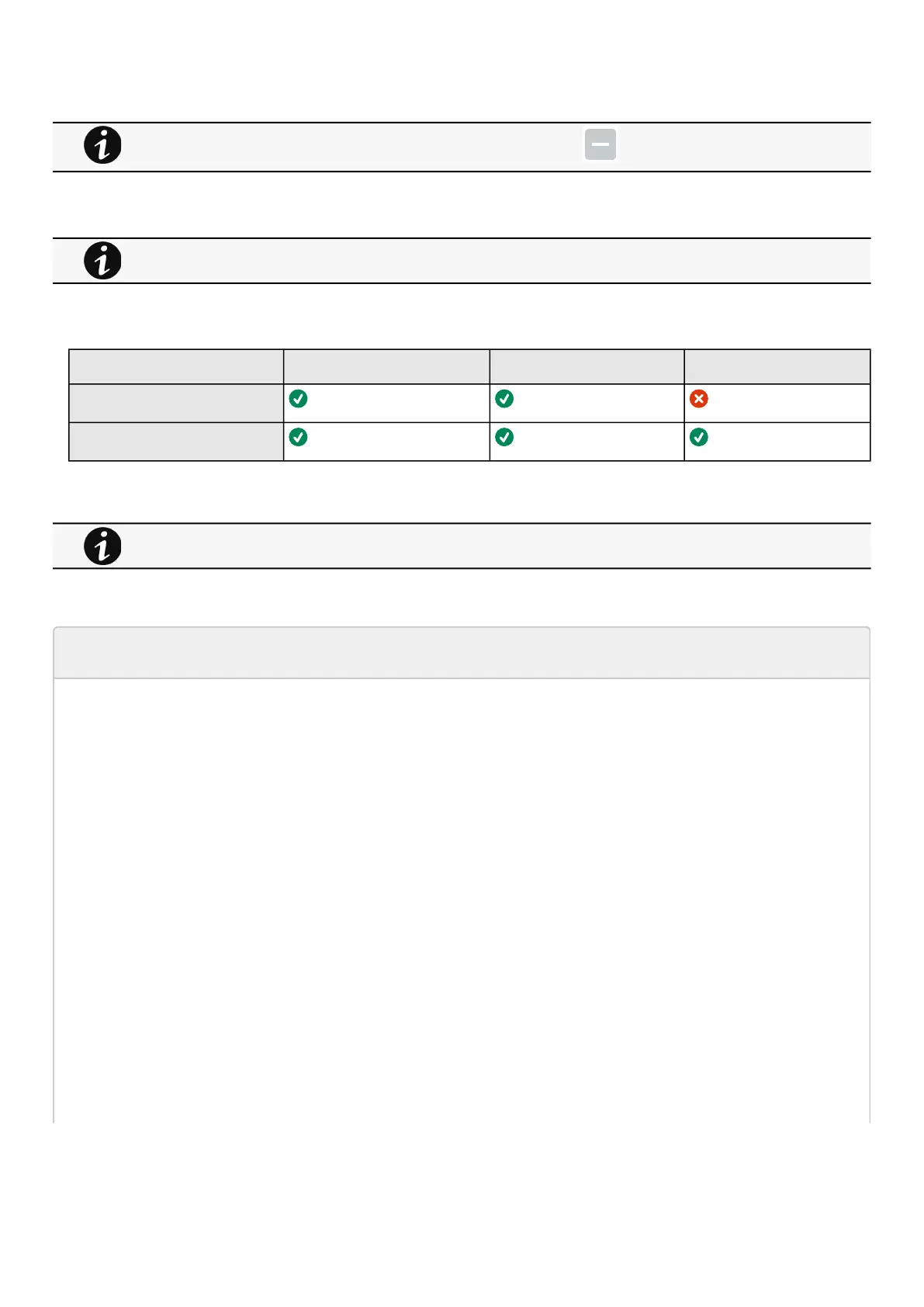
3.6.1.4 Access rights per profiles
Administrator Operator Viewer
Environment/Commissioning
Environment/Status
3.6.1.4.1 For other access rights
3.6.1.5 Troubleshooting
EMP communication status shows "Lost"
In the Network Module,inContextual help>>>Environment>>>Commissioning/Status, EMPs are missing in the Sensor
commissioning table.
Symptom #1
The connection status of the sensor is "Lost"
Possible causes
The EMPs are not powered by the Network module.
Action #1-1
Launch again the discovery, if it is still not ok, go to Action #1-2.
Action #1-2
1- Check the EMPs connection and cables.
Refer to the sectionsServicing the EMP>>>Installing the EMP>>>Cabling the first EMP to the deviceandServicing the
EMP>>>Installing the EMP>>>Daisy chaining 3 EMPs.
2- Disconnect and reconnect the USB to RS485 cable.
3- Launch the discovery, if it is still not ok, go to Action #1-3.
Deactivated dry contacts are not displayed and replaced by this icon:
If the UPS provides temperature compensated battery charging option, see theServicing the EMP>>>Using the
EMP for temperature compensated battery charging
section.
For other access rights, see the Information>>>Access rights per profiles section.



 To Next Page