Contextual help of the web interface – 80
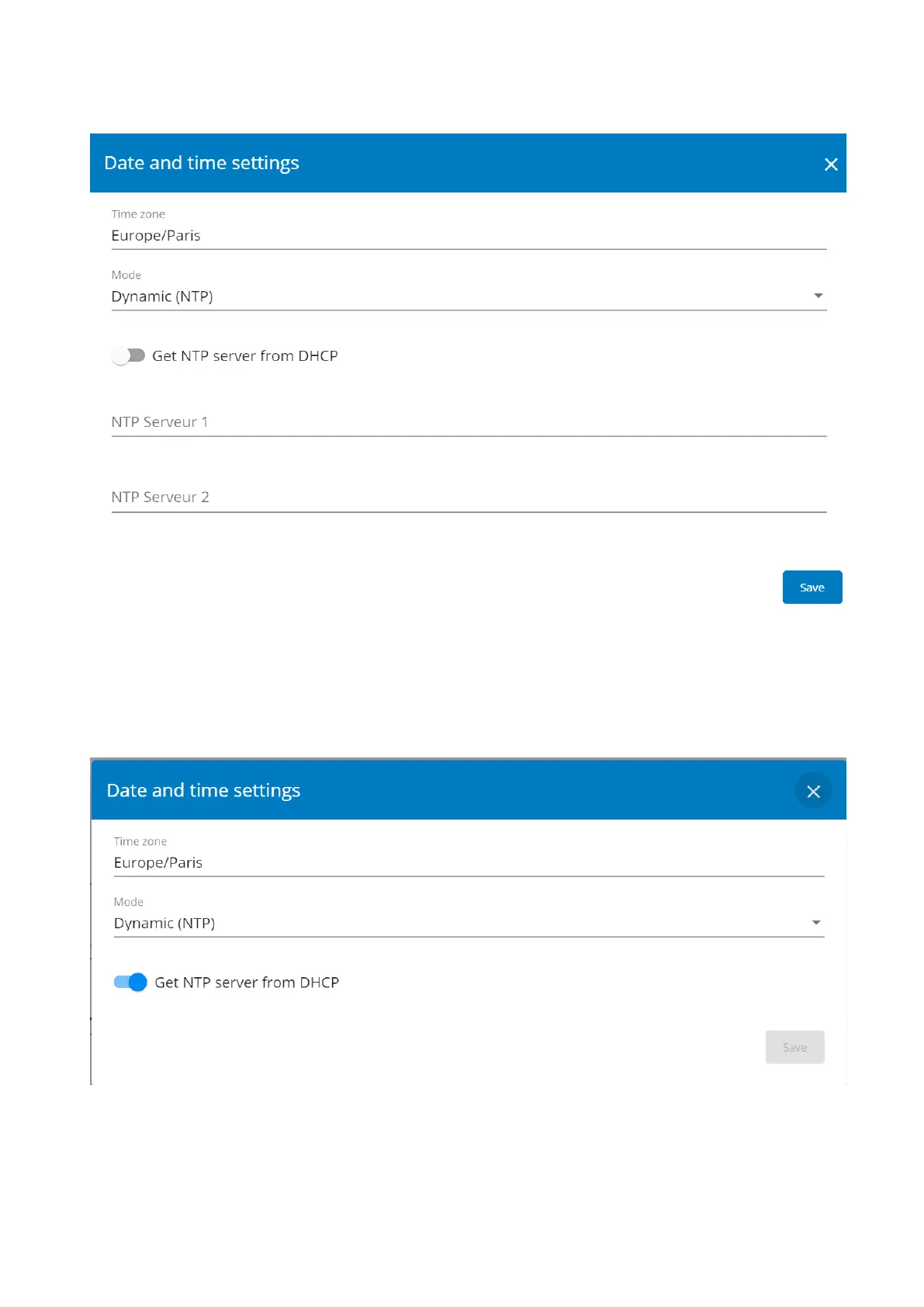
3.7.1.2.2 Dynamic (NTP):Synchronizing the date and time with an NTP server
1. Select the time zone for your geographic area.
2. Enter the IP address or host name of the NTP servers in theNTP server fields (up to 5 servers).
3. Save the changes.
3.7.1.2.3 Dynamic (NTP):Synchronizing the date and time from the DHCP server
1. Select the time zone for your geographic area.
2. Select Get NTP server from DHCP
3. Save the changes.



 To Next Page