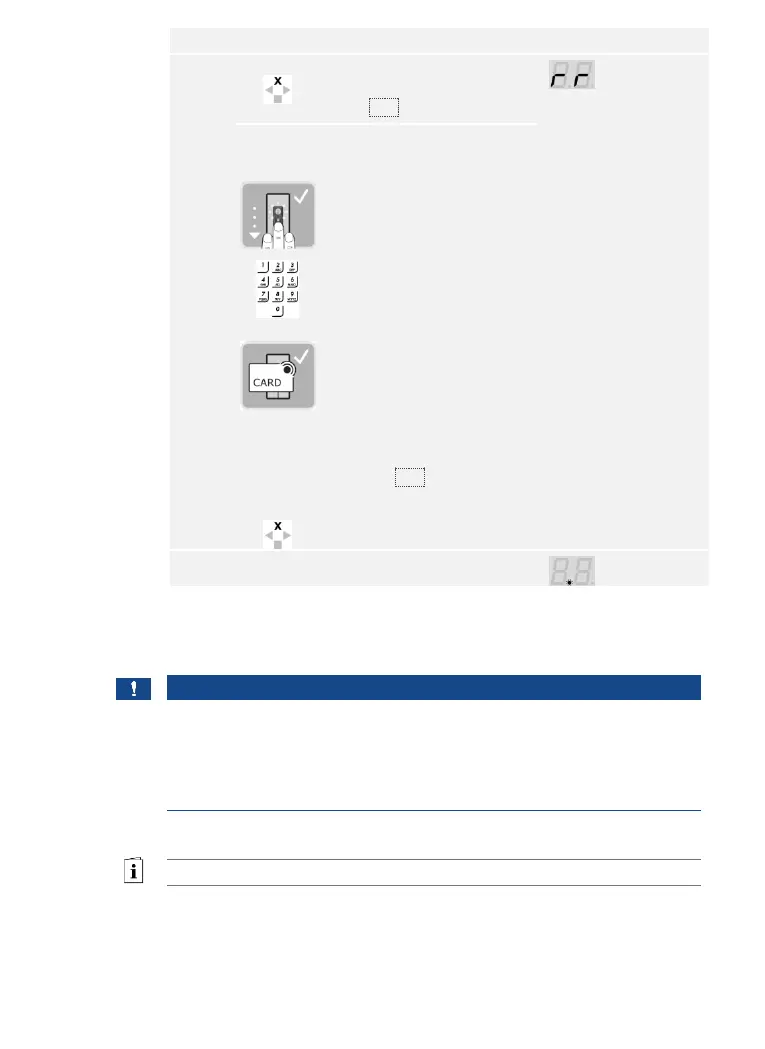
For an installation after the
control panel has been
replaced:
Swipe a pre-stored finger
over the finger scanner;
OR enter a pre-stored user
code on the keypad;
OR hold a stored RFID
transponder in front of the
finger swipe area on the
finger scanner.
The identification methods
are not deleted.
OR press ESC: All existing
identification methods are
deleted.
The devices have now been commissioned and are in normal mode.
If you are using a Bluetooth finger scanner, the finger scanner is ready to
create the coupling between the finger scanner and mobile device.
NOTICE
Automatic detection of a Bluetooth finger scanner: The control panel
automatically detects whether the finger scanner attached to it is a
Bluetooth finger scanner. The control panel shows you whether your
finger scanner is a Bluetooth finger scanner when you enter the security
code.
See Entering the security code, page 35.



 To Next Page