Usage of the finger scanner with the control panel menu en│41
Feedback from an intrusion alarm system which is still enabled can be
performed by this function. Access via relay 1 is only possible if the
intrusion alarm system has been disabled. Because relays 2 and 3 (relay 3
is only available for the ekey home control panel wall-mounted 3) can be
operated, zones not monitored by the intrusion alarm system may be
accessible. One of the relays can also be used for disabling/enabling the
intrusion alarm system.
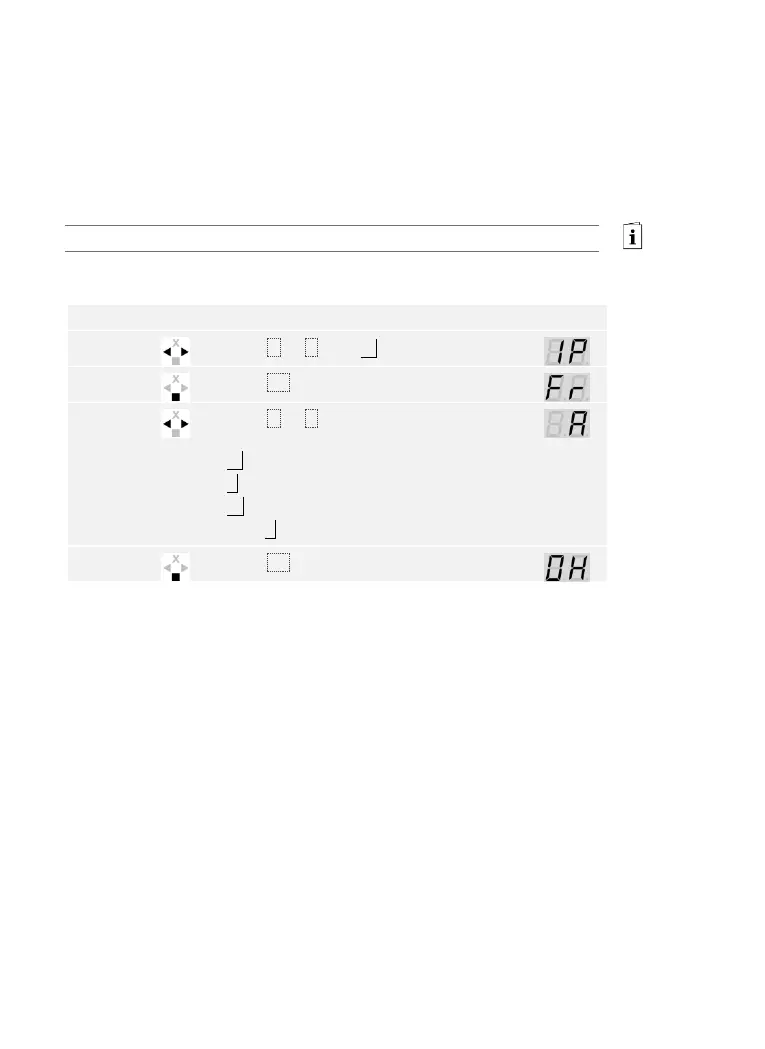
The digital input is set via the main menu.
Enter the security code to access the main menu.
See Entering the security code, page 35.
The system displays the main menu.
Press < or > to select the desired
function:
Fr = Request-to-exit button for relay 1;
A = Feedback for relay 1;
Ar = Block for relay 1.
E.g., A.



 To Next Page