Installation Control Unit IV Reference Manual
2-14 529-0004 Ver.3
2.7.6 Connecting the Control Unit for setup
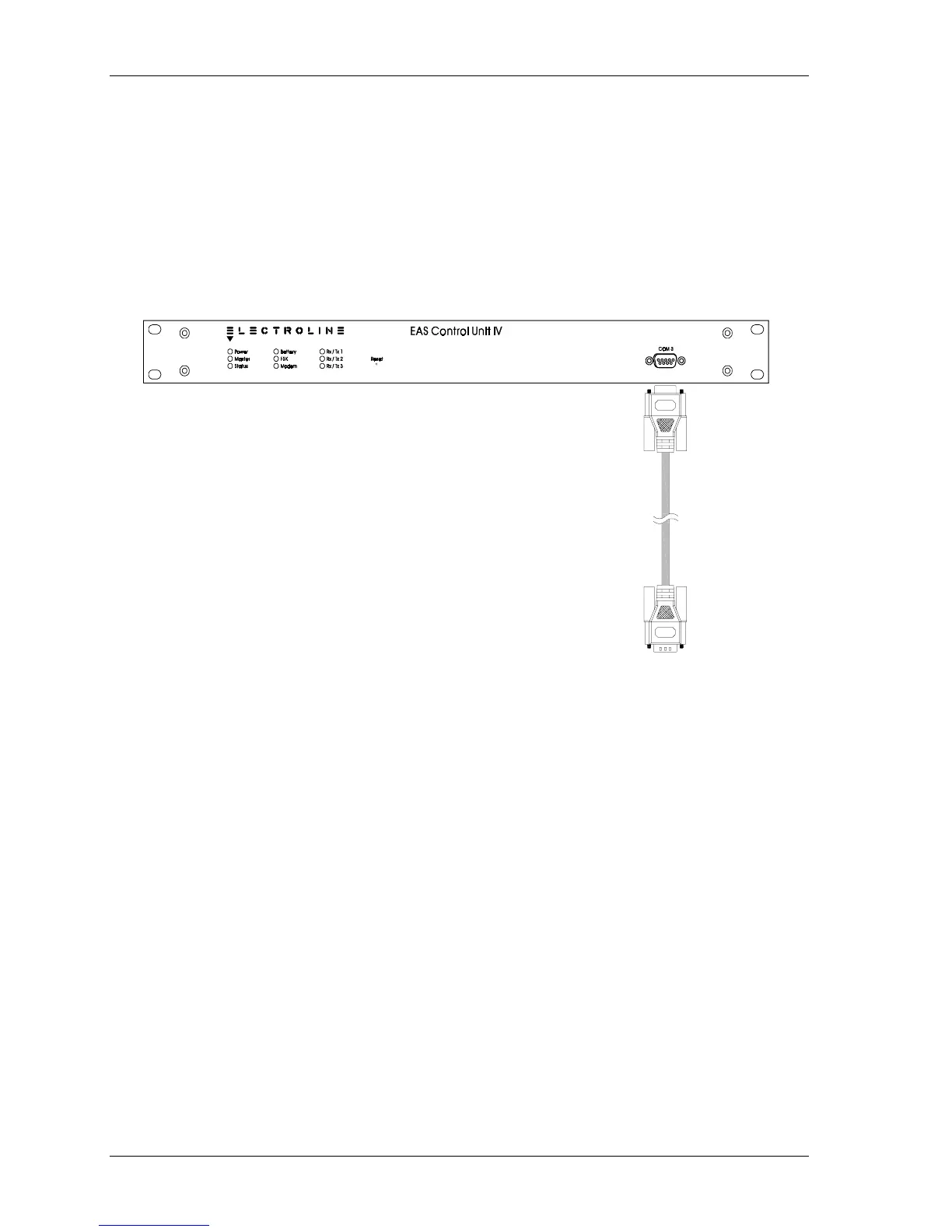
The COM 3 port is used to set up and upgrade the Control Unit’s firmware. It can also be
used for troubleshooting. To connect the COM 3 port to the host computer or the
Workabout, you must use an RS-232 cable with DB-9 connectors.
1. Connect the cable’s male DB-9 connector to the COM 3 port on the unit’s front panel.
2. Connect the female connector to the host computer’s serial port or to the RS-232 port on
the Workabout.
Male DB-9 connector
Connect to Control Unit's
COM 3 for setup
Female DB-9 connector
Connect to a computer or
terminal for setup
Figure 2-7: Connecting the Control Unit’s COM 3 port to a computer for setup
The Control Unit is now ready to be set up. See Chapter 3 for instructions.



 To Next Page