Control Unit IV Reference Manual Maintenance
529-0004 Ver.3 5-3
7. Replace the Control Unit’s top panel and screw it in place.
8. Plug the unit’s power cord into the wall outlet and turn the unit on. The
BATTERY
LED
should remain off.
9. Restore the content of the Control Unit’s memory by uploading it (see section 5.3.2).
10. Reconnect the host computer.
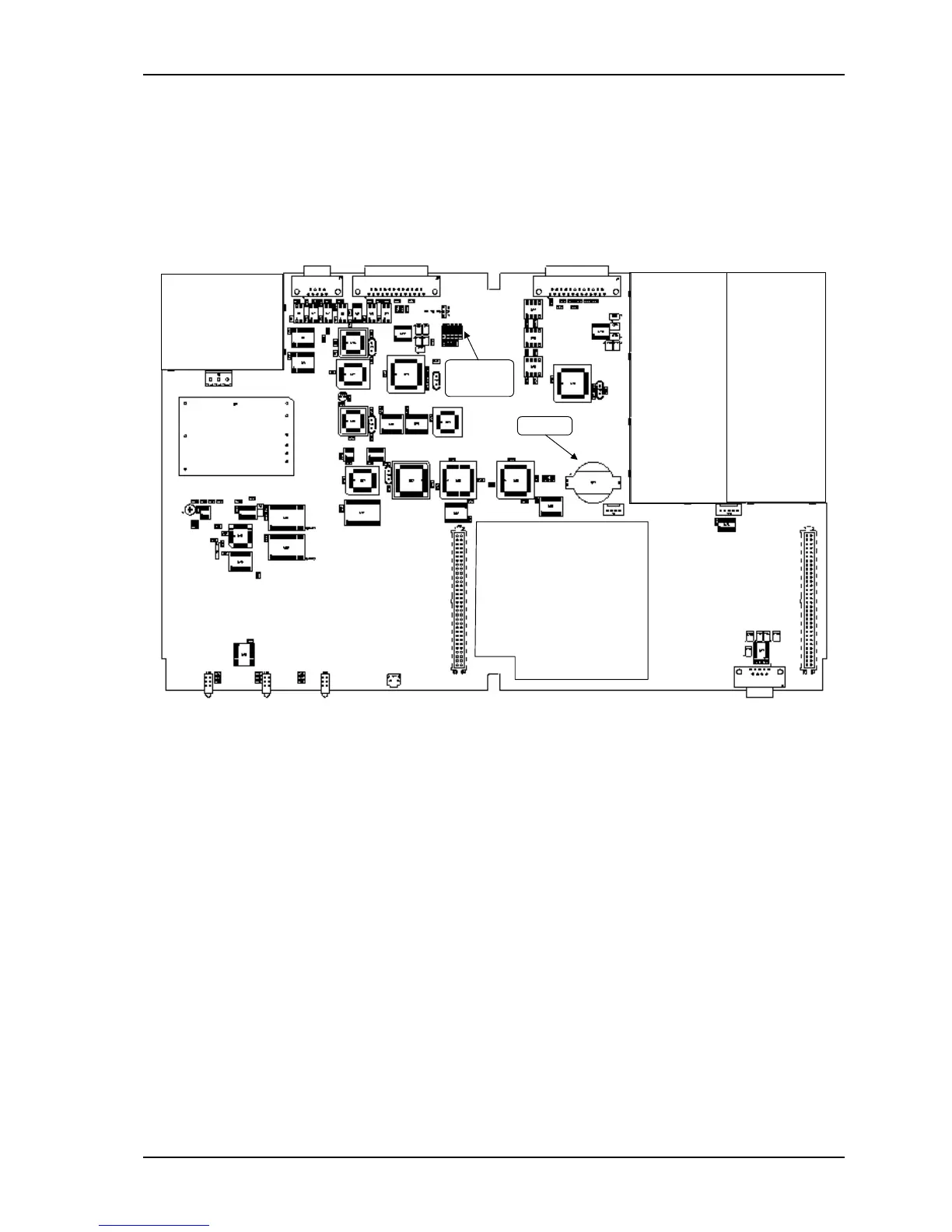
Battery
Jumpers
P1 to P5
RAM Expansion board
Figure 5-3: Internal view of the Control Unit IV with a RAM expansion board



 To Next Page