Control Unit IV Reference Manual Maintenance
529-0004 Ver.3 5-11
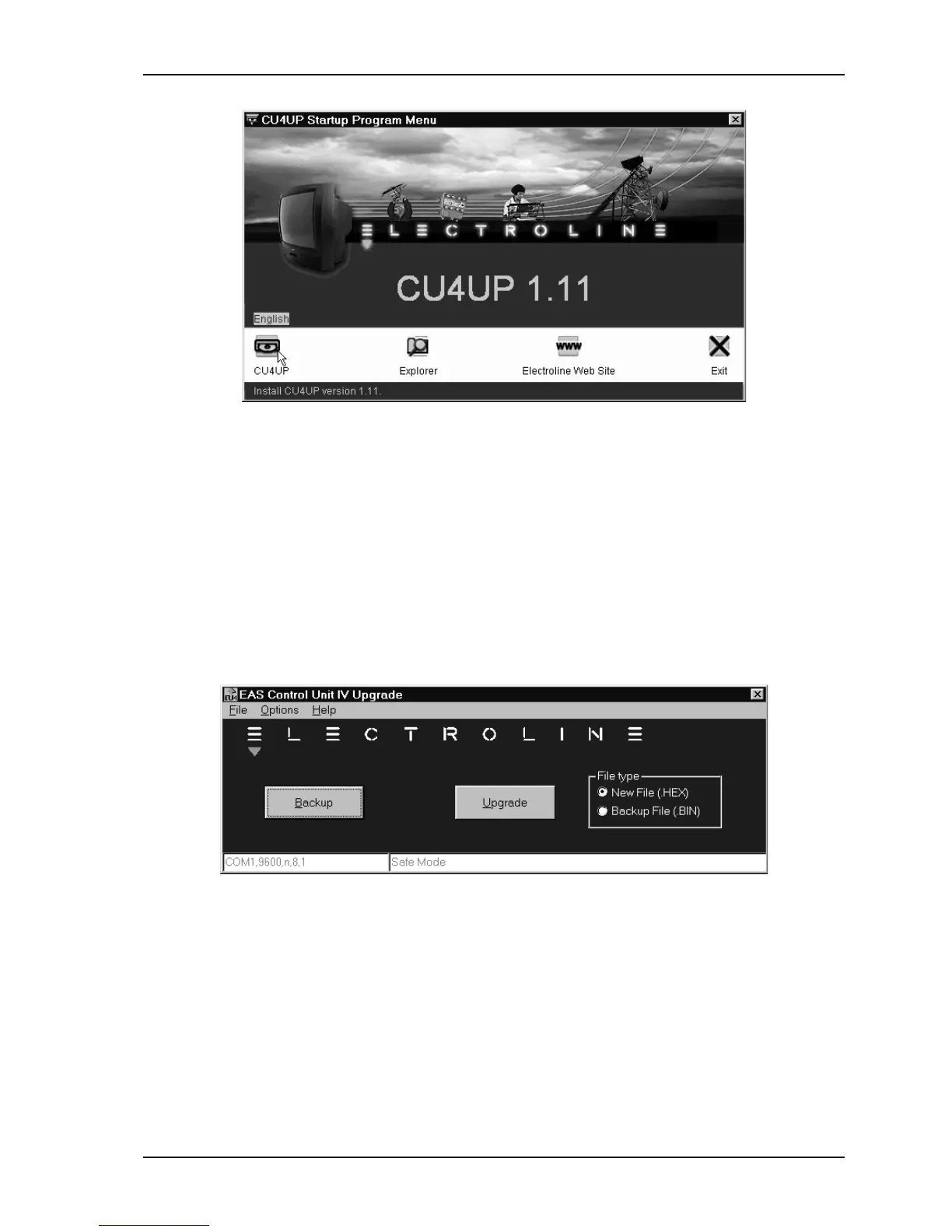
2. Click on the CU4UP icon in this menu. This starts the installation wizard, which guides
you through the process of copying the program onto your computer. Follow the steps on
screen to complete the installation.
5.4.2 Running the upgrade program
1. Connect the PC with the upgrade program installed (see section 5.4.1) to the COM 3 port
on the Control Unit.
2. On the PC, start the upgrade program (CU4UP) from the programs list in the Windows
start menu.
The following window appears:
3. In the Options menu, select Setup to display the communication settings window. Click
one of the radio buttons to select the PC’s communication port where the cable between
the PC and COM 3 of the Control Unit is connected, and then click
OK
.



 To Next Page