Control Unit IV Reference Manual Maintenance
529-0004 Ver.3 5-9
Transmitting the S-format data file
To transmit an S-format data file from the host computer to the Control Unit:
1. Press <Enter> to display the CU4> prompt.
2. Type
upload
and press <Enter>.
CU4>upload
Upload requires CTS/RTS flow control or a delay
between lines of 50ms minimum
Ready!
Important:
Steps 3 and 4 must be done within 30 seconds after the message Ready is displayed, or a
timeout will occur. The following message will be displayed and you will have to do
step 2 again.
Timeout encountered
CU4>
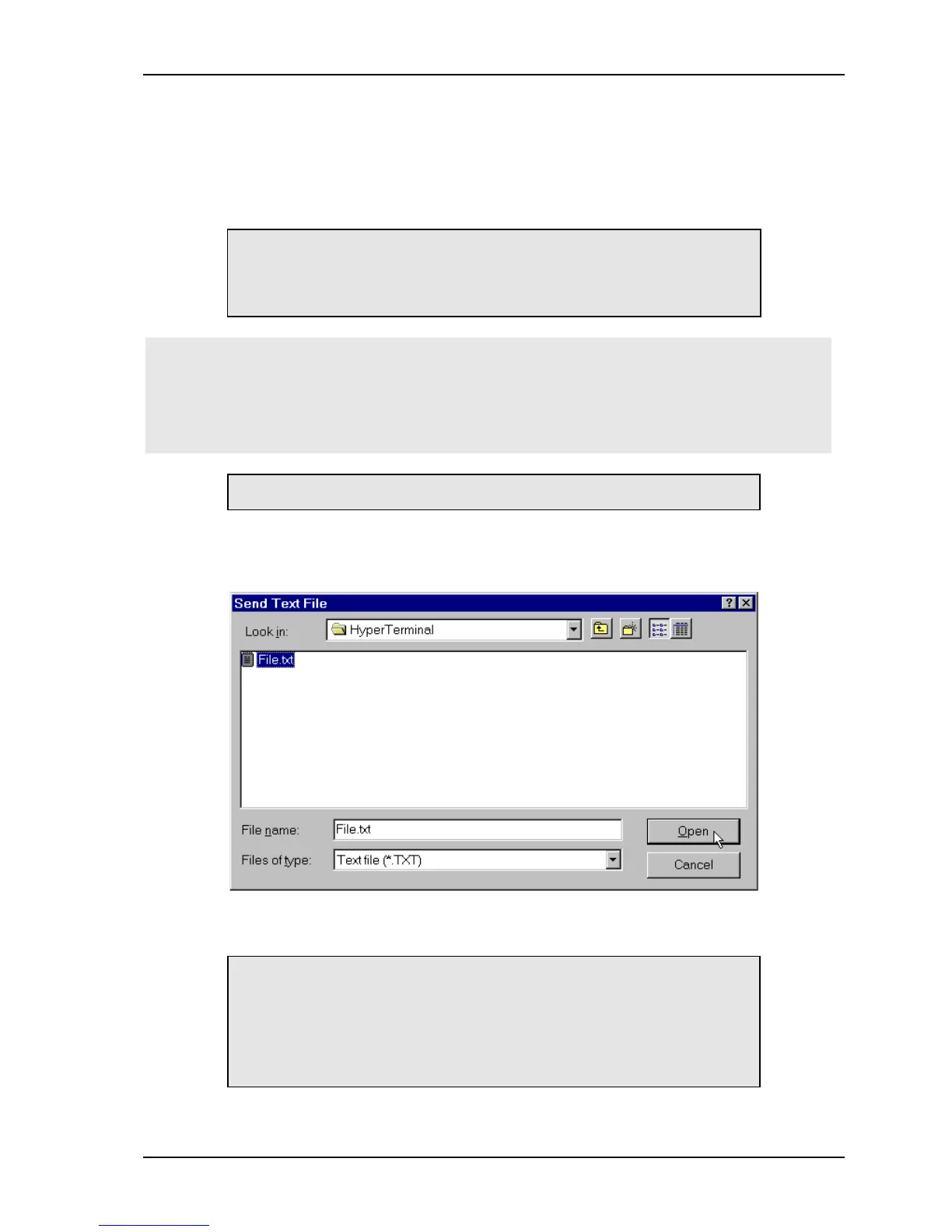
3. In HyperTerminal’s Transfer menu, select the Send Text File option.
4. When the window for selecting a file to send appears, choose a file and click
OPEN
.
The data entry screen reappears, displaying the file’s content and confirming that the
Control Unit has received it.
UUUUUUUUUUUUUUUUUUUUUUUUUUUUUUUU
S000001818181818181818181818181818181870
S0001000000000000000000000000000000000??
S00020181818181818181818181818181818186>00
Acknowledge
CU4>



 To Next Page