TRANSIENT3000
100/162
6.5.2.3 Autodelete old Test protocols
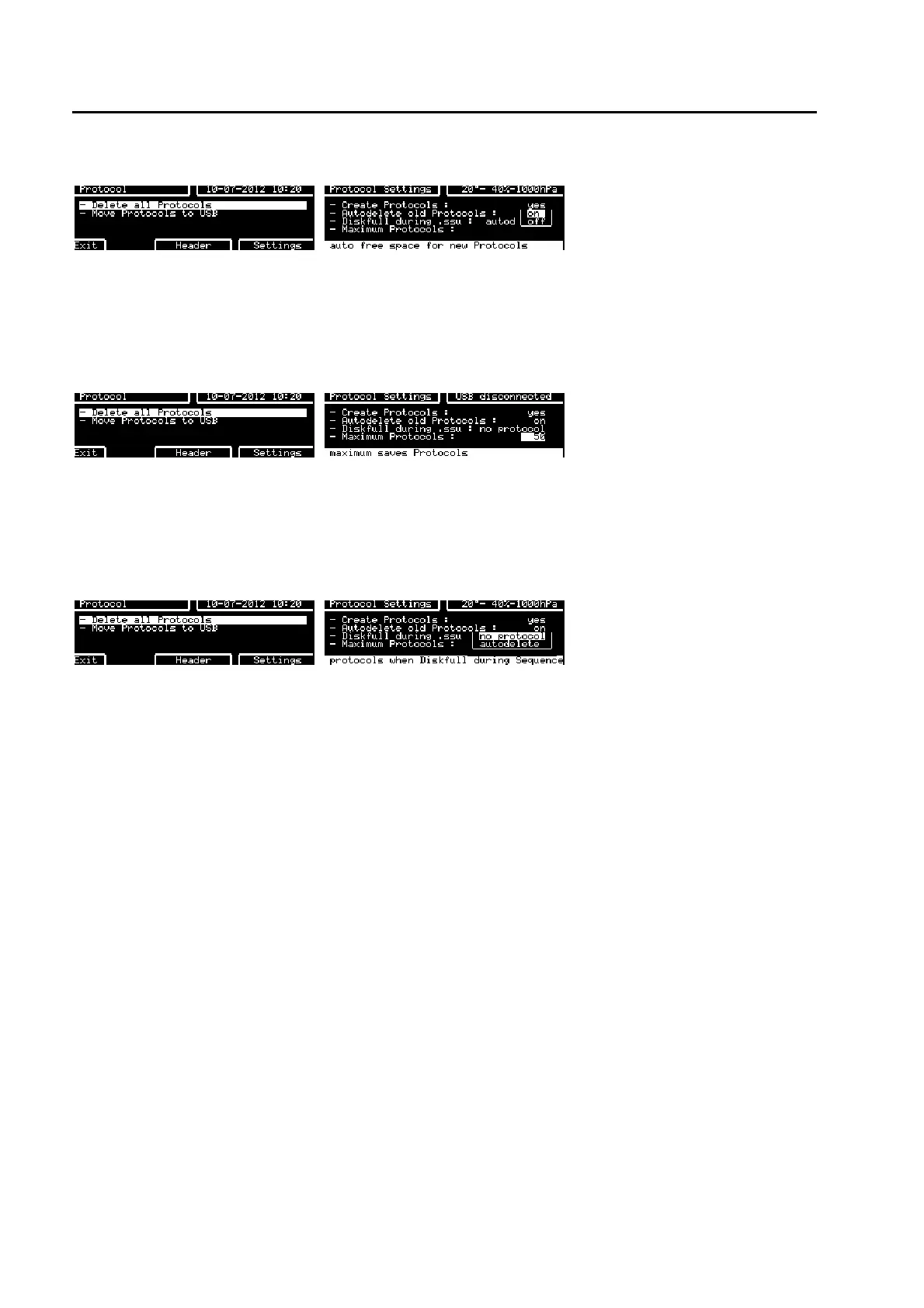
After pressing F1 Prot key After pressing F6 Settings key
If this function is set to “on”, when a test is started, TRA3000 F-S-D-V will check there is enough memory
for the new protocol. If there is insufficient memory, test protocols will be deleted starting with the oldest.
TRA3000 F-S-D-V only creates sufficient space for the new protocol.
6.5.2.4 Maximum number of Protocols
After pressing F1 Prot key After pressing F6 Settings key
This function defines the maximum number of protocols that can be saved in TRA3000 F-S-D-V internal
memory. If this value is exceeded, the oldest protocols will automatically be deleted. First-in-first-out.
Default value is 50.
6.5.2.5 Disk full during .ssu (Sequence)
After pressing F1 Prot key After pressing F6 Settings key
This function relates to sequences stored and run from the TRA3000 F-S-D-V internal memory. It is an
extension to the “Autodelete old protocols” function.
The user has two possibilities:
1. no protocol
Applies to individual tests. When insufficient memory is available, the test is performed and the message
“No Protocol created: Not enough diskspace” appears in the protocol.
2. autodelete
Applies to individual tests. When insufficient memory is available, TRA3000 F-S-D-V will delete old
protocols until enough storage is available for the protocol data.
An example of a test report with this function set to “no protocol” is shown below.
If there is insufficient memory for the sequence event (test, power, etc.) the message “Stopped Sequence
logging, because there is no Diskspace left!” is printed and protocol reporting terminated.
The sequence will continue without protocol reporting.



 To Next Page