11BRemote Ports
128/162
Example: VNOM 4000;POL NEG;Rep 10<EOS>
12.2.3 Inquire Commands
Inquire commands start TRA3000 F-S-D-V-C transmitting internal data to the system controller. The data
consists of two parts:
<Inquire commands>=<head>{< >}<?>
Instead of the argument, a question mark is used in Inquire Commands. A command contains a maximum
of one Inquire Command which must be located at the end of the command. On the other hand several set-
up Commands are allowed:
Examples:
Based on the Inquire Command ... VNOM ?<EOS>
the following answer can occur: 2000
or: controller: POL?<EOS>
TRA: NEG
or: controller: VNOM 1000;E?<EOS>
TRA: 0
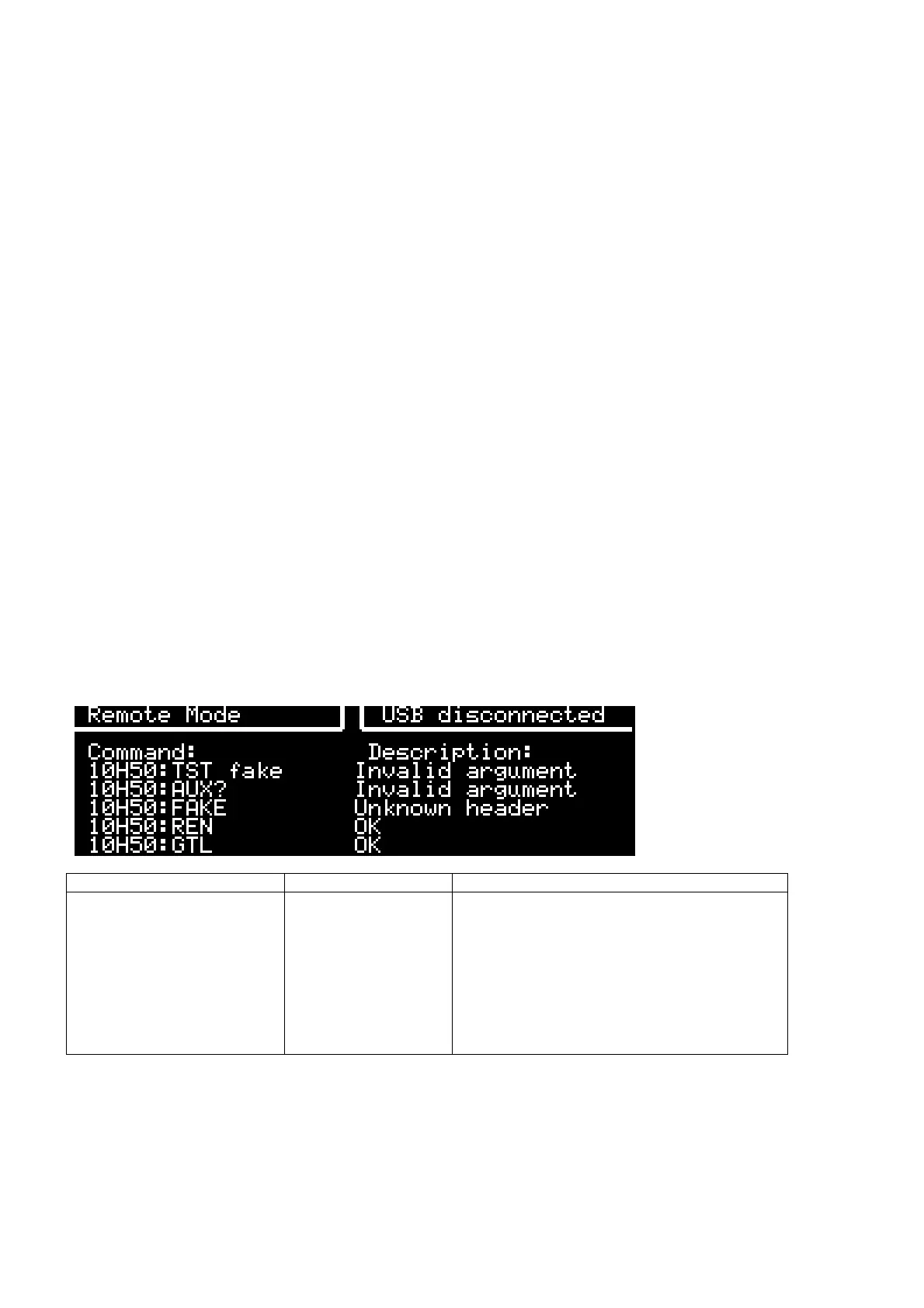
12.2.4 Failure messages remote control:
Error Message “E?” remote answer Description
"OK"
"Unknown header"
"Invalid argument"
"Query expected"
"Only on local mode"
"Only on remote mode"
"Only on RUN mode"
"Not in RUN mode"
"Empty"
'0'
':'
'3'
'4'
'l'
'r'
'R'
'N'
'e'
No error.
Unknown command.
Invalid parameter.
No query in message as expected.
Must “GTL” before.
Must “REN” before.
Only when start a test.
Only in standby mode.
No argument in message as expected.



 To Next Page