TRANSIENT3000
111/162
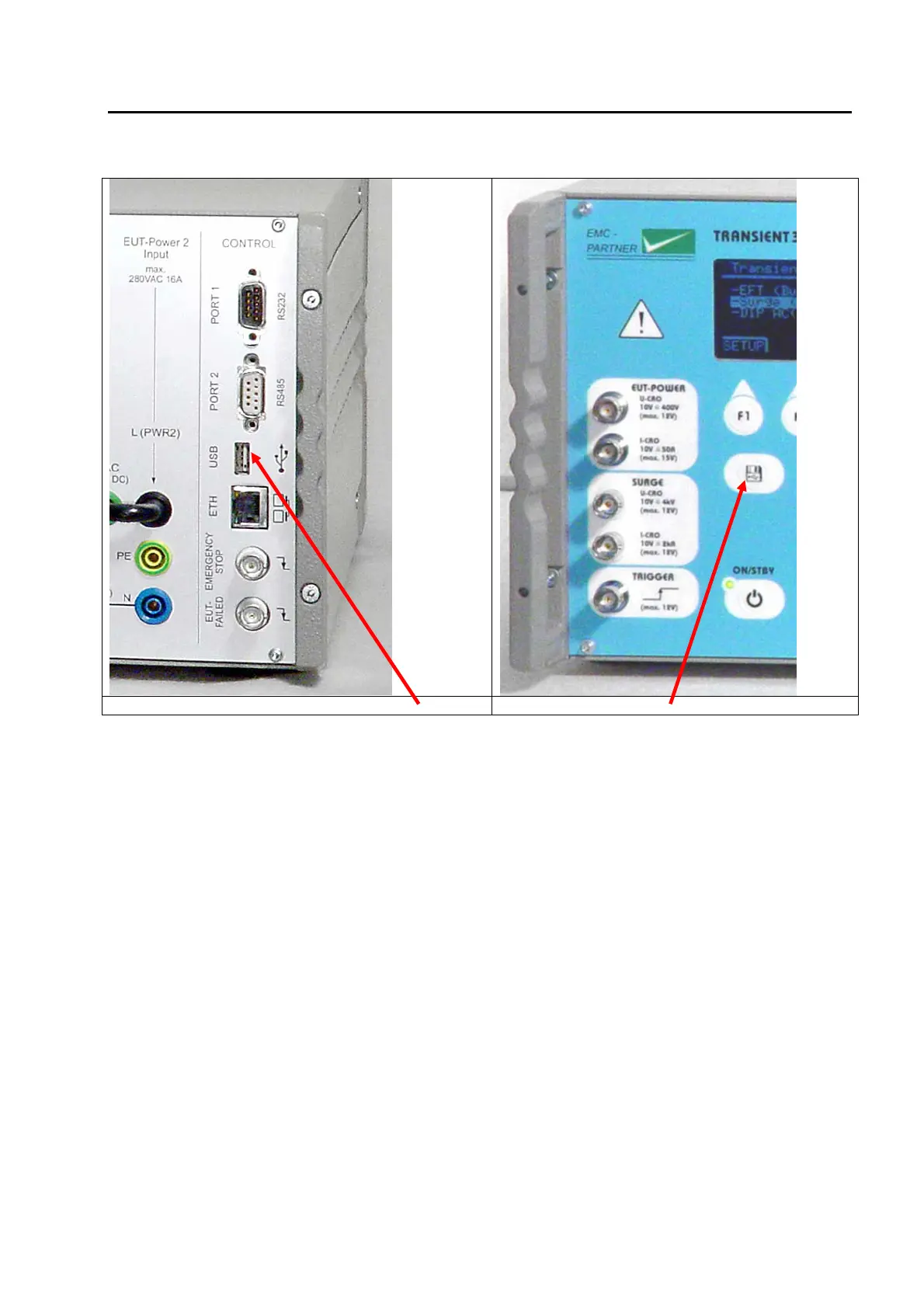
8.2.2 Data Transfer via UBS Stick
Rear TRA3000 Front TRA3000
Step 1: Insert the USB stick
Step 2: Select Service menu
Step 3: Press USB button on the front
Step 4: Send the data par email to EMC Partner
8.3 Spare parts list
No spare parts are necessary for the TRA3000 F-S-D-V-C.
8.4 Check before you contact the service of EMCP
8.4.1 Fuses
Always check the fuses of the unit before you contact EMCP service. A set of fuses has been delivered
with the tester.



 To Next Page