TRANSIENT3000
99/162
6.5.2 Optimizing Protocol storage
All test protocols are stored in the TRA3000 F-S-D-V internal memory, unless the operator chooses
otherwise.
The operator has the possibility to:
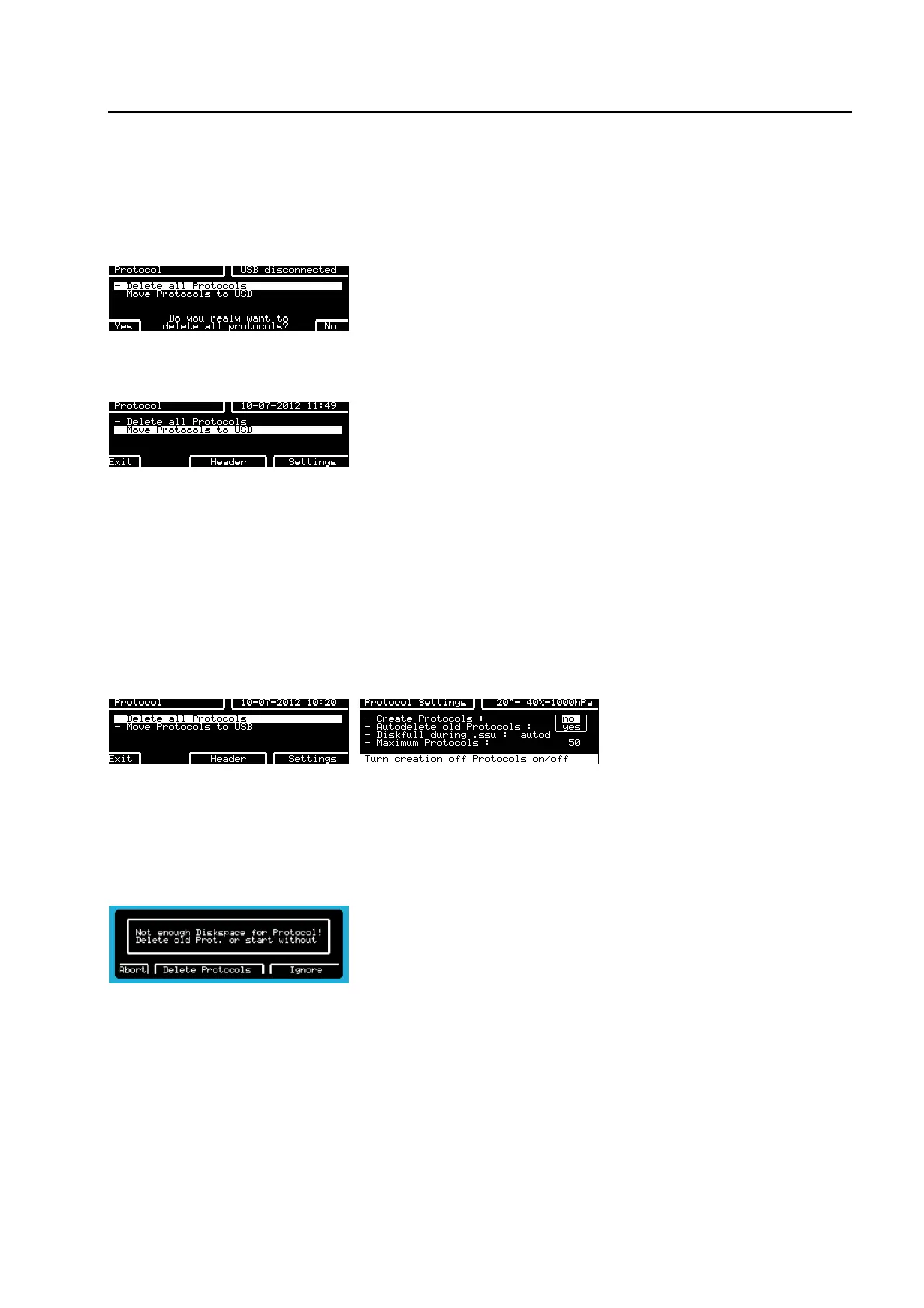
Delete all Protocols from TRA3000 F-S-D-V memory. This action is final!
It is possible to transfer protocol files from TRA3000 F-S-D-V onto a USB stick.
NOTE: the files will be copied to USB and deleted from TRA3000 F-S-D-V.
For further global options, enter the “Prot” menu as detailed in 6.5.1.
Press F6 (Settings) to enter the protocol setup menu.
6.5.2.1 Managing Protocols using the Webserver
Individual protocols can be deleted from TRA3000 F-S-D-V internal memory via the webserver. Adjacent to
every protocol file is a “Delete” button. This removes the individual protocol file.
A “Delete all Protocols” button is also available. This will PERMANENTLY remove all protocol files from
TRA3000 F-S-D-V internal memory.
6.5.2.2 Create Protocols
After pressing F1 Prot key After pressing F6 Settings key
The default setting is YES.
If no test protocol is needed, change to NO.
This function can be edited at any time but will only take effect when a new test is started.
With this functions et to “yes”, if a test is started without sufficient memory available, the following message
is displayed on TRA3000 F-S-D-V.
Select F6 (Ignore) and the test will proceed WITHOUT any protocol.
Select F4 (Delete Protocols) and existing protocols will be deleted to make space for the new one.
Select F1 (Abort) and the test will be stopped.



 To Next Page