EasyManua.ls Logo

ESAB 100i - User Manual

ESAB 100i
254 pages
Print Icon
To Next Page IconTo Next Page
Loading...
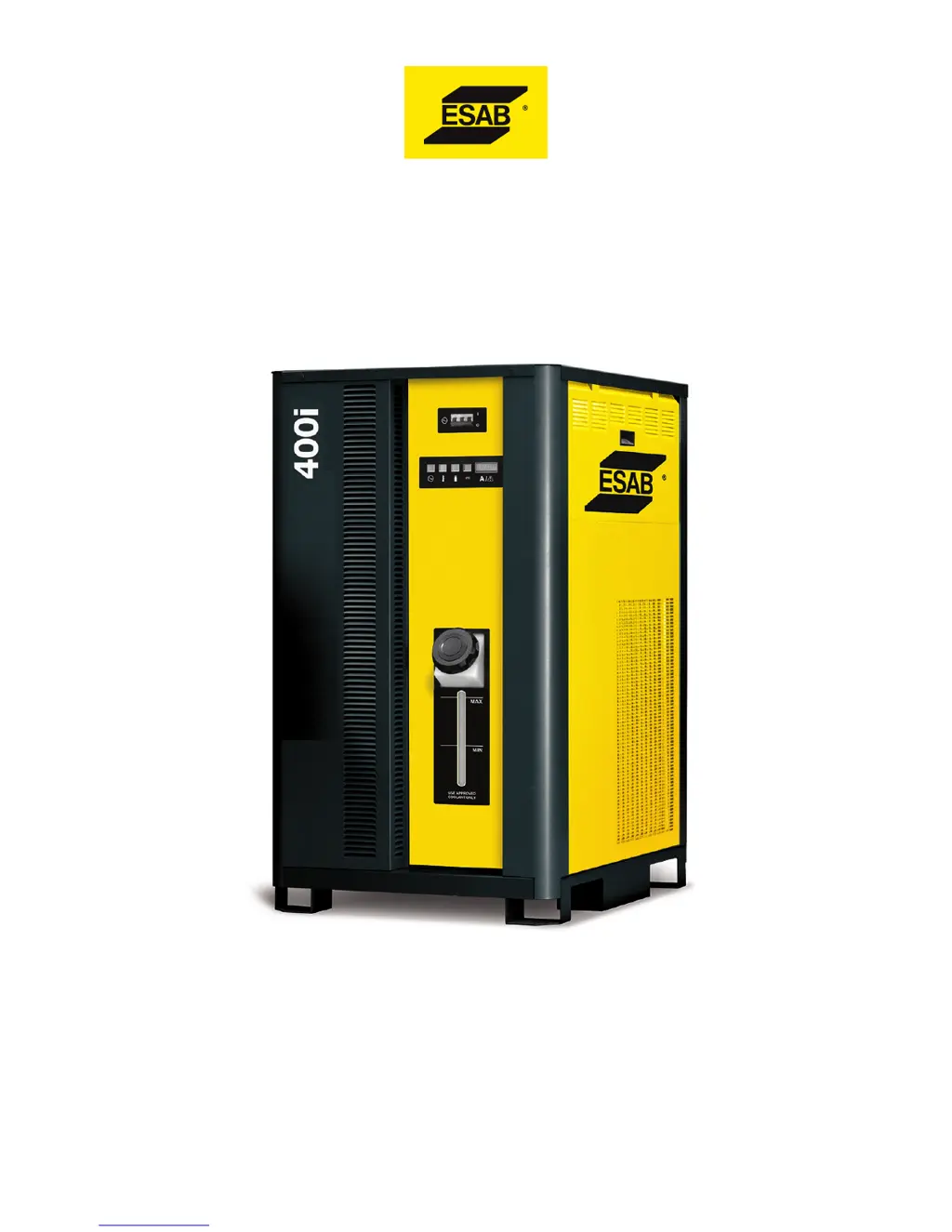
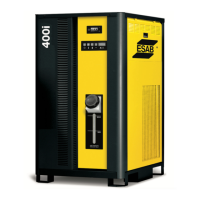
100i, 200i, 300i, and 400i
Plasma Systems
Instruction Manual
Article Number: 0560956430
Revision Date: May 13, 2016
Revision Number: AB
Language: ENG

Table of Contents

Other manuals for ESAB 100i

Questions and Answers

  • J
    Jaime VincentAug 26, 2025
    Why ESAB 100i Welding System has 'Lost Pilot'?
    • A
      Adam FitzgeraldAug 27, 2025
      The 'Lost Pilot' error on your ESAB Welding System could be due to worn torch consumable parts or plasma pressure being too high. Ensure the cut process or current control setting matches the consumables.
  • A
    Anthony JacksonAug 27, 2025
    What to do if ESAB 100i Welding System shows 'Pilot Timeout, no Transfer'?
    • J
      James MillerAug 27, 2025
      If the ESAB Welding System displays 'Pilot Timeout, no Transfer', it means the system did not transfer from the pilot arc to the cutting arc within 0.085 seconds (SW8-1 OFF) or 3 seconds (SW8-1 ON). This could be due to the standoff being too high, a void in the work under the torch, the wrong cut process selected, or incorrect manual settings such as current control set too low or wrong gas pressure. Check these settings and conditions.
  • R
    Regina SimpsonAug 27, 2025
    What to do if the ESAB 100i shows 'Transfer Lost'?
    • S
      Sabrina CarrilloAug 27, 2025
      If the ESAB Welding System displays 'Transfer Lost', it means the arc was transferred to the work but then went out while Start was still active. This can happen if the arc loses contact with the work (e.g., running off the edge or over a hole), the standoff is too high, or the cut process or manual settings (current control, gas pressures) do not match the consumables. Verify these conditions and settings.
  • K
    Kelly HendrixAug 28, 2025
    What does 'Unexpected current in work lead' mean on ESAB 100i Welding System?
    • S
      stephanienguyenAug 28, 2025
      If your ESAB Welding System reports 'Unexpected current in work lead', it indicates that there is current above 8A in the work lead prior to pilot ignition or transfer. This can be caused by a negative lead short to ground or the arc starter chassis, a defective HCT1 work lead current sensor, or a defective Relay PCB.
  • E
    evanslindsayAug 28, 2025
    What does 'Unexpected current in pilot circuit' mean on ESAB 100i Welding System?
    • J
      Jonathan CaseAug 28, 2025
      If the ESAB Welding System displays 'Unexpected current in pilot circuit', it means the current is above 6A in the pilot circuit prior to ignition. This can be caused by wrong or mismatched consumables causing a tip-electrode short, a pilot lead shorted to negative in the torch tube, a defective Relay PCB, a defective Pilot PCB, or a possible shorted torch. Check these components and connections.
  • J
    Jaclyn MorrisonAug 29, 2025
    What does 'Work Current Too High' mean on ESAB 100i?
    • J
      Jack BrownAug 29, 2025
      If the ESAB Welding System displays 'Work Current Too High', it means the work lead current detected is greater than 16% above the process setting. Possible causes include a defective HCT1 work lead current sensor or Relay PCB, or a defective CCM.
  • S
    stephennicholsonAug 29, 2025
    What does 'Work Current Too Low' mean on ESAB 100i Welding System?
    • A
      Ashlee GallegosAug 29, 2025
      If the ESAB Welding System displays 'Work Current Too Low', it means the work current detected is more than 16% below the process setting. This can be caused by a defective HCT1 work lead current sensor or Relay PCB, or a possible defective pilot PCB (shorted IGBT).
  • H
    hbishopAug 30, 2025
    What does 'Tip Saver Fault' mean on ESAB 100i?
    • K
      Kevin StevensonAug 30, 2025
      The 'Tip Saver Fault' on the ESAB Welding System indicates that the tip remained in contact with the work for more than 15 seconds.
  • C
    Christian SchroederAug 30, 2025
    Why ESAB Welding System shows 'Tip to Electrode voltage fault'?
    • J
      Jerome AllenAug 31, 2025
      The 'Tip to Electrode voltage fault' on your ESAB Welding System could be caused by worn-out torch consumable parts, wrong consumables installed (causing a tip to electrode short), an incorrect process selected, or wrong manual settings for plasma gas or cutting current. Other possible causes include a leak in the plasma hose to the torch, a defective Pilot PCB, or a shorted torch body. The suggested solution is that the tip voltage is too close to the electrode voltage.
  • S
    Samantha RamseyAug 25, 2025
    What to do if the ESAB 100i Welding System shows 'Missing AC Phase'?
    • M
      Monica Phillips DDSAug 25, 2025
      If the ESAB Welding System displays a 'Missing AC Phase' error, the possible causes include a blown wall fuse, a blown unit fuse F1 or F2 on the rear panel, a bad power cable connection, or a defective System Bias PCB. Check these components to resolve the issue.

Summary

SECTION 1: SAFETY

Safety Precautions - ENGLISH

Essential safety precautions for installation and operation.

Electrical and Environmental Hazards

Hazards related to electrical shock, EMF, fumes, and gases.

SECTION 2: SPECIFICATIONS

Technical Specifications

Detailed specifications and electrical requirements for power supply amperages.

SECTION 3: INSTALLATION

Installation Requirements

Electrical, gas, and water supply requirements meeting local safety standards.

Power Supply Installation

Steps for lifting, connecting input power, ground, and work cables to the power supply.

Grounding and EMI Control

Procedures for proper grounding and routing to minimize electromagnetic interference.

Torch Connection and Consumables

Instructions for connecting the torch and installing consumable parts.

SECTION 4: OPERATION

Control Panel and System Operation

Description of control panel indicators and general system operation procedures.

Status Code Reference

Explanation of CCM, Gas Selection Console, and Gas Control Unit status codes for troubleshooting.

Remote Arc Starter Troubleshooting

Troubleshooting guide for common issues with the Remote Arc Starter.

SECTION 5: MAINTENANCE

General Maintenance and Schedule

Periodic checks and tasks to ensure proper system performance and longevity.

SECTION 7: TORCH MAINTENANCE

SECTION 8: TORCH OPERATION

ESAB 100i Specifications

General IconGeneral
BrandESAB
Model100i
CategoryWelding System
LanguageEnglish

Related product manuals