05-2019 0073 00 59
pricEs
Only for appliances with a payment system.
currENcy symbol
When the credit is displayed, this function
allows the currency symbol to be set from
those that have been predened.
salEs pricEs
The appliance (depending on the payment
method) can manage up to 4 dierent pric-
es for each selection.
The prices can be active according to the
time frame that has been set (standard or
promotional).
The prices are grouped into 4 lists.
For each of the 4 lists, the price can be set
both in a comprehensive manner (same
price for all selections) or an individual
manner (for each single selection).
frEE vEND passworD
Enables/disables the free dispensing of
one or more selections via a password.
Set:
-the password for one free dispensed bev-
erage
or
-the password to dispense multiple selec-
tions for free.
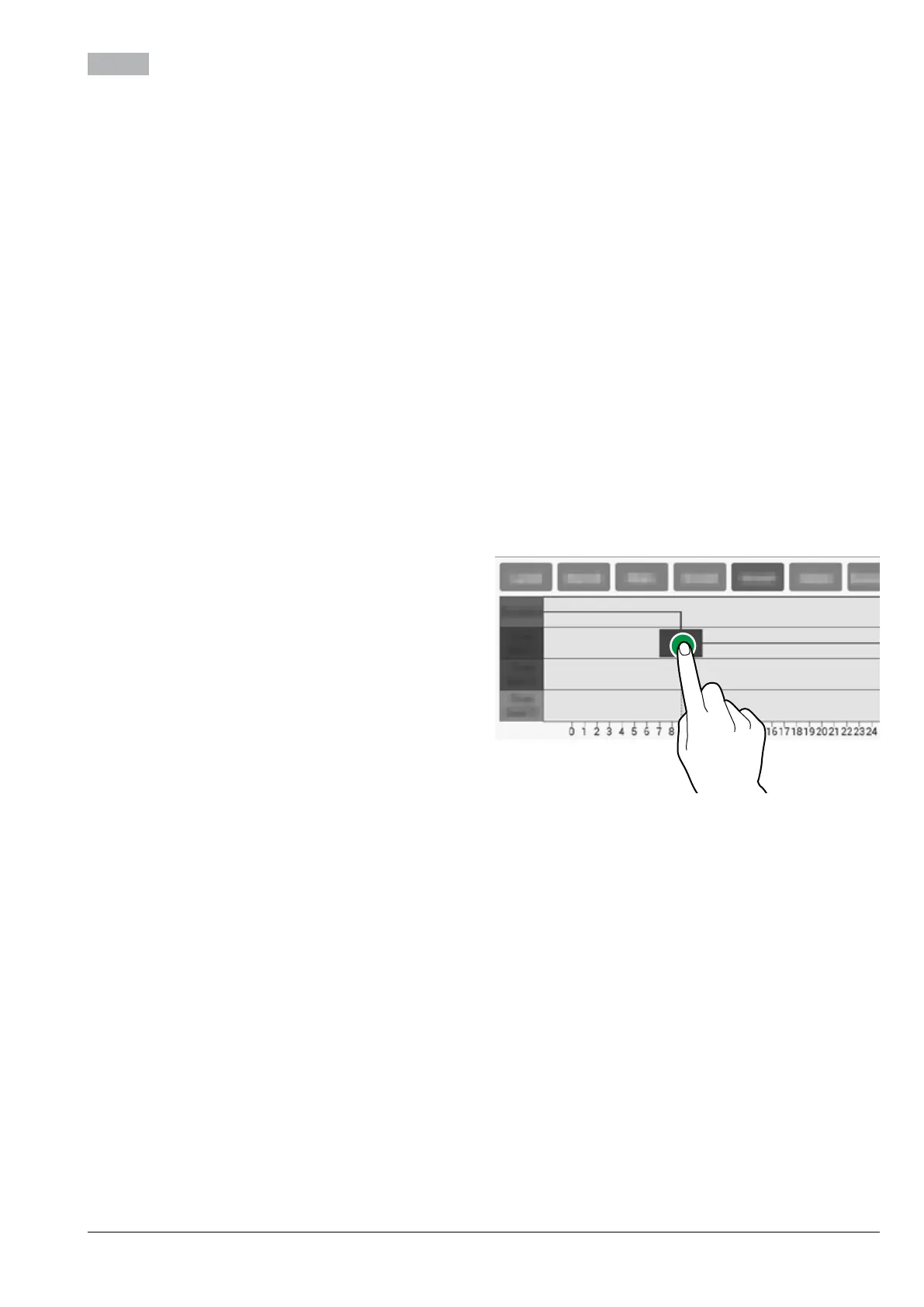
pricE pEr timE framE
Allows the time frames (standard or promo-
tional) to be set for sales at dierentiated
prices.
-Tap the day you want to set the time
frames for.
-Tap the “add” button, then the line of the
time frame in order to position a rectangle
indicating the time.
-Drag the rectangle to precisely define the
time.
To delete a rectangle, tap the “Remove”
button, then tap the rectangle to be deleted.
Settings made for the entire week or a sin-
gle day can be copied.
Tap “Copy day” to be able to:
-Copy the time frames that have been set
for a single day of the week; tap the day to
set the energy saving mode to and then
tap “paste day”.
-Copy the time frames that have been set
for all days of the week; tap “paste to all
days”.
Fig. 47



 To Next Page