05-2019 0073 00 33
USING USB MEMORY STICKS
The appliance allows USB memory sticks
to be used for import/export operations and
software updates.
The appliance recognises USB mem-
Compatibility with all USB memory
guaranteed.
OPERATING IN NORMAL USER
MODE
The layout and arrangement of the icons/
screens in this manual is indicative only
and may vary from those displayed on the
appliance, depending on the settings (lay-
outs, themes, and/or icons).
When operating normally, the appliance
displays the screen with the available se-
lections or categories.
With some of the personalised settings (i.e.
moving the beverages to a dierent place)
some selections may not be displayed: sim-
ply scroll through the screen.
Depending on the settings that have
been programmed, the selections can be
grouped into categories (coee-based
beverages, decaeinated, other beverages,
etc.).
In the event that an anomaly or fault is de-
tected, a message will be displayed indicat-
ing the type of fault/error.
Some selections may be disabled when
certain types of faults occur (e.g. coee
empty, etc.).
DISPENSING A BEVERAGE
Select a beverage.
The screen with the beverage customisa-
tions can be displayed.
Whilst the beverage is being prepared, the
beverage’s preparation status is shown.
Depending on the settings congured from
the programming menu, it is possible to
stop a beverage’s preparation.
LLLL LLL
LLLLLLLL LLLLLLL LL
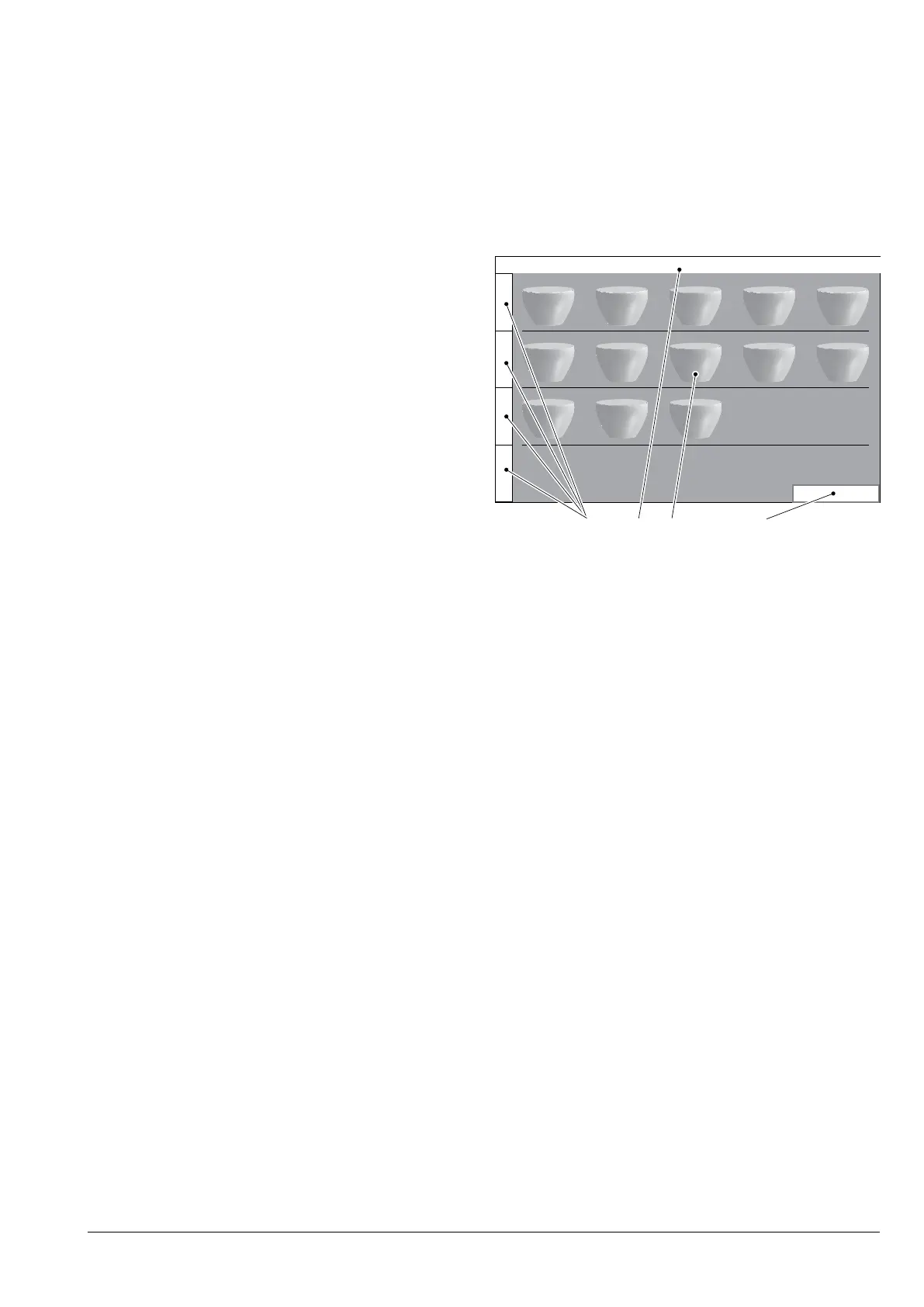
2 3 4
95°C HH:mm dd/mm/yyyyLLLLL LLL LLLL
LLLLL LLL LLLL
Fig. 33
1. Beverage category profiles
2. Upper bar
3. Selections
4. Barista panel*
* If enabled



 To Next Page