32 05-2019 0073 00
CONNECTIVITY
The appliance can communicate across
the network and send email notications.
The appliance also allows for short-range
Bluetooth communication.
Bluetooth is a standard for exchanging
information through a short-range radio
frequency.
In order to use the connectivity func-
-
tions. It is impossible to receive emails
on the appliance.
The connectivity functions must be enabled
from the menu.
The appliance cannot be used for
accessing the internet from other net-
The appliance supports the main Wi-Fi en-
cryption systems (cryptography).
A network that uses a more recent encryp-
tion system is safer.
The appliance connectivity functions
are disabled when the door is open.
TOUCHSCREEN
touchscreen; do not use sharp objects.
If the touchscreen is not used and displays
the same screen for a long period of time,
afterimages or movements may appear:
turn o the touchscreen (energy saving) or
set an animated screensaver for when it is
not in use.
Using high-quality content will aect the
general performance and use up memory
space.
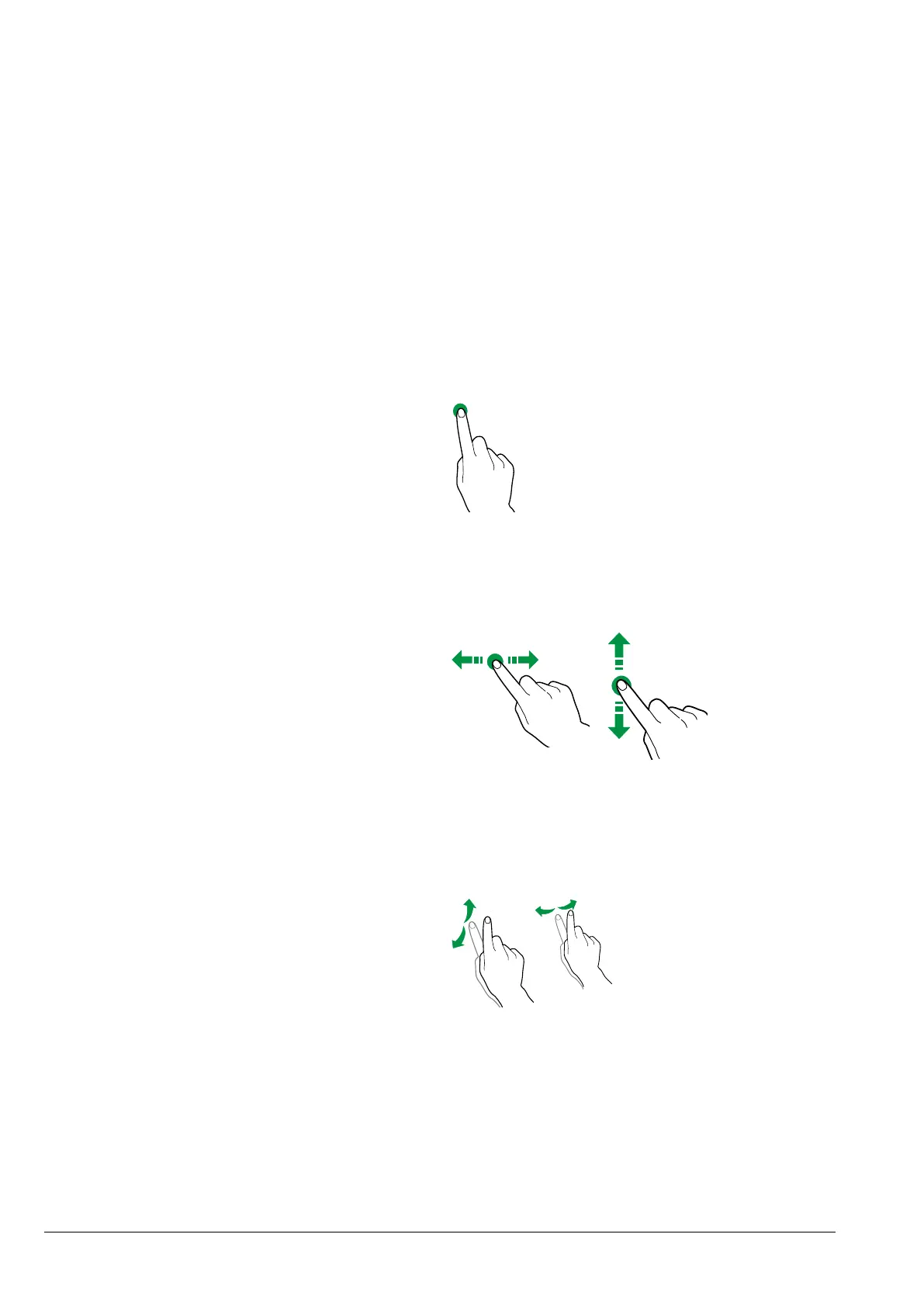
toucH
Tap icons, functions and objects to activate
or open context menus.
Fig. 30
movE aND Drag
To move and drag icons and objects, tap
and drag them to a new location.
Fig. 31
scroll
Slide your nger to the right, left, up or
down on the touchscreen to scroll through
the values, screens and functions.
Fig. 32


 To Next Page