Test Setup - Test Configurator, Timer, and System
168 MAX-800 Series
Signal - Signal Configuration (DSn/PDH)
Background
For multiplex test case, allows the selection of the default timeslot
background traffic: AIS (default) or All Zeros.
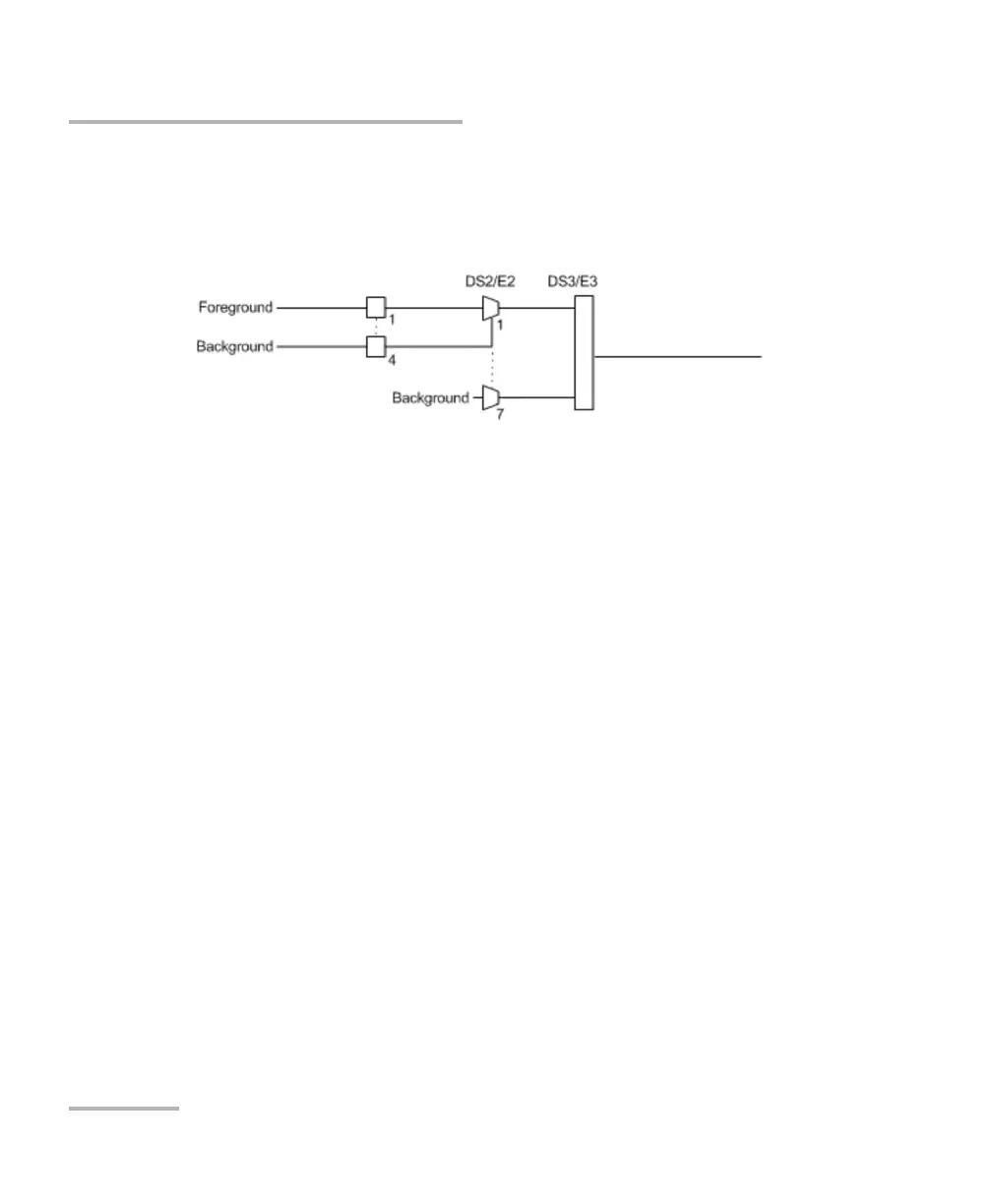
The diagram above shows a test case defined with DSn/PDH traffic where
the background traffic is also inserted for the unused timeslots in a test
case data path. The insertion is similar to the low order path SONET/SDH
terminated signal where the background traffic format inserted uses the
same rate as the one defined in the test case data path.
Channel
Channel, for multiplex text case, allows the selection of the channel
number of the mapped signal.
DS0/E0
The DS0/E0 check box when selected, cleared by default, activates the
DS0/E0 testing. DS0/E0 configuration is not available when the framing is
set to Unframed. Once selected, a summary of the payload content is
displayed indicating the number of timeslot set to Pattern and Idle/Tone.
The Modify DS0/E0 button is also displayed.
TX Signaling
The TX Signaling check box when selected (cleared by default) allows
generation of the signaling bits for either the 24 - DS0 channels or 30 - E0
channels (PCM-30 and PCM30 CRC-4). Only available when the DS0/E0
check box is selected.










 To Next Page