Test Setup - Test Configurator, Timer, and System
MaxTester 171
Signal - Signal Configuration (DSn/PDH)
RX
Apply Channel TX to RX, available for decoupled test, allows applying
the RX payload content based on the TX settings. None will be used
when TX is set to either Idle or Tone. For E0 the timeslots 0 and 16
(PCM30 and PCM30 CRC4) are not configurable. Timeslot 0 processes
the FAS/NFAS while timeslot 16 processes the Signaling frame.
Note: The RX timeslot selection is only configurable in a Decoupled topology
when the Apply Channel TX to RX check box is cleared. A warning is
displayed when the number of Pattern timeslot does not match between TX
and RX. This is to ensure pattern continuity between the TX and RX
interface in a MUX/DEMUX test even if used through a cross-connect device.
Select the payload content by tapping once or several times on each
timeslot until the desired content appears.
Pattern (default) uses the pattern from the received signal.
None does not use the pattern.
Loopback button
The Loopback feature generates a code that is interpreted by the DUT.
The DUT interprets the command and implements the loopback.
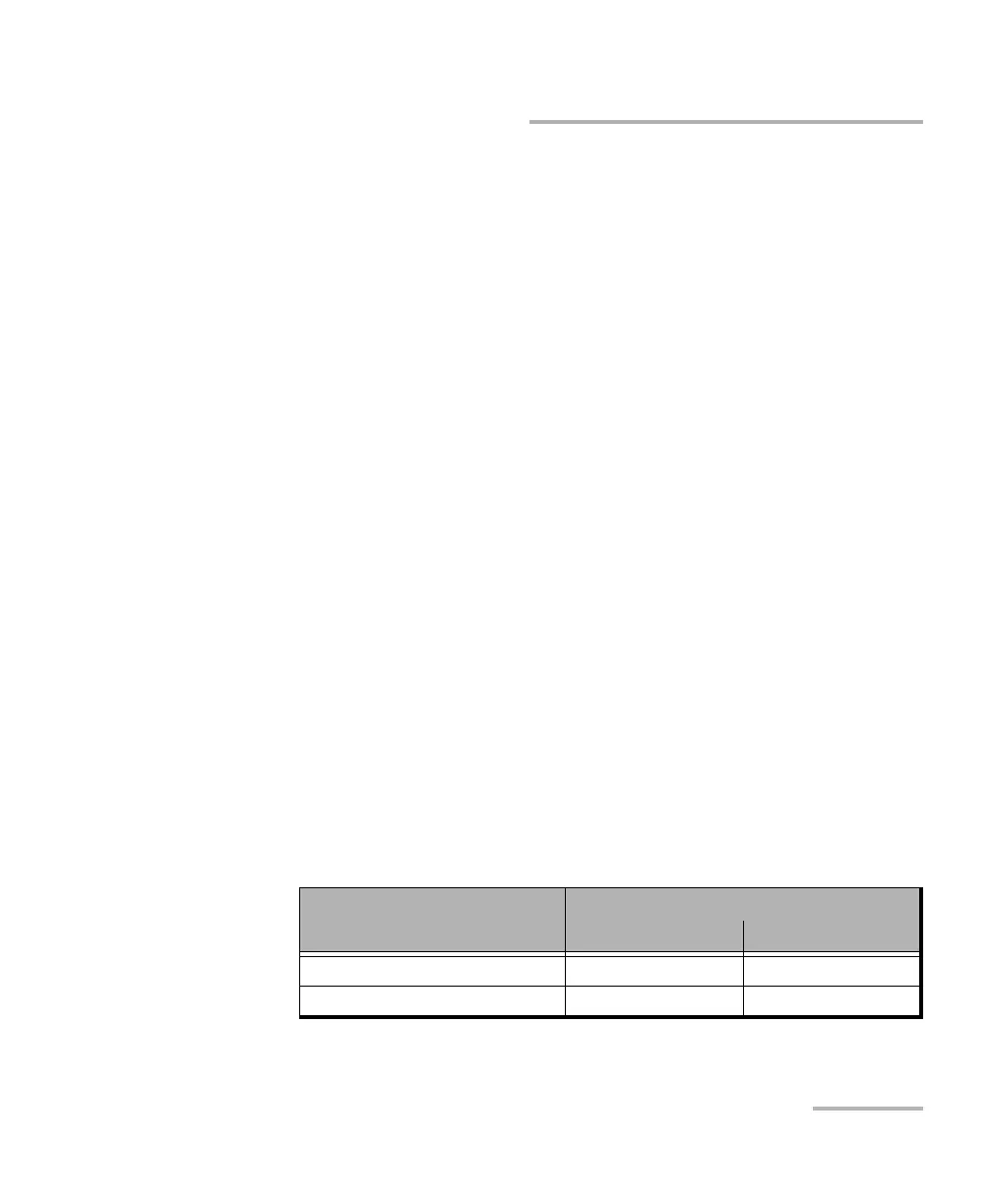
Select the type of loopback that will be used to overwrite the traffic that
will be generated. Choices are listed in the following table in addition
with 10 predefined Loop Codes (see Modify Loop Codes button on
page 172).
Loopback Type
Command
Loop-Up Loop-Down
CSU (10000/100) 10000 (default) 100
NIU FAC1 (1100/1110) 1100 1110










 To Next Page