Test Setup - Test Configurator, Timer, and System
170 MAX-800 Series
Signal - Signal Configuration (DSn/PDH)
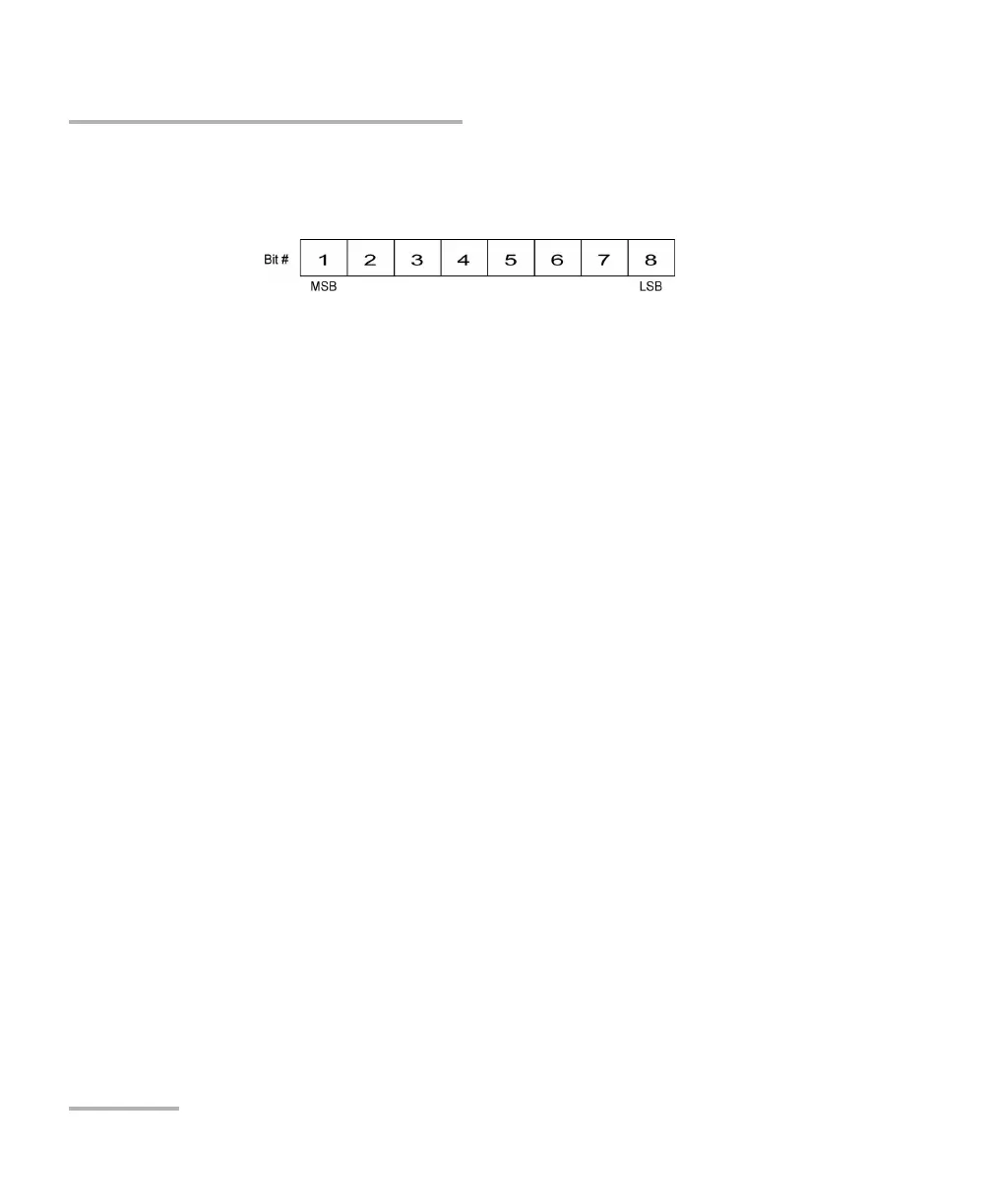
Note: Bit 8 is the Least-Significant Bit (LSB) and bit 1 is the Most-Significant Bit
(MSB).
Payload Content and Set All
Payload Content allows the selection of the payload content that will
be applied to all TX timeslots when tapping the Set All button: Pattern,
Idle, or Tone.
TX
Tap once or several times on each timeslot until the desired payload
content appears: Pattern (default), Idle, or Tone. For E0, timeslots 0
and 16 (PCM30 and PCM30 CRC4) are not configurable; timeslot 0
generates the FAS/NFAS framing; timeslot 16 generates a static MFAS
frame when TX Signaling is disabled and generates a frame with
Signaling capability when TX Signaling is enabled.
Note: For Pattern, the pattern used is the one selected from Pattern on page 78.
Tone (Hz) allows the selection of a tone for digital milliwatt testing.
The signal output power, when converted to analog, is 0 dBm. Choices
are 1000 Hz and 1004 Hz (default). The selected Tone applies to all
timeslots set to Tone.
Idle uses the Idle code byte from the Idle field. Choices are 00 to FF.
The selected Idle code applies to all timeslots set to Idle. The default
setting is 7F.
Note: The timeslots set to Idle or Tone can be changed from Idle to Tone and vice
versa even when the test is running; the Idle and Tone values can also be
changed.
Binary allows either displaying the Idle code values in binary (when
selected) or in hexadecimal (default).










 To Next Page