Test Setup - Test Configurator, Timer, and System
MaxTester 63
Test Configurator Overview
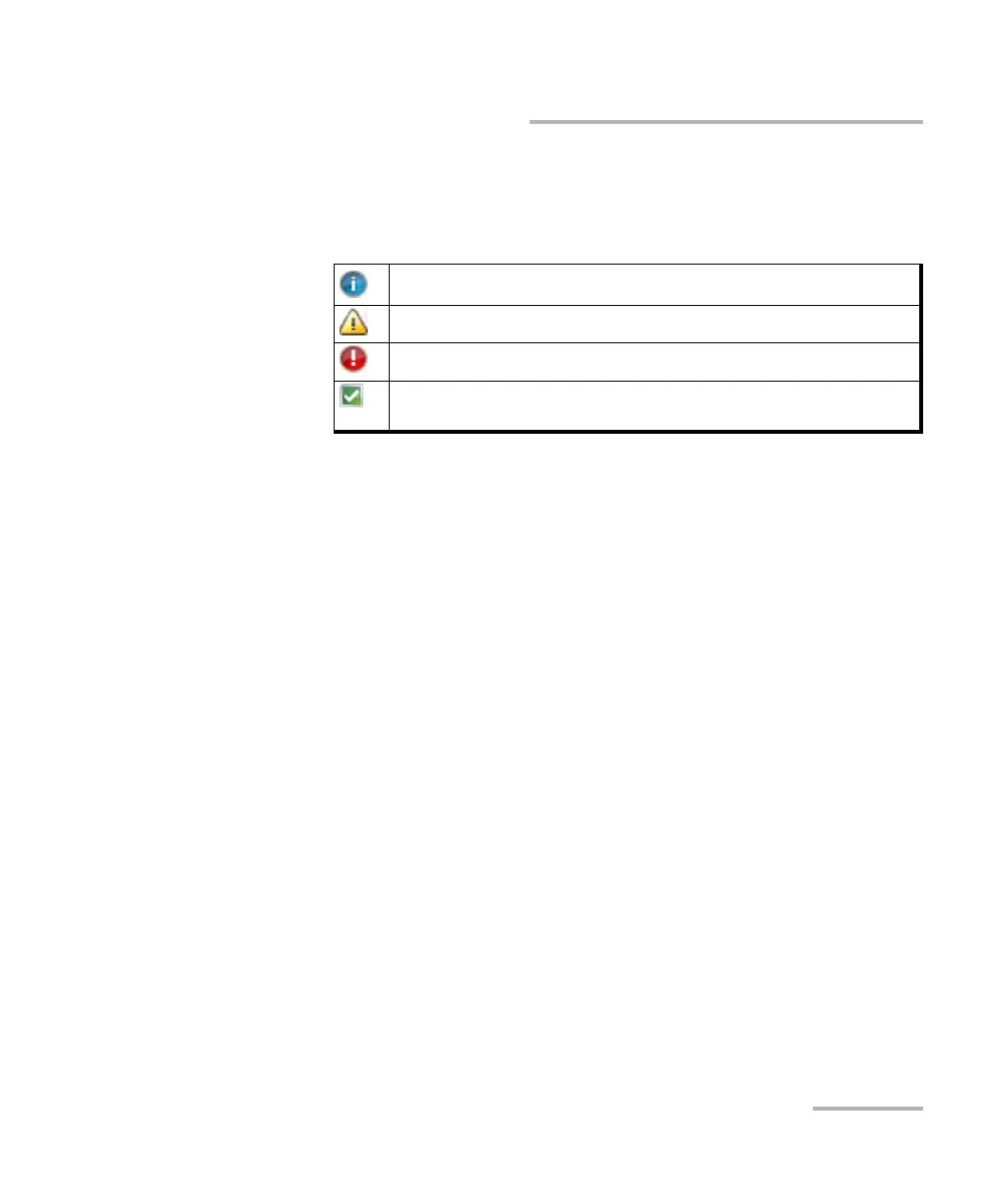
Port Status icon and its description for a QSFP interface is only
displayed when validating or if there is a problem as described in
the following table.
Physical Interface Port indicates the physical interface port. For
Dual Port topology, there is a physical interface for each port.
The status icon for a physical QSFP interface is displayed as
described in Port Status above.
Arrows are used to indicate the interconnection between blocks as
well as the direction of the clock and data flow.
A line with an arrow on both ends indicates a bidirectional
communication (TX/RX).
A line with a single arrow indicates a unidirectional
communication, either TX when going out of a block or RX when
going into a block.
A line going out of a block returning back to the same block,
indicates a loopback communication.
Physical Clock Port indicates the direction, TX or RX, of the
selected clock; not displayed when Ext Clock Out is set to None.
The arrow next to the physical clock image indicates if a clock is
generated (TX, arrow pointing to the left) or received (RX, arrow
pointing to the right) at/from the physical EXT CLK port.
Validating transceiver.
Missing transceiver.
Invalid transceiver or mismatch with the selected signal/interface.
Valid transceiver matching the selected interface/rate. This icon is not
displayed here, it is only displayed for the Physical Interface Port.










 To Next Page