Test Setup - Test Configurator, Timer, and System
MaxTester 67
Modify Structure Button
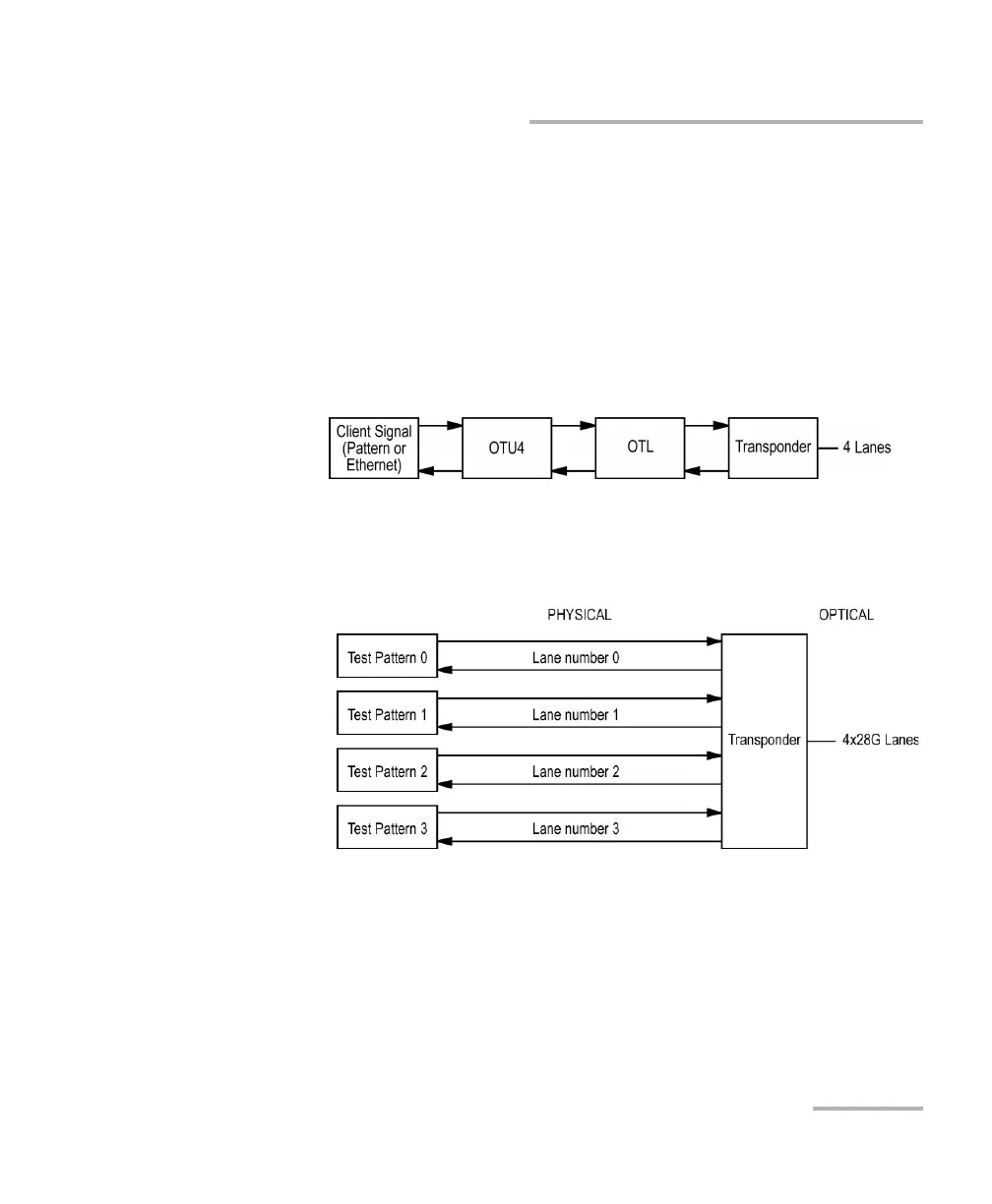
Framing
Note: For OTN BERT test application with parallel interfaces, allows the selection
of the test framing type. For serial interfaces, OTN BERT, and SONET/SDH
BERT test applications, the Framing is set to Framed.
For parallel interfaces:
Framed (default): A single Pattern or Ethernet client applied
toward the physical lanes.
4 Unframed Physical Lanes: Independent test pattern in each
physical lane. Available with:
OTU4 (4 Lanes) [111.81 Gbit/s]










 To Next Page