Test Setup - Test Configurator, Timer, and System
90 MAX-800 Series
Clock
Framing: Allows the selection of the interface framing.
For DS1: SF, SLC-96, and ESF (default).
For E1: PCM30 (default), PCM30 CRC-4, PCM31, and PCM31 CRC-4.
Frequency (MHz) displays the frequency of the received signal rate.
Offset (ppm) displays the positive or negative frequency offset
between the standard rate specification and the rate from the received
signal. The background color is used to indicate if the received clock
meets (green) or not (red) the standard rate specification.
Ext Clock Out
Note: Available on MAX-880 model only and when the Clock Mode is set to
Internal, or Recovered.
Allows setting the clock that will be generated.
Interface Type allows the selection of the clock interface:
DS1 (default), E1, and 2MHz.
Ext Clock Out on a green background indicates that a valid clock is
generated on the clock port.
LOC on a red background indicates that no clock is generated on the
clock port.
Connector either indicates the connector type used for the clock or
allows the selection of Bantam or RJ48C when the BNC connector is
used by the test application.
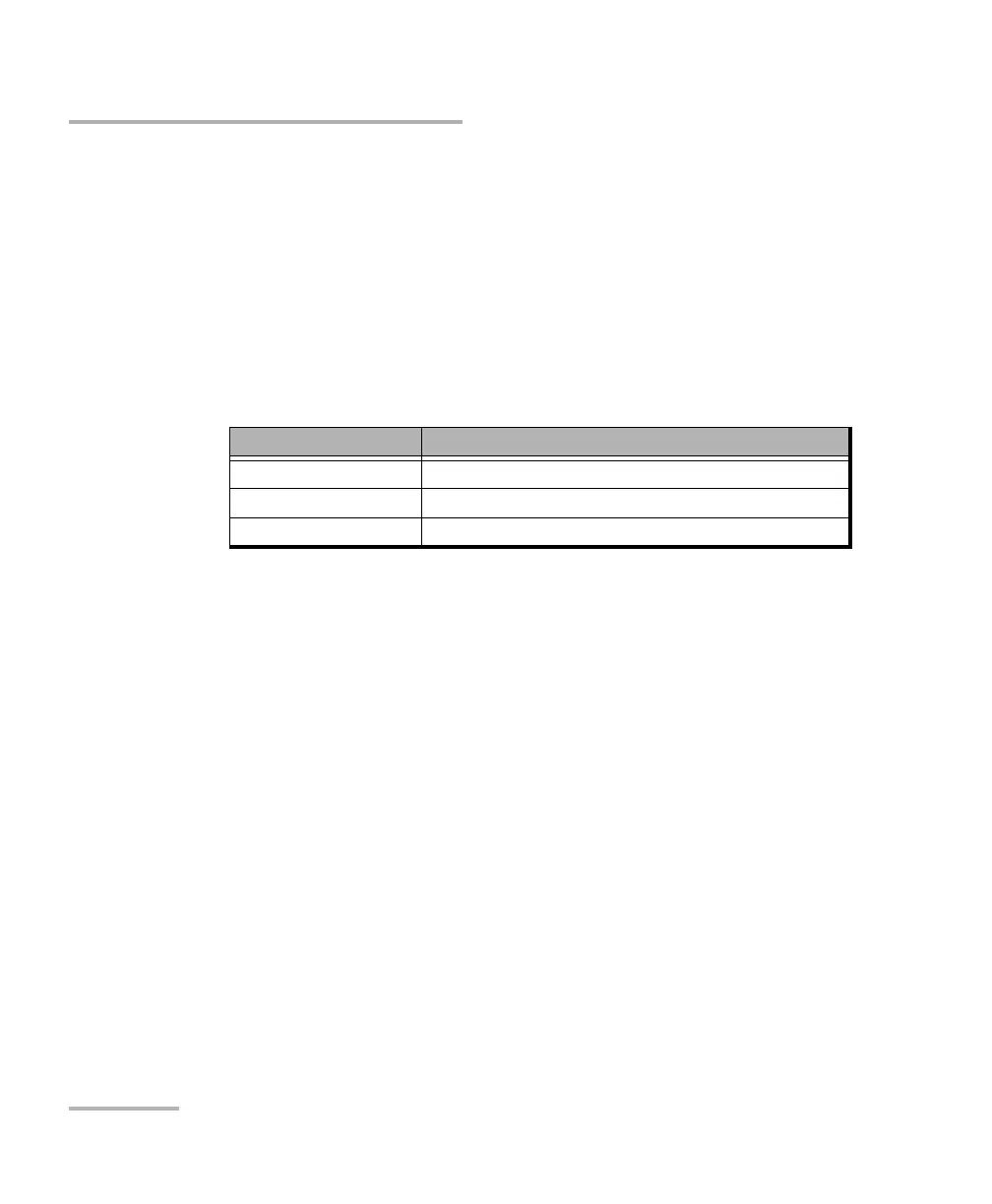
Signal Standard Rate specification
DS1 1544000 ± 8 bit/s (± 4.6 ppm)
E1 2048000 ± 10 bit/s (± 4.6 ppm)
2MHz 2048000 ± 10 bit/s (± 4.6 ppm)










 To Next Page