Chapter 6 Fastening Operation
PAGE 6-62
D-No.006 Interrupt Operation During Fastening Default setting: 000000
*****1: Pulse Fastening Operation
・Set to “1” to enable pulse fastening function (pulsing is started after detection of 1
ST
Torque).
****1*: Gyro Setup Enable
・With a Pistol (P type or T type too)l, the Gyro operation functions are enabled when this is set to “1”
(ON).
● Using Firmware version V1.305 or higher the following setting values are enabled as
a safety stop function even if the gyro function is disabled.
· D-No.560 [CW Swing Stop Angle]
· D-No.570 [CCW Swing Stop Angle]
● Hold the start switch in the ON state until the end of fastening (tool is still)
If fastening is started with the tool in motion, the angle measurement
becomes unstable and the safety stop function may not work properly
***1**: Angle Head Torque Variation Monitor
・With an angle head tool, the torque variation is monitored when this is set to “1” (ON).
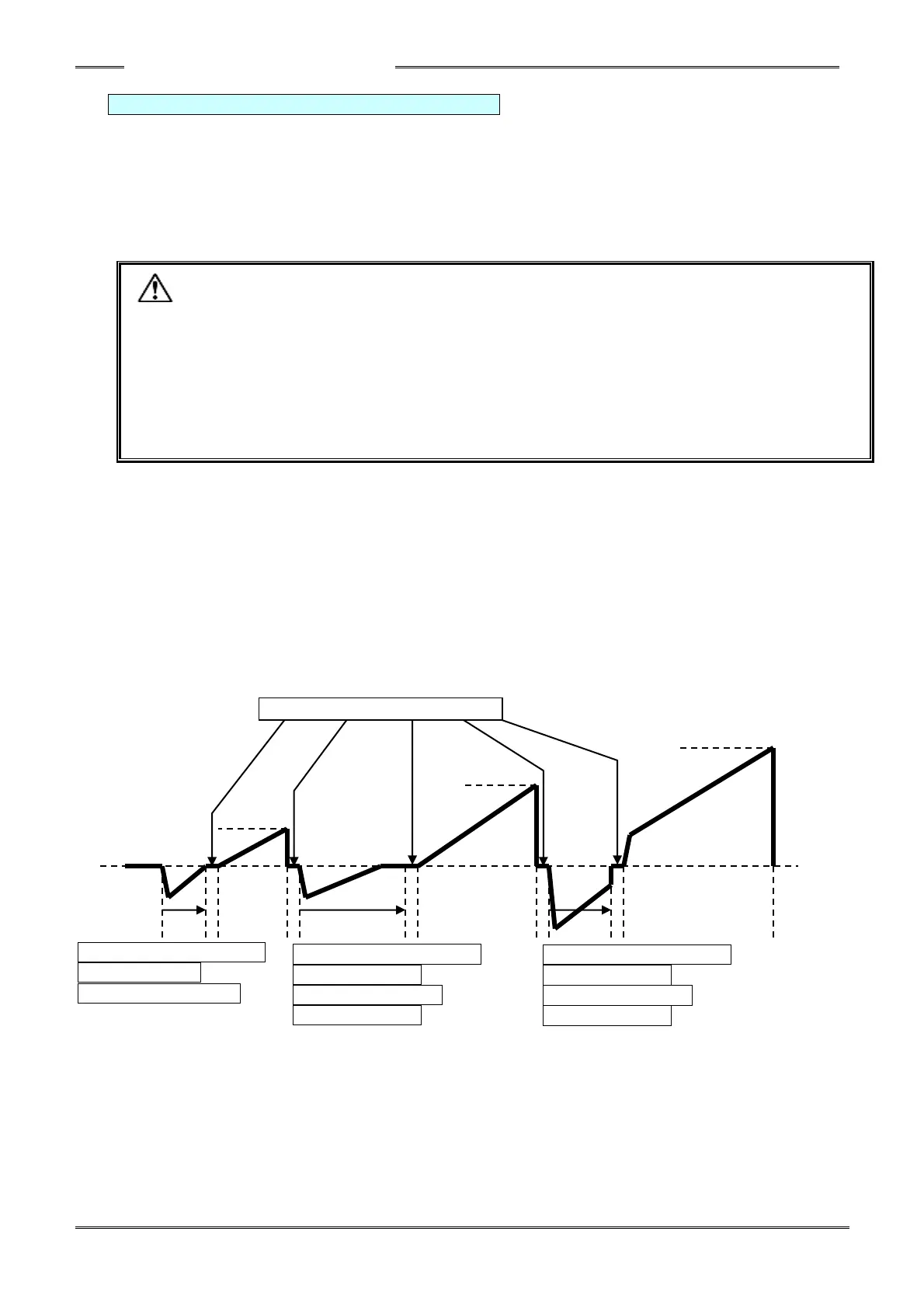
**1***: Reverse Between 1st-2nd Step
・If this is set to ON using a 2 step fastening, a reverse operation is performed before restarting (① in the
diagram below).
*1****: Reverse Between 2nd-3rd Step
・If this is set to ON using a 3 step fastening, a reverse operation is performed before restarting (② in the
diagram below).
502: Reverse Revolutions
between 2-3 Step
407: Reverse Speed
between 2-3 Step
501: Reverse Revolutions
between 1-2 Step
406: Reverse Speed
between 1-2 Step
547: CCW Wait Time Between Steps
505: Reverse Revolutions
before Fastening
405: Reverse 1 Speed



 To Next Page